A sports schedule graphic is a designed visual asset that communicates a team’s upcoming games, opponents, dates, and home/away status in a format optimized for social media, digital lobby screens, printed posters, and athletics websites. Unlike a plain text schedule posted in a school newsletter, a sports schedule graphic is a branded communication tool — it carries school colors, the team mascot, and a visual identity that makes every game announcement feel like part of a coherent athletic program.
For school athletic departments managing multiple sports simultaneously, the sports schedule graphic is one of the highest-frequency design outputs of the season. A school running twelve varsity programs produces dozens of schedule graphics between preseason and playoffs — across platforms ranging from Instagram Stories to corridor touchscreen displays. Without a repeatable template system, that production load overwhelms even a well-staffed communications office.
Why Sports Schedule Graphics Matter for School Athletic Programs
A game date announced in plain text gets seen once. A well-designed sports schedule graphic gets shared, saved, and referenced throughout the season. Parents screenshot the full-season schedule and keep it on their phones. Alumni share the football schedule on the first day of fall practice. Prospective students encounter the graphic on Instagram and form their first impression of the athletic program’s identity.
Beyond individual posts, schedule graphics serve a structural function: they establish the rhythm of a season before the first game is played. A schedule graphic released in the first week of practice signals to the community that the program is organized, professional, and worth following. When that graphic is visually consistent with game-day posts, score updates, and player spotlights — all using the same colors, fonts, and mascot treatment — it becomes part of a recognizable visual system that defines the program’s public identity.
Athletic departments that use AI-powered graphics tools can generate consistent schedule graphics at the start of each sport’s season without starting from scratch. Rocket Graphics is a free AI platform built specifically for schools that generates branded schedule graphics, game-day posts, and recognition graphics using the school’s official colors and logos — reducing production time from hours to minutes.
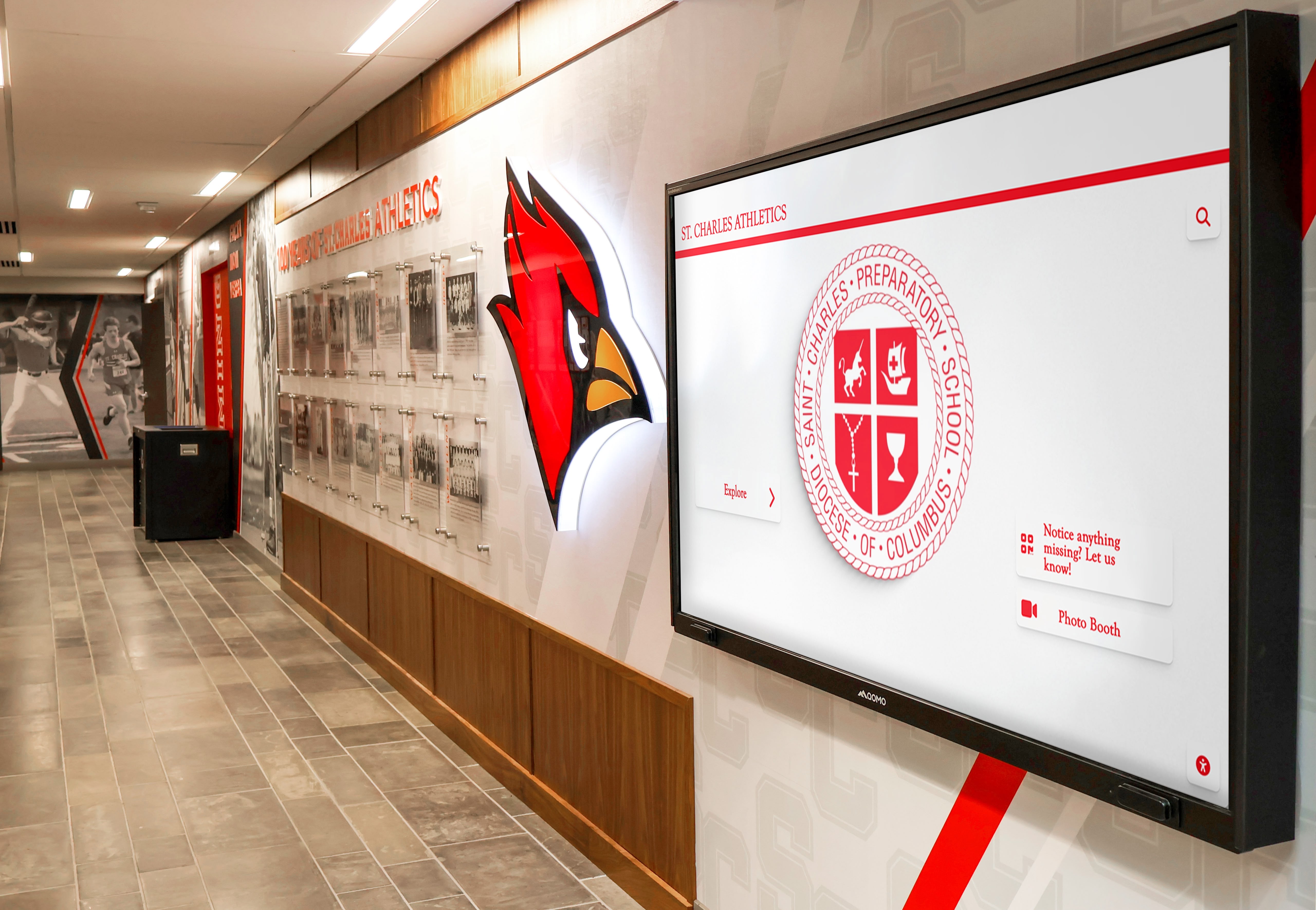
Consistent school branding — mascot, colors, and typography — should link every sports schedule graphic to every other athletic communication the school produces, from social posts to hallway digital displays
Sports Schedule Graphic Template Types
Not all schedule graphics serve the same purpose. A complete school athletic program needs at least three template variants to cover the full season communications cycle.
Season Preview Schedule
The season preview schedule is released at the start of each sport’s season — typically one to two weeks before the first game. It includes the complete schedule for the season: every game, opponent, date, time, and home/away designation. This is the most information-dense schedule graphic and often the most widely shared.
Essential fields for a season preview schedule:
- Sport name and team designation (Varsity / JV / Freshman)
- Complete list of games with date, time, opponent, and location
- Home/away indicator — color-coded or abbreviated H/A
- Season year
- School logo and mascot graphic
- School colors applied consistently throughout
The season preview works best in a tall, scrollable format — an Instagram Story (1080 × 1920px) is ideal, because its vertical orientation accommodates ten to fifteen game rows without requiring tiny text. For Facebook, a landscape version at 1200 × 630px works when the schedule is short enough to read without scrolling.
Monthly or Weekly Rolling Schedule
Once the season is underway, weekly or biweekly schedule updates keep the community informed without requiring them to locate and re-read the full season schedule. A weekly sports schedule graphic typically covers the next five to ten days — showing only upcoming games, formatted for quick reading on a mobile feed.
Rolling schedule graphics are the highest-frequency format in the cycle. A school producing a weekly update for every varsity sport publishes dozens of graphics a month. Templates that reduce production to a data-entry task — swap dates, swap opponent names, publish — are essential at this volume.
Single-Game Announcement Graphic
The single-game announcement is a countdown-format sports schedule graphic published three to seven days before an important game — rivalry matchups, homecoming, senior night, playoff games, and tournament brackets all warrant individual graphics. This format trades the full schedule view for visual impact: a large opponent name, bold date treatment, and high-energy visual language that generates engagement.
For schools that also use digital lobby screens for athletics communications, the single-game announcement is the format best suited for corridor display — it’s readable from a hallway distance, it communicates one clear message, and it can rotate on a display loop without competing with other content.
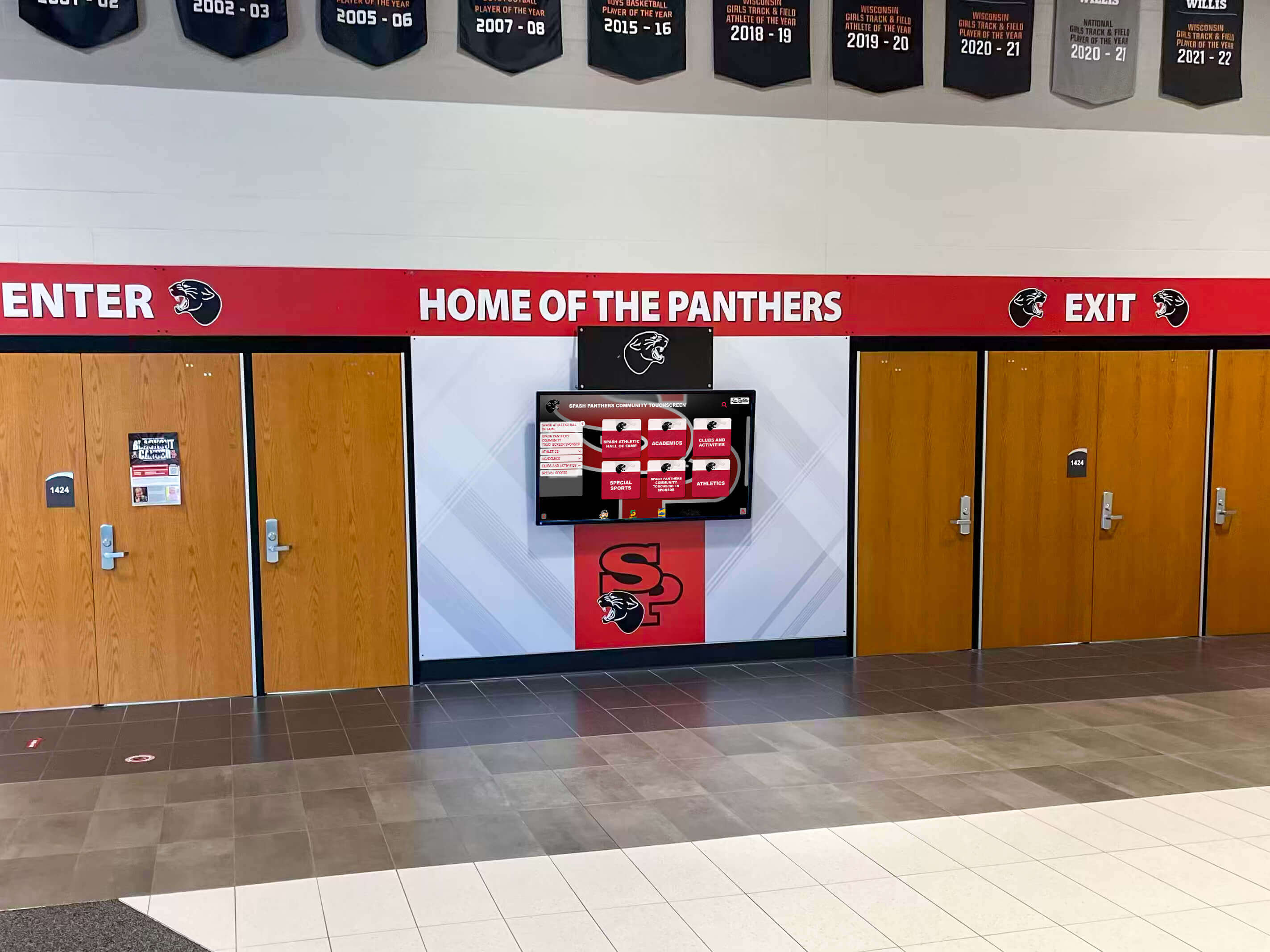
Lobby digital screens at school entrances are a high-visibility location for rotating sports schedule graphics — the design principles that make social media graphics work (strong contrast, readable hierarchy) apply equally to corridor display environments
Size and Dimension Guide for Sports Schedule Graphics
Using the wrong dimensions creates platform-specific display problems: cropped content, blurry scaling, unexpected aspect ratios that force platforms to reframe the image. This table covers the standard dimensions for every environment where a sports schedule graphic might appear.
| Format | Dimensions | Primary Use Case |
|---|---|---|
| Instagram Story | 1080 × 1920px | Season preview, weekly schedule |
| Instagram Feed Post | 1080 × 1080px | Single-game announcement, season launch |
| Instagram Landscape Post | 1080 × 566px | Game result with schedule context |
| Facebook Post | 1200 × 630px | Community schedule sharing |
| Twitter / X Post | 1600 × 900px | Quick game announcements |
| Lobby Digital Signage (landscape) | 1920 × 1080px | Corridor display boards, entrance screens |
| Lobby Digital Signage (portrait) | 1080 × 1920px | Vertical hallway screens |
| Athletic Website Banner | 1200 × 400px | Athletics page header |
| Printed Poster (small) | 11" × 17" at 300 DPI | Gym entry, locker room bulletin |
| Printed Poster (standard) | 18" × 24" at 300 DPI | Athletic office, cafeteria display |
| Email Header | 600 × 200px | Athletic department newsletter |
Three rules to follow regardless of platform:
- Always design at the largest required dimension first, then export scaled-down versions. Never scale up from a small file — doing so introduces visible quality loss.
- For social platforms, design at 2× the native pixel density when possible. A 1080px file displayed on a Retina screen renders at 540px effective resolution, which causes softness.
- Lobby digital signage content should be designed at full 1920 × 1080px even if the screen’s native resolution is lower — most displays scale down gracefully, while upscaling introduces blur.
Branding Rules for School Team Schedule Graphics
A sports schedule graphic is among the most widely distributed visual communications a school athletic program produces. Consistent branding rules ensure that every schedule graphic — across all sports, all season types, and all platforms — reads as part of the same unified program identity.
School Colors: Exact Hex Codes Only
Apply school colors from documented hex codes, not from eyeballing a website or sampling a photo. A navy blue that’s actually #1B2A6B renders differently from one approximated as #1F3080 — and when a full season’s worth of schedule graphics, social posts, and lobby screens all use slightly different shades, the cumulative effect is visual inconsistency that undermines program identity.
If your school’s official color codes aren’t on file, the athletic director, principal’s office, or school marketing department should have them. A printed piece of official school letterhead or a current uniform is more reliable than any digital source.
Logo Placement and Treatment
School logos should appear on every sports schedule graphic, but placement should follow a consistent rule across templates:
- Square Instagram feed posts: logo in the lower right corner at 15–20% of image width
- Tall Story and portrait formats: logo in the upper right or upper left at 10–15% of image width
- Wide landscape formats: logo as a vertical framing element on the left or right column
Never stretch, distort, recolor, or apply effects (drop shadows, glows, outlines) to the official school logo. If the athletic department has a dedicated athletics logo distinct from the academic institution logo, use the athletics version consistently for all sports communications.
Typography
One typeface family handles all schedule graphic typography effectively — a condensed bold sans-serif for game dates and opponent names, with a regular or light weight for time, location, and supporting details. Using two or three unrelated typefaces across a template set creates visual noise that undermines professional quality.
Typography hierarchy for a season preview schedule graphic:
- Sport name and year — largest element, establishes context
- Opponent name — second largest, the variable that changes game to game
- Game date and time — clearly readable
- Home/away designation and location — smallest, but minimum 11pt for legibility
Mascot and Visual Identity
The school mascot graphic belongs on every schedule graphic but should not overpower the schedule data. The most effective treatment depends on format type:
- For information-dense season preview schedules: use the mascot as a background element at 15–25% opacity behind the game rows
- For single-game announcement graphics: give the mascot prominent placement as a mood and identity element on one side of the layout
- Across all formats: maintain consistent mascot sizing and orientation so the template set reads as a unified family
School memorabilia display principles apply directly to schedule graphics: consistent visual identity — the same mascot treatment, the same color palette, the same typographic approach — across all surfaces creates the cumulative effect of institutional strength and program pride.
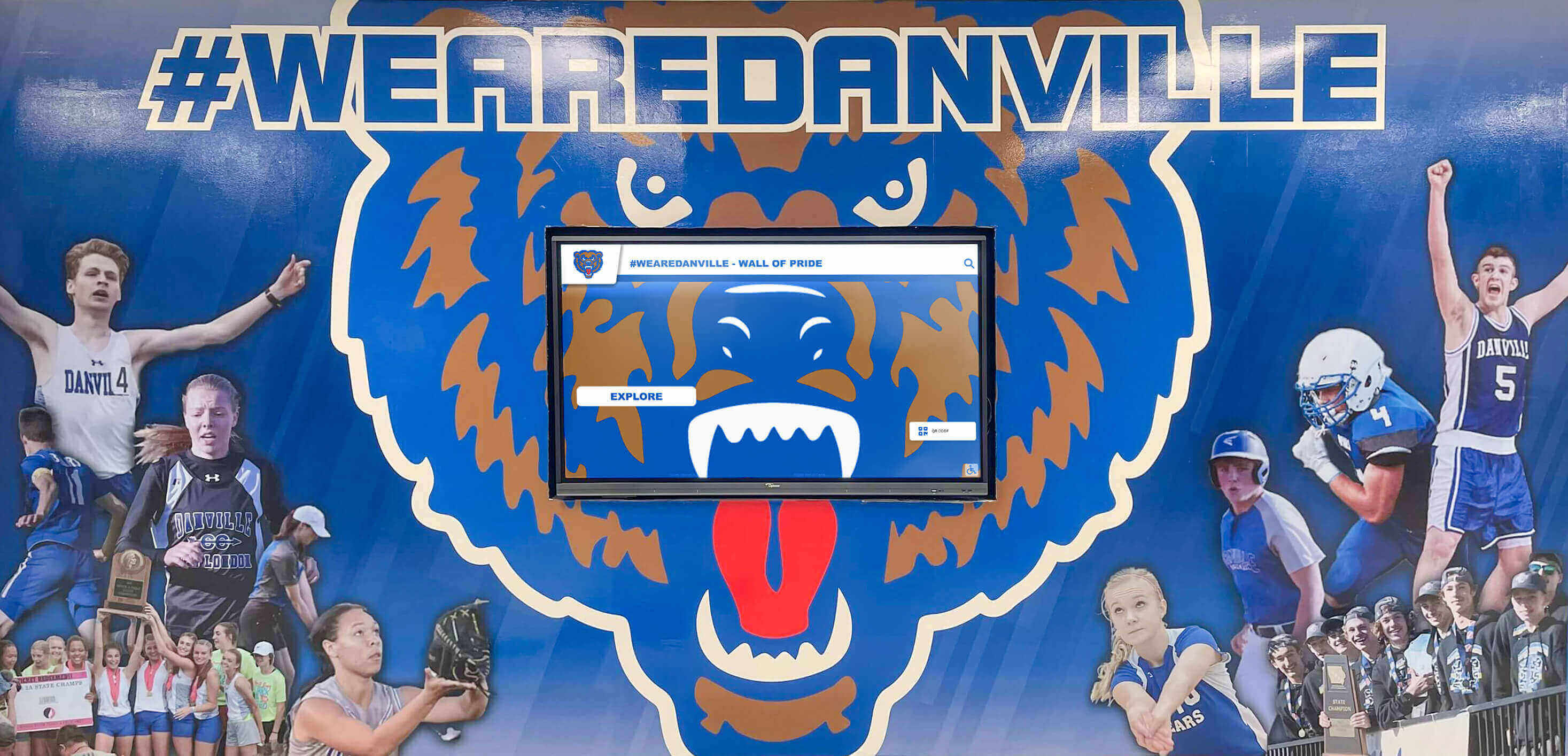
School mascot graphics developed for schedule templates and social posts naturally extend into corridor murals, digital displays, and recognition installations — a consistent visual identity from a single Instagram post to the building itself
Essential Fields Every Sports Schedule Graphic Needs
Every sports schedule graphic, regardless of type, format, or sport, needs a minimum set of information fields to function as a useful communication tool.
Required Fields
| Field | Notes |
|---|---|
| School name or logo | Must be present on every format — social, print, and signage |
| Sport and team level | “Varsity Boys Basketball,” not just “Basketball” |
| Season year | Critical for archivability and future reference |
| Game date(s) | Full date (month/day) — never day-only |
| Opponent name | Fully spelled out, not abbreviated |
| Game time | 12-hour with AM/PM designation |
| Home or Away | Color-coded or explicitly labeled |
| Location / venue | At minimum “Home” or “Away” — venue name preferred |
Optional but High-Value Fields
- Conference or league designation (provides context for community and opposing fans)
- Ticket information or QR code link
- Livestream URL or broadcast channel
- Game number in season (“Game 7 of 18”) for mid-season rolling schedules
- Running season record (wins/losses to date)
Updating Sports Schedule Graphics Mid-Season
Cancellations, postponements, rain delays, and schedule changes are a reality for school athletic programs. A template system that makes updating easy — without requiring a visual redesign — is one of the most practical advantages of building a proper schedule graphic workflow from the start.
Best practices for mid-season schedule updates:
- Maintain an editable source file for every schedule graphic — not just the exported images. If the source is lost, every change requires starting over.
- Use a naming convention that includes the date and version number:
varsity-basketball-schedule-2026-v3.psd - When a game is canceled or postponed, update and redistribute the schedule graphic within 24 hours — don’t rely solely on a pinned social post to communicate the change
- For lobby screen schedule displays, update the digital signage content system as soon as the change is confirmed — students and parents checking the corridor screen expect it to reflect current information
Schools that follow systematic school archives policies for athletic department records should include final-version sports schedule graphics in the archival workflow. End-of-season schedule graphics document the actual games played, which is useful for hall-of-fame research, anniversary programs, and season-by-season historical records.
Displaying Sports Schedule Graphics on School Lobby Screens
For school athletic departments with digital lobby screens or corridor displays, the sports schedule graphic becomes a recurring content type in the signage rotation — alongside recognition spotlights, announcements, and achievement displays.
The same principles that make a schedule graphic effective on Instagram apply to lobby screen content: strong contrast, readable text hierarchy, and unambiguous information layout. But lobby screens add one consideration that social media doesn’t have — viewing distance. A graphic designed for close-up mobile viewing may not read legibly on a wall-mounted screen viewed from fifteen feet away.
Lobby screen schedule graphic checklist:
- Minimum 48pt font size for opponent names and game dates
- Minimum 36pt for time and location information
- Background-to-text contrast ratio of at least 7:1
- No more than five game entries per screen — one upcoming week of games
- School logo visible from the far side of the corridor
- Update the signage system within 24 hours of any schedule change
Athletic booster clubs are a common funding source for lobby digital signage systems — and schools that already have touchscreen walls of fame or digital recognition displays can typically add schedule graphics to the existing content rotation without additional hardware investment.
Digital lobby displays that rotate schedule content alongside student recognition graphics and championship ceremony highlights create a more compelling entrance experience — one that connects the upcoming game to the program’s long history of achievement.
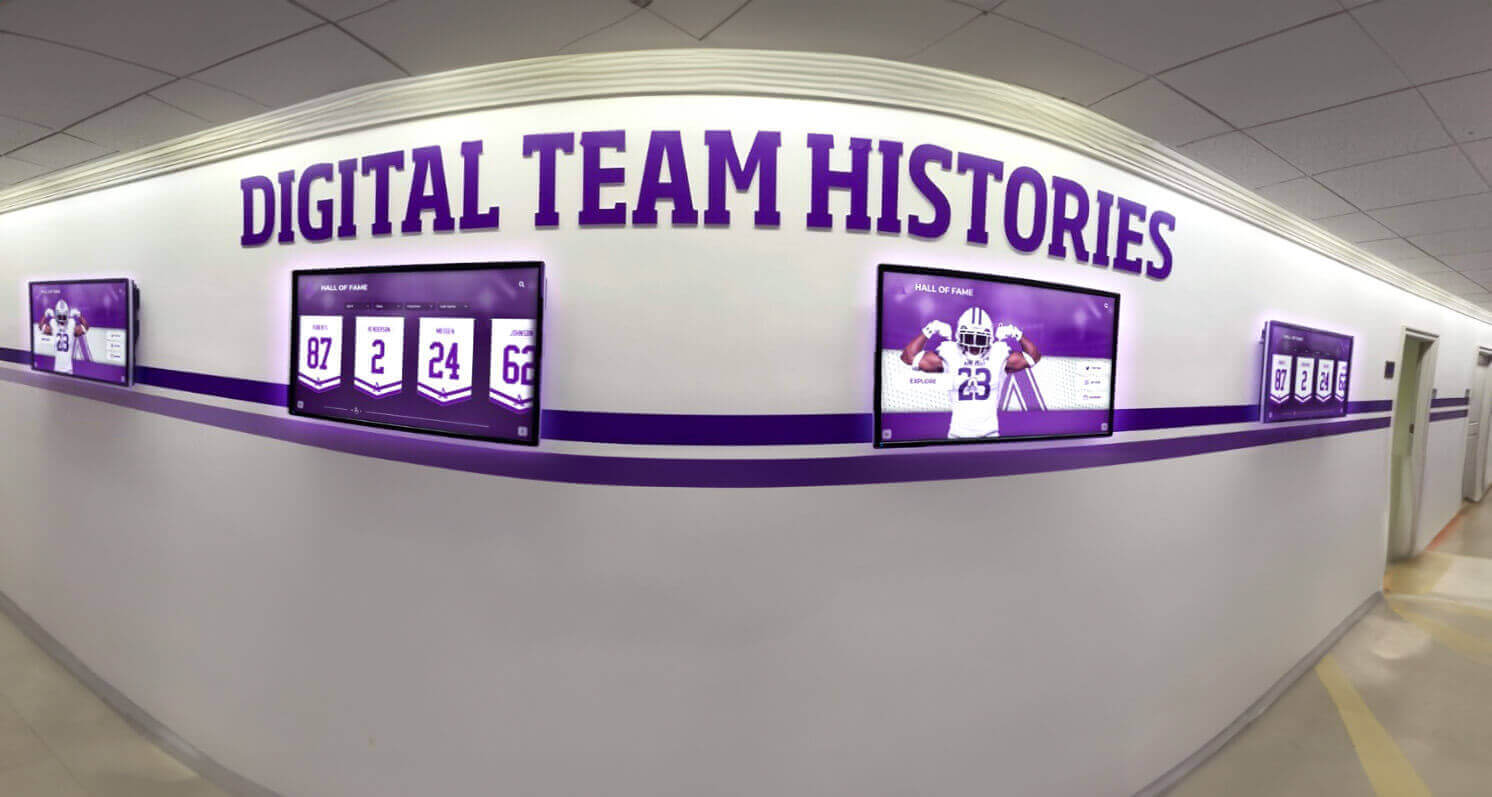
Digital corridor displays that mix sports schedule graphics with team histories and recognition content create a complete athletic communications environment — one that connects upcoming competition to program legacy
Creating Sports Schedule Graphics With AI Tools
Producing consistent, on-brand schedule graphics for twelve varsity programs over an eight-month school year requires either significant design staff time or a template system that reduces each graphic to a data-entry task. AI-powered graphics platforms built for schools accomplish both.
Rocket Graphics — a free AI platform built for K-12 athletic departments — generates sports schedule graphics from text input, applying the school’s official colors and logo automatically. An athletic director or coach enters the game dates, opponent names, and times; the platform produces a ready-to-publish schedule graphic in the right dimensions for every distribution platform. The same workflow applies to game-day posts, player spotlights, and score updates — all consistent with the school’s visual identity.
For athletic departments evaluating graphics tools, Rocket Graphics compares favorably to paid tools like Gipper for school-specific communications — with no subscription cost and templates purpose-built for athletic program needs.
Schools that need both daily communications tools and longer-term recognition infrastructure — digital trophy cases, touchscreen halls of fame, record boards — can explore digital awards display platforms that connect day-to-day schedule graphics to a persistent record of program achievement.
Building team identity goes beyond the graphics — team-building activities for school sports teams pair well with strong visual communications to create the cohesive program culture that a consistent schedule graphic system helps project externally.
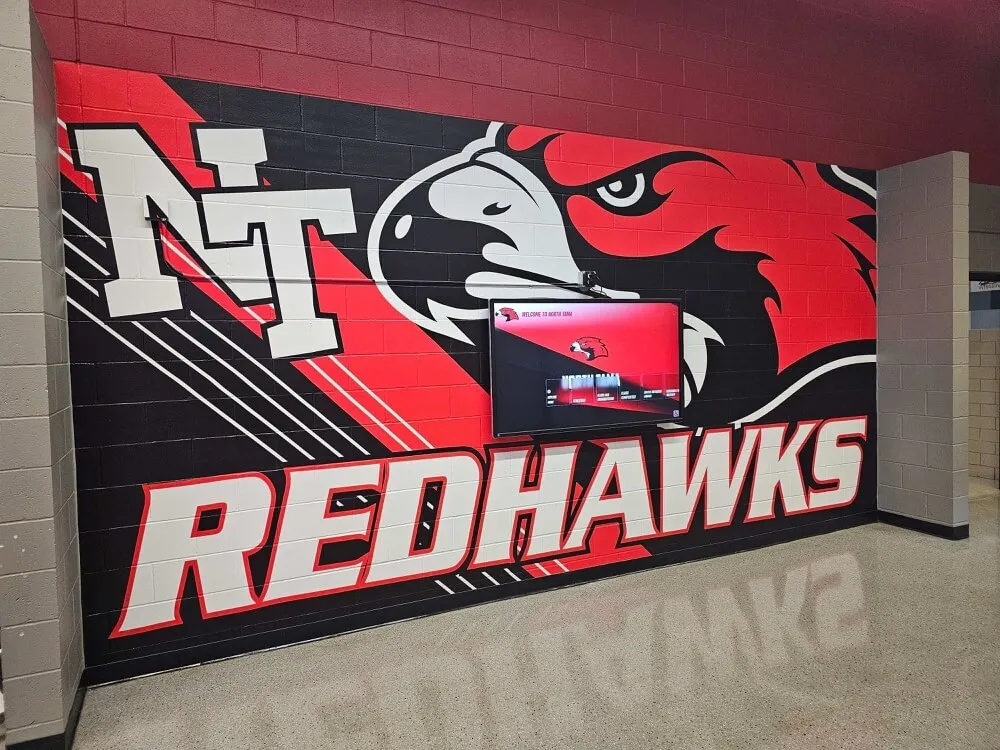
The visual system built for sports schedule templates — mascot, colors, typography — becomes the foundation for corridor murals, digital displays, and every other athletic communications surface in the school
Connecting Schedule Graphics to Permanent Recognition
Sports schedule graphics are created to communicate upcoming competition — but they also document the season as it unfolds. A program that archives every week’s schedule graphic at season’s end has a visual record of every opponent faced, every home and away game, and the full scope of travel and competition each team undertook.
That archive has long-term value. When a program prepares for a hall-of-fame induction, an anniversary celebration, or a retrospective of a retiring coach’s career, season-by-season schedule graphics provide visual and data documentation that text records alone don’t fully capture.
Football program resources that emphasize systematic record-keeping and program documentation reflect the same principle: the visual and data record built season by season supports the program’s identity and institutional memory for years beyond any single season.
Rocket Alumni Solutions builds touchscreen halls of fame, digital recognition displays, and record boards that bring program history to life in school lobbies and athletic corridors. When sports schedule graphics, game-day posts, and recognition graphics are produced consistently using a platform like Rocket Graphics, they feed directly into the kind of searchable, browsable digital archive that a hall-of-fame system can organize and display for current students and returning alumni.
Frequently Asked Questions About Sports Schedule Graphics
What size should a sports schedule graphic be?
The right size depends on the platform: Instagram Stories (1080 × 1920px), Instagram feed posts (1080 × 1080px), Facebook posts (1200 × 630px), and digital lobby screens (1920 × 1080px landscape or 1080 × 1920px portrait). Printed gymnasium posters should be at least 11" × 17" at 300 DPI. Always design at the highest-resolution format first, then export scaled-down versions for each additional platform.
What information should be on a sports schedule graphic?
Every sports schedule graphic needs the school logo, sport and team level, season year, game date, opponent name, start time, and home/away designation. Location or venue name adds useful context. For single-game graphics, the opponent, date, time, and location should dominate the visual hierarchy.
How do you brand a sports schedule graphic for a school?
Use the school’s official color hex codes, the unmodified school or athletics logo, and a consistent typeface across all templates. The mascot should appear on every template — as a background watermark on information-dense season preview formats, and as a featured element on single-game announcement graphics. Apply the same visual rules across every sport’s template set to create a unified program identity.
How often should a school update its sports schedule graphics?
Release a full-season preview at the start of each sport’s season, then publish weekly or biweekly rolling updates throughout the season. Publish single-game announcement graphics three to seven days before major matchups. When cancellations or reschedules occur, publish an updated graphic within 24 hours.
Can sports schedule graphics be displayed on school lobby screens?
Yes — design at 1920 × 1080px with minimum 48pt text for opponent names and dates. Limit each screen to five upcoming games for corridor readability. Schools with existing digital trophy case displays or touchscreen halls of fame can add schedule graphics to the same content rotation without additional hardware.
From Schedule Graphics to Permanent Athletic Recognition
Rocket Alumni Solutions helps school athletic departments build the recognition infrastructure that makes every game matter — from branded sports schedule graphics to touchscreen halls of fame, digital record boards, and donor walls that connect current seasons to program history.
Get notified when Rocket Graphics opens