Sports graphic design templates give school athletic programs a repeatable, on-brand production system for every visual communications need across the season — from the pre-game hype post to the record-breaking milestone announcement to the sponsor acknowledgment banner displayed in the gymnasium. Without templates, every graphic starts from scratch; with templates, every graphic starts from a finished brand system and requires only data entry.
This guide covers the four core template categories every school athletic program needs — game day, record and milestone, athlete recognition, and sponsor acknowledgment — along with design checklists, platform dimension tables, and the workflow principles that make a template system sustainable at volume.
Why Sports Graphic Design Templates Matter for School Programs
A school athletic department running eight varsity sports across a full academic year produces hundreds of individual graphics. Score updates, game-day hype posts, player of the game spotlights, season-record graphics, senior night announcements, sponsor logos for halftime slides, and lobby screen content for corridor displays — the communication volume is substantial, and most of it falls on a small staff, often a single athletic director or a part-time communications coordinator.
Templates solve the volume problem by separating the brand work (done once per season) from the production work (done for every game). When the colors, logo placement, typography, mascot treatment, and layout logic are locked in a template, each new graphic requires updating only the variable fields — the score, the opponent’s name, the athlete’s stat line. What took an hour now takes five minutes.
Templates also solve the consistency problem. A season’s worth of social media graphics from an athletic department that doesn’t use templates shows visible drift — colors shift slightly, logo placement changes, font choices vary — and the cumulative effect is an athletic program that looks disorganized even when the sports results are excellent. A template system produces visual consistency that reads as institutional seriousness and program pride, regardless of which staff member produced each graphic.
Sports graphics for school game day visuals require a different kind of system thinking than one-off design work. The question isn’t “what looks good?” but “what can we produce consistently at 9 PM on a Tuesday in February when we’re exhausted and need to post a score update?”
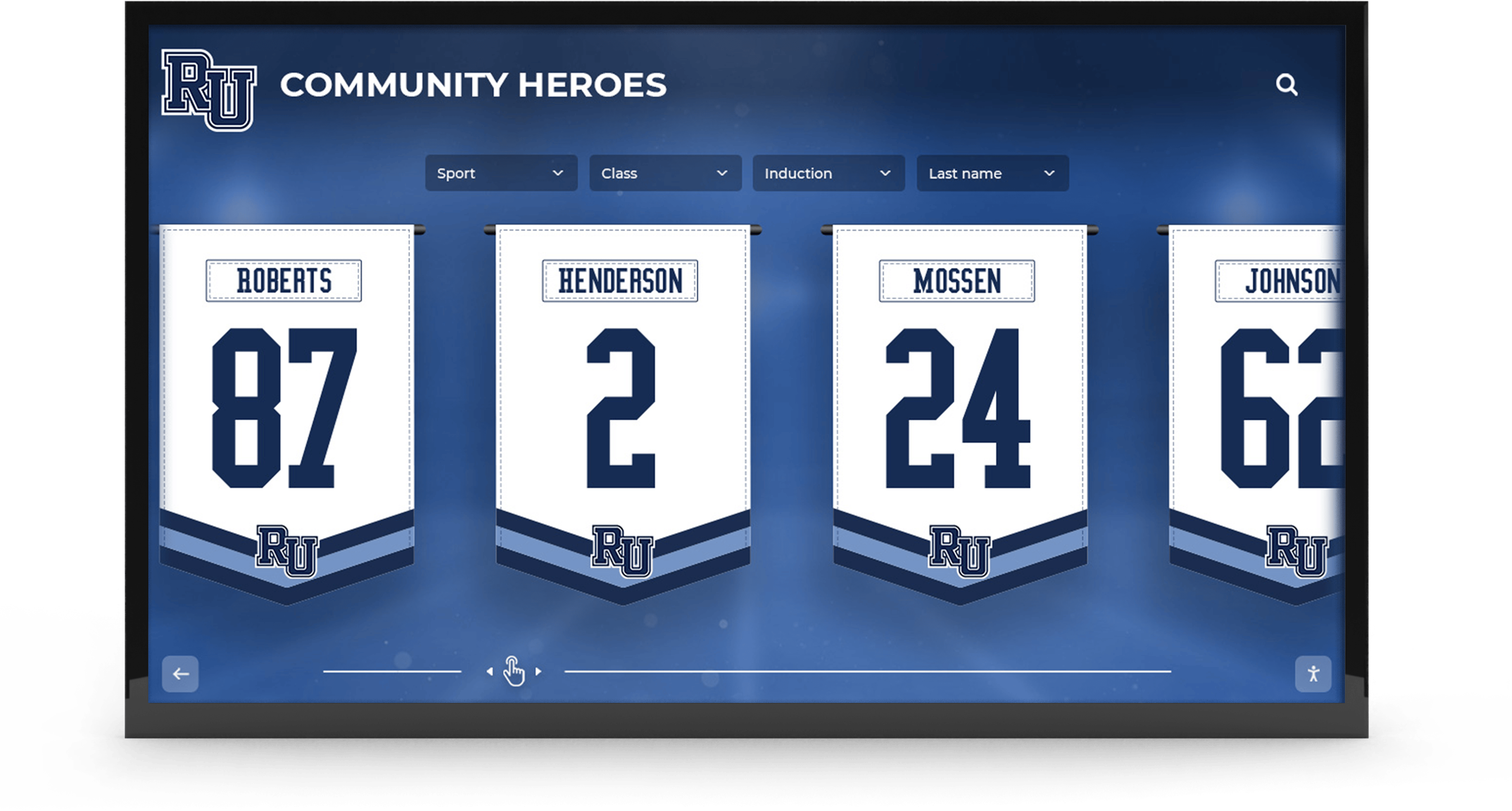
Corridor recognition displays built from consistent sports graphic design templates — the same branding elements that power social media posts scale to permanent digital banner formats and lobby installations
The Four Core Template Categories
Every school athletic program’s graphic design system rests on four foundational template categories. Each category serves a different communication moment, different audiences, and different long-term archival purposes.
1. Game Day Templates
Game day templates cover the visual communication arc of a single athletic event: the pre-game announcement, the live score update (for programs that post during games), and the final score post. These are the highest-frequency graphics in the system — a school playing eight sports simultaneously may produce a dozen game day graphics per week during peak season.
Game day template checklist:
- School name and logo (locked position, consistent size)
- Team name and level (Varsity Boys Basketball, not just “Basketball”)
- Opponent’s full school name (avoid abbreviations on graphics that will be shared widely)
- Game date and start time
- Home or away designation
- Venue name (for away games especially)
- Mascot graphic or action mark in a consistent position
- Pre-game variant: “GAME DAY” or “TONIGHT” callout in a prominent zone
- Score variant: home score / visitor score fields, clearly labeled
- Final score variant: “FINAL” indicator and win/loss designation
- Sponsor acknowledgment zone (present but lockable; see Sponsor section below)
- Platform-specific export presets (1080×1080, 1080×1920, 1920×1080)
The game day template needs to produce the pre-game post, the live update, and the final score post from a single file with minimal changes between variants. Separate templates for each variant create maintenance problems — when the school’s logo is updated, you’re updating three templates instead of one.
2. Record and Milestone Templates
Record and milestone templates document individual athletic achievements that belong in the school’s permanent recognition system — a new school record, an all-time career scoring mark, a state qualifying time, or an unusual individual achievement that the program will reference for years.
The design requirements for record graphics are more demanding than for game day posts, because these graphics carry archival weight. A score graphic is irrelevant after 48 hours. A record graphic may be pulled from the archive when that athlete’s hall-of-fame nomination is prepared ten years from now.
Athletic record boards design principles translate directly into social media milestone graphics — the information architecture has to serve someone reading the graphic with no prior context, years after the fact.
Record and milestone template checklist:
- School name or logo (required for out-of-context identification)
- Athlete’s full name (not a nickname or first name only)
- Sport and event (Varsity Girls Track – 400m Hurdles, not just “Track”)
- Team level (Varsity / JV / Freshman — records are tier-specific)
- The record value with units (54.3 seconds, 2,847 career points, 94 career wins)
- Previous record value (context for how significant the break was)
- Date of achievement (full date — month, day, year)
- Location or meet name where the record was set
- Season identifier (2025–26 Season)
- “NEW SCHOOL RECORD” or equivalent callout in a visually prominent zone
- Previous record holder’s name (optional but honors both athletes)
- Photo zone for the record-setting athlete
Tracking and documenting sports records systematically requires the graphic to serve as a data record, not just a social post. Every field in the template is a field that could populate a digital record board entry or a hall-of-fame profile later.
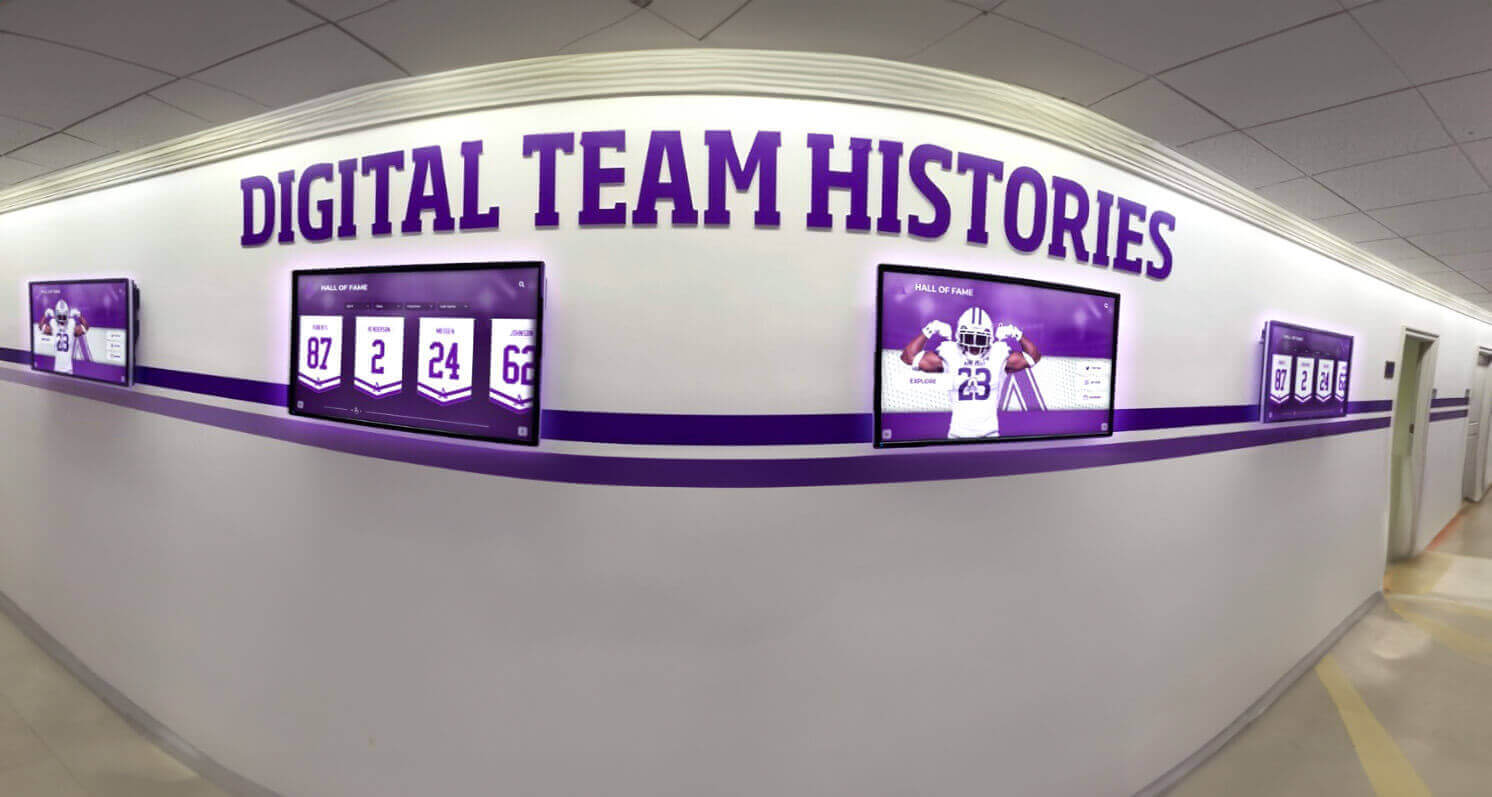
Record milestone graphics designed with complete structured fields feed naturally into corridor digital displays — the social post and the permanent record board entry can run from the same template system
3. Athlete Recognition Templates
Athlete recognition templates cover the range of individual spotlights that don’t have an associated game result: player of the week, student-athlete spotlight, senior night recognition, signing day announcement, and academic achievement highlights. These templates occupy the space between the game-level spotlight and the permanent hall-of-fame entry.
High school awards and honors recognition programs describe athlete recognition as a distinct communication category that serves both the immediate moment and the long-term record — the same individual spotlight that drives Instagram engagement one day becomes the documented evidence in an end-of-season award nomination the next month.
Athlete recognition template checklist:
- School name or logo
- Recognition type label (“SENIOR SPOTLIGHT,” “STUDENT-ATHLETE OF THE WEEK,” “SIGNING DAY,” “ACADEMIC ACHIEVEMENT”)
- Athlete’s full name and class year (Sr., Jr., So., Fr.)
- Sport(s) and team level
- Photo zone — consistent position, consistent crop dimensions
- Key achievement or stat line (specific, not generic — “1,847 career yards” beats “great season”)
- Academic note if relevant (GPA, honor roll, AP enrollment — integrates athletic and academic recognition)
- College or program destination (for signing day variants)
- Coach attribution or quote field (optional but adds authority and human context)
- Season or academic year identifier
National signing day recognition displays represent the most visible individual athletic recognition moment of the school year for the graduating class. A well-designed signing day graphic template — one that makes the athlete, sport, and destination school legible at a social media scroll pace — is one of the highest-engagement posts in the annual athletic communications calendar.
For schools that recognize both athletic and academic achievement in the same communications system, academic awards categories suggest a unified recognition template architecture — the same base layout serves honor roll announcements, signing day posts, and athletic spotlights, differentiating only the recognition-type label and the stat/achievement field.
4. Sponsor Acknowledgment Templates
Sponsor acknowledgment templates are the most compliance-sensitive category in school athletic graphic design. Most state high school athletic associations restrict how commercial branding interacts with student athlete recognition on school-affiliated communications. A template that handles sponsor acknowledgment correctly — visible, commercially useful, and policy-compliant — protects the program and makes sponsor relationships sustainable.
Sponsor acknowledgment template checklist:
- Dedicated sponsor zone in a fixed position (top or bottom of the graphic, never overlapping athlete imagery)
- “Presented by [Business Name]” language — acknowledges the sponsor without implying athlete endorsement
- Clear visual separation between the sponsor zone and the recognition content
- School identity (logo, colors, mascot) occupies more visual space than any sponsor element
- Lockable sponsor zone — the template works with an empty sponsor zone without looking incomplete
- No athlete name + product combination in the same visual region or sentence
- Business logo, business name, and location at consistent size (no variation per sponsor)
- Optional QR code zone for trackable sponsor promotion
The sponsor zone structure should be treated as a template commitment, not an ad hoc addition. When sponsors see their logo consistently placed in the same position across all game day, record, and recognition graphics, the acknowledgment feels intentional and professional. When logo placement varies by graphic, it signals that the program manages sponsors reactively rather than systematically.
Game day recognition and student section identity programs frequently integrate sponsor acknowledgment into the overall event graphics system — a game day template family that includes halftime slides, lobby screen slides, and social post variants gives sponsors multi-surface visibility from a single template architecture.
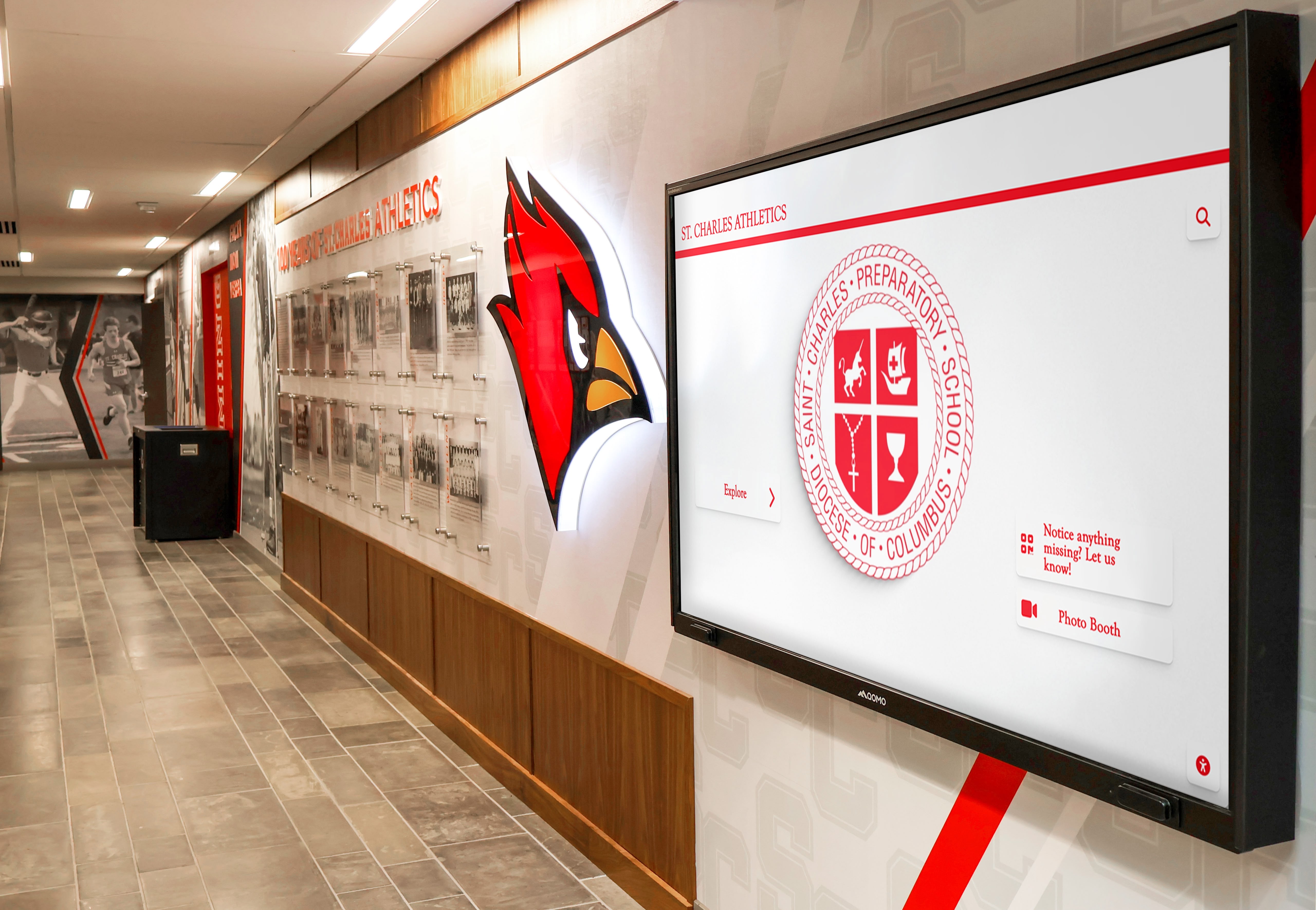
Corridor digital displays using consistent school branding elements — the same mascot treatment, color palette, and logo placement logic from social media templates makes corridor content feel unified with the overall athletic communications system
Design Foundations: The Elements Every Template Shares
All four template categories share a common visual foundation. Establishing this foundation once — at the start of the season, or when launching a new template system — ensures that every individual template variant reads as part of the same unified program identity.
School Colors
Document school colors as exact hex codes, not descriptive names. “Navy and gold” describes hundreds of schools; #1B2A6B and #C9981D describe yours. Color drift across a season — slightly different blues across templates built at different times, or colors sampled from low-quality images rather than official specifications — is one of the most common consistency failures in school athletic graphic systems.
Official color codes are typically available from the school’s main office, the district communications team, or an existing piece of official print collateral. If no documented codes exist, request them from the administration and record them in a shared reference document at the start of the season.
Typography
One typeface family handles all school athletic graphic needs effectively. A condensed bold weight for primary headline elements (opponent names, record values, player names), a regular or medium weight for supporting information (dates, times, game context), and a light or italic variant for captions and secondary text. Using multiple unrelated typefaces across a template set is the second most common source of visual inconsistency after color drift.
Free typefaces appropriate for athletic graphics are widely available via Google Fonts. Condensed sans-serifs — Barlow Condensed, Oswald, Bebas Neue, Roboto Condensed — work well at the high-contrast sizes athletic graphics require. Avoid script or decorative typefaces for any text that needs to be read quickly.
Logo Treatment
The school logo or athletic crest should be a locked element in every template — same version, same position zone, same minimum size, same clear-space rules. Never stretch, recolor, add drop shadows or glows to, or clip the official logo against a photo. If the official logo doesn’t have a transparent background version, request one from the district or from whoever produces printed athletic materials.
Schools with separate academic and athletics logos should use the athletics version consistently for all sports communications. The academic crest may be appropriate for honor roll and academic achievement graphics; the athletics logo is the right choice for game day posts, record graphics, and sponsor acknowledgment formats.
Mascot Integration
The mascot graphic is the highest-engagement visual element in most school athletic graphic systems. Fans and students identify with the mascot before they identify with the school name — and a well-placed mascot graphic adds the emotional energy that distinguishes an athletic communication from a generic announcement.
High school sports banner and recognition design consistently demonstrates that mascot integration differentiates generic graphics from program-identity graphics. The treatment should vary by template type:
- Game day templates: Mascot in a bold, energetic position — full figure, action pose, prominent placement. This is the template that wants energy.
- Record and milestone templates: Mascot as a background element or border treatment — present but not competing with the record data. The record value should dominate.
- Athlete recognition templates: Mascot as a framing element or corner accent — visually present but clearly supporting the athlete photo and recognition text, not competing with it.
- Sponsor templates: Mascot at reduced prominence — the graphic’s primary identity element, but not at a scale that competes with the sponsor acknowledgment zone.
Platform Dimensions for Sports Graphic Design Templates
A complete sports graphic design template system needs export presets for every platform and display environment where school athletics graphics appear. Designing at the wrong dimensions creates cropping, scaling, and quality problems that undermine the professional appearance the template system is meant to project.
| Platform / Display | Dimensions | Primary Use in Athletics |
|---|---|---|
| Instagram Feed (square) | 1080 × 1080px | Game day posts, player spotlights, record announcements |
| Instagram Story / Reel cover | 1080 × 1920px | Season previews, single-game announcements, senior nights |
| Facebook Post | 1200 × 630px | Community schedule sharing, sponsor acknowledgment |
| Twitter / X Post | 1600 × 900px | Score updates, record announcements |
| Lobby screen (landscape) | 1920 × 1080px | Corridor and entrance digital displays |
| Lobby screen (portrait) | 1080 × 1920px | Vertical hallway screens, athletic corridor kiosks |
| Printed gymnasium poster (small) | 11" × 17" at 300 DPI | Game day, locker room, cafeteria |
| Printed gymnasium poster (standard) | 18" × 24" at 300 DPI | Gym entrances, trophy case areas |
| Email newsletter header | 600 × 200px | Athletic department updates |
| Website banner | 1200 × 400px | Athletics page header, event announcements |
Three production rules that apply regardless of platform:
Always design at the largest required dimension first, then export scaled-down versions for each platform. Never upscale a social-first file to lobby screen dimensions — upscaling introduces visible quality degradation at high-resolution displays.
For lobby screens and corridor displays, design at 1920 × 1080px even when the display’s native resolution is lower. Modern digital signage systems scale down gracefully; they don’t scale up gracefully.
Store master files at their largest export dimension with all layers intact. The exported files are disposable; the layered source file is the reusable asset.
Game Day Graphic Template: Reusable Section Breakdown
A game day graphic template is most useful when it’s built as a layered file with clearly labeled variable sections. This breakdown is platform-agnostic — the same section logic applies whether the master file is in Canva, Adobe Express, Photoshop, or an AI-assisted platform.
Locked sections (do not change between games):
- School logo and mascot in their designated positions
- School colors as background and accent elements
- Typography — same fonts, same hierarchy
- Sponsor zone at its designated position (empty or populated per active sponsor status)
- Template layout structure — column widths, section heights, alignment guides
Variable sections (update for each game):
- Opponent name field
- Game date and time
- Home / Away designation
- Venue name
- For score variants: home score and visitor score fields
- For final variants: “W” / “L” / “T” and win/loss color indicator
When the variable sections are clearly labeled and isolated from the locked sections, any staff member or student volunteer can produce a complete game day graphic set — pre-game, score update, and final — in under ten minutes per game.
Athletic recognition programs that connect game-day graphics to long-term displays observe that the discipline of consistent template use accumulates into something more than communication efficiency — it builds a visual archive that supports championship banner designs, hall-of-fame installations, and anniversary retrospectives that feel coherent across decades.
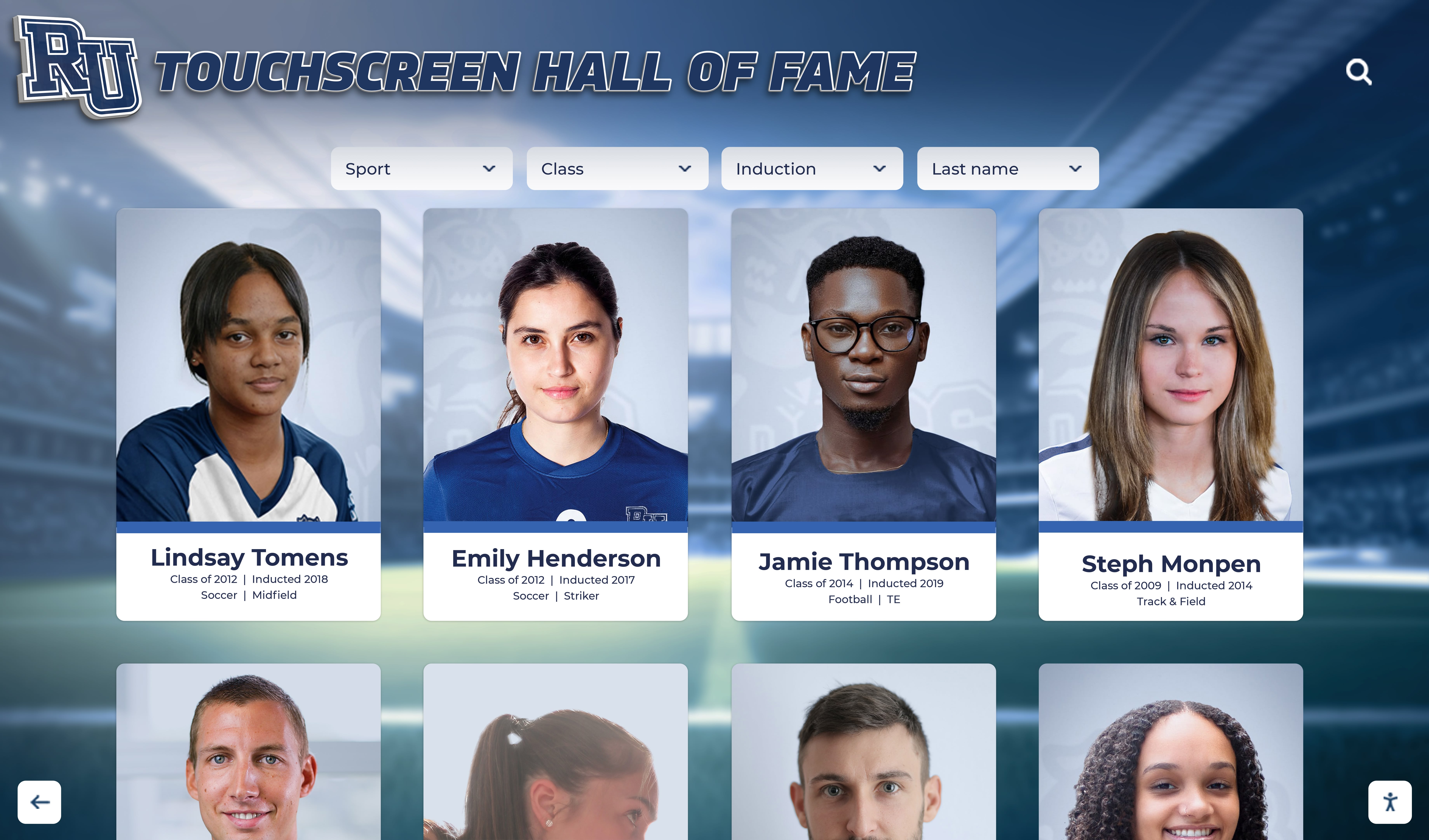
Individual athlete recognition cards on a touchscreen hall of fame display — when athlete spotlight templates are built with structured, complete fields, the same data that drives a social media post populates permanent touchscreen recognition environments
Building a Reusable Sports Graphic Design System
A template system — not a collection of individual templates — is what makes sports graphic design sustainable at school-program volume. The difference is structural: a template collection is a set of files; a template system is a set of rules and a file architecture that makes the rules enforceable.
Step 1: Establish the Brand Foundation File
Before building any template, create a single brand foundation document that records:
- Official hex codes for all school colors (primary, secondary, accent, neutral)
- The official school logo files in transparent PNG format (multiple sizes)
- The official athletics logo files (if distinct from the academic logo)
- The mascot graphic files in transparent PNG format
- The chosen typeface names and weights with download links
- The standard clear-space rule for the logo (minimum white space around the logo in any context)
Every template is built from this foundation document. When the foundation changes — a new logo, updated colors — updating the foundation and rebuilding templates is a single organized task rather than a hunt-and-replace across dozens of individual files.
Step 2: Define the Core Template Set
For most school athletic programs, the core template set consists of:
- Game day — pre-game (landscape 1920×1080 and square 1080×1080)
- Game day — final score (landscape and square)
- Player of the game / Athlete spotlight (square and portrait)
- Record / milestone announcement (square and portrait)
- Season schedule (portrait 1080×1920 for Instagram Story)
- Senior night / signing day (square)
- Sponsor acknowledgment — standalone (landscape for halftime slides and lobby screens)
This set covers the full athletic communications calendar without requiring custom design work for any routine communication.
Step 3: Assign Template Ownership
Each template type should have a designated staff member, student manager, or volunteer as the production owner for that sport. The owner doesn’t need design skills — they need access to the template, the game data, and a publication checklist. With a well-built template system, the production task is clerical, not creative.
Consistent ownership produces consistent archives. When the same person populates and files the game day graphics for an entire season, the archive is complete and uniformly organized. Distributed ad hoc production produces gaps and inconsistencies that matter when someone needs to reconstruct a season’s record years later.
Club sports and high school athletics programs approach communications differently — club programs often rely on parent volunteers, while school programs have the advantage of a consistent institutional brand and staff structure. A template system is especially valuable in the school context because it makes the institutional brand enforcing the quality standard, not the skill level of the individual producing each graphic.
Step 4: Establish a File Archive Structure
Every produced graphic — not just the source file, but the exported images — should be archived in a structured folder system:
School Athletics Graphics/
  2025-26/
    Season Templates/
      [brand foundation file]
      [master template files]
    Game Day/
      Varsity Boys Basketball/
        2025-12-03 vs Riverside/
        2025-12-10 vs Eastfield/
    Records and Milestones/
    Athlete Recognition/
    Sponsor Assets/
An archive organized this way makes every downstream recognition use case possible — end-of-season award documentation, hall-of-fame nomination research, anniversary retrospectives, and digital display content management all draw from the same organized source.
Sports Graphic Design Templates and Digital Display Integration
The template system built for social media graphics is the same system that feeds digital lobby screens, corridor displays, and touchscreen athletic recognition environments. This integration is where a well-designed template system generates the most value per production effort.
A final score graphic published on Instagram at 9:30 PM, designed at 1920×1080px, is already the correct dimensions for the school’s lobby screen content system. A record milestone graphic archived with complete structured fields already contains the data that populates a digital record board entry. A season’s worth of athlete spotlight graphics, consistently archived, already contains the photo and performance documentation that a touchscreen hall of fame needs to build individual athlete profiles.
Schools that treat their social media sports graphics as the first layer of a recognition system — rather than disposable posts — build program archives that serve them for decades rather than seasons.
Frequently Asked Questions About Sports Graphic Design Templates
What should sports graphic design templates include for school athletics?
Every school athletics graphic template should lock in branding — school logo, hex-code colors, mascot, typography — and label variable fields for each game or recognition: opponent, date, score, athlete name, stat line, and photo zone. Complete, structured fields make graphics useful for long-term archiving and downstream recognition programs, not just the immediate social post.
What are the best dimensions for school sports graphics?
Design at 1920×1080px for lobby screens and Twitter, 1080×1080px for Instagram feed posts, and 1080×1920px for Instagram Stories. Facebook posts work at 1200×630px. Always design at the largest required format first, then export scaled versions — never upscale a social-first file to lobby screen dimensions.
How do you make school sports graphics sponsor-safe?
Use a fixed sponsor zone at the top or bottom of the template, labeled with “Presented by [Business Name]” language, that never overlaps athlete imagery. School identity must dominate the design. Make the sponsor zone lockable so the template works cleanly without an active sponsor.
How many templates does a school athletic program need?
A core set of seven covers the full calendar: game day pre-game, game day final score, athlete spotlight, record/milestone, season schedule, senior night/signing day, and sponsor acknowledgment. Sport-specific stat variants within the spotlight template handle the stat-line differences across sports.
Can social media sports graphics also run on lobby displays?
Yes — design master templates at 1920×1080px and export scaled social media versions from there. The lobby-dimension master file uploads directly to a digital signage system without additional production. Schools with existing touchscreen hall-of-fame or digital record board infrastructure can run the same graphics across social feeds and corridor displays from the same content workflow.
Connect Your Sports Graphic System to a Permanent Athletic Recognition Environment
Rocket Alumni Solutions builds touchscreen halls of fame, digital record boards, and athletic recognition displays that bring together your game day graphics, record milestones, and athlete spotlights into a permanent recognition environment — visible to students, alumni, and recruits long after each season ends.
Get notified when Rocket Graphics opens