A sponsor logo submission form is the intake document that tells every corporate partner exactly which file formats, color modes, and resolution specifications your school or athletic program needs — and gives them a structured way to deliver those files before the banner printer, program designer, or digital display operator runs out of time waiting. Without one, athletic directors and communications staff spend the first weeks of every season emailing sponsors to ask for a better version of the JPEG they sent, chasing down vector files that may or may not exist, and discovering at the worst possible moment that a low-resolution logo looks unusable at banner scale. A well-designed sponsor logo submission form eliminates all of that by setting the right expectations upfront and collecting every asset type in one organized pass.
This guide covers the complete field set for a sponsor logo submission form, the file format specifications that map to real production workflows, and how collected logo assets flow downstream into banners, printed programs, scoreboard graphics, and the digital sponsor recognition displays that keep partner acknowledgment visible year-round in school facilities.
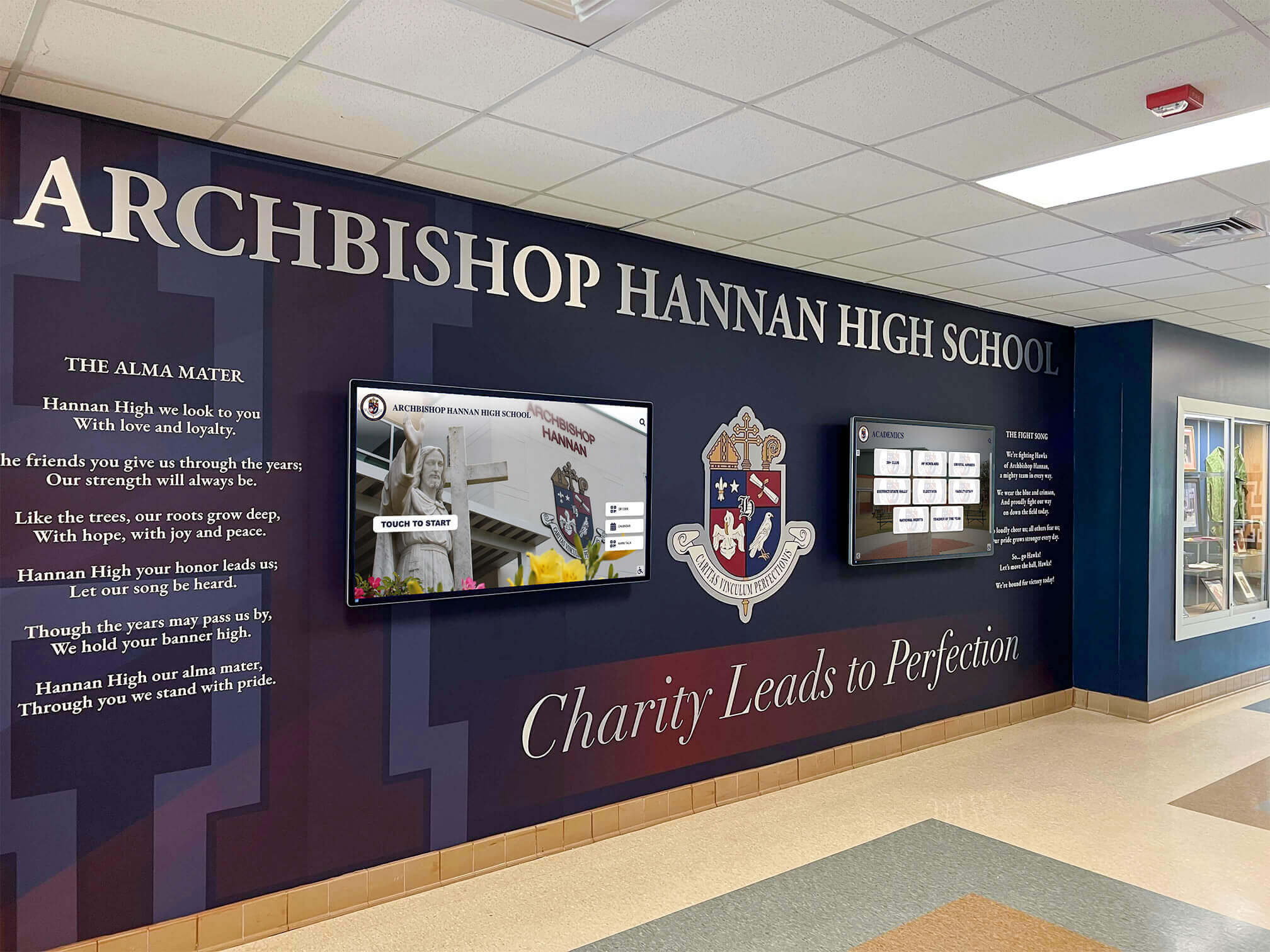
A school lobby mural with integrated digital screens — one of several downstream outputs that depends on having clean, high-resolution sponsor logo files collected through a structured intake process
Why Schools Need a Dedicated Sponsor Logo Submission Form
Most athletic programs start the sponsorship season with a PDF contract and a verbal promise to “send over the logo.” What arrives weeks later — if it arrives at all — is typically a low-resolution PNG exported from a website, a JPEG that was originally a photograph of a printed sign, or a Word document containing the company name in a branded font. None of those files work cleanly across all the contexts where sponsors expect their logos to appear.
The National Federation of State High School Associations (NFHS) reports that high school athletic programs collectively manage relationships with thousands of local and regional corporate partners every year. Each of those partnerships typically includes some form of visual recognition — on banners, in programs, at events, or on digital displays. Every one of those recognition contexts has different technical requirements, and collecting the wrong file format at intake means either a visible quality failure in public-facing materials or an operational delay while staff tracks down usable assets.
A sponsor logo submission form solves this by acting as a structured briefing document for sponsors: here is exactly what we need, here is why we need it, and here is how to submit it. Programs that deploy these forms consistently report faster asset collection timelines, fewer back-and-forth correction cycles, and significantly fewer quality failures in final production.
Sponsor recognition also connects directly to the broader recognition infrastructure that keeps school communities engaged with their athletic programs. Exploring the best hall of fame tools for athletics, donors, arts, and history consistently emphasizes that recognition accuracy — getting names, logos, and affiliations right — is the foundation that separates programs that deepen partner relationships from those that inadvertently signal disorganization.
What File Formats to Request — and Why Each One Matters
The most important decision a sponsor logo submission form makes is which file formats to request. Each format serves a different production context, and requesting all of them upfront — rather than one at a time as needs arise — avoids the repeated outreach cycle that delays every new recognition output.
Vector Formats (Production-Grade)
SVG (Scalable Vector Graphics) — The preferred format for digital displays, websites, and any screen-based recognition context. SVG files scale to any size without quality loss, support transparent backgrounds, and render cleanly on every screen resolution, from phone-size thumbnails to full-lobby digital display walls.
EPS (Encapsulated PostScript) and AI (Adobe Illustrator) — The standard formats for print production. Banner printers, program designers, and sign makers all work natively in these formats. They support exact Pantone color matching, scale without loss, and contain the original vector artwork that every other format derives from. If a sponsor has a professional brand identity, an AI or EPS master file should exist.
Raster Formats (Display and Digital Use)
PNG with transparent background — Required for overlaying logos on any colored background — sponsor recognition screens, social media graphics, banner designs, and program layouts. The transparent background is non-negotiable: a PNG with a white box behind it cannot be placed on a dark background without visible artifacts.
High-resolution JPG or JPEG — Acceptable as a fallback for print use at 300 DPI or higher. Not appropriate as the primary submission since JPEGs do not support transparency and introduce compression artifacts at large print sizes.
The file format table below maps each format to its appropriate production use case:
| Format | Supports Transparency | Scalable | Best For |
|---|---|---|---|
| SVG | Yes | Yes (infinite) | Digital displays, websites, digital programs |
| EPS | Yes | Yes (infinite) | Print banners, large-format signage |
| AI (Adobe Illustrator) | Yes | Yes (infinite) | Print production master files |
| PNG (transparent) | Yes | No | Overlays, digital recognition, social media |
| PNG (white background) | No | No | Light-background-only digital use |
| JPG/JPEG | No | No | Fallback print use at 300+ DPI only |
Core Fields for a Sponsor Logo Submission Form
The following field set covers everything a production workflow — banners, programs, digital displays — needs from a corporate sponsor. Include all fields in every sponsor logo submission form, regardless of sponsorship tier. Collecting more information upfront is always faster than collecting it piecemeal as each new recognition output is requested.
Sponsor Identity Fields
| Field | Type | Required | Notes |
|---|---|---|---|
| Company / Organization Name | Text | Yes | Exactly as it should appear in all recognition contexts |
| Sponsorship Tier | Dropdown | Yes | Title / Platinum / Gold / Silver / Bronze |
| Primary Contact — Name | Text | Yes | The person responsible for submitting and approving assets |
| Primary Contact — Email | Yes | All submission confirmations and follow-ups go here | |
| Primary Contact — Phone | Phone | No | For urgent deadline follow-up |
| Website URL | URL | No | For digital sponsor directories and hyperlinked logos |
| Industry / Business Category | Text | No | Useful for sponsor directory organization |
Logo File Upload Fields
| Field | Type | Required | Notes |
|---|---|---|---|
| Vector Logo — EPS or AI | File upload | Strongly recommended | Required for large-format print banners |
| Vector Logo — SVG | File upload | Strongly recommended | Required for digital displays and web |
| PNG Logo — Transparent Background | File upload | Yes | Required for all overlay contexts |
| PNG Logo — White Background | File upload | No | Fallback for light-background-only applications |
| High-Resolution JPG (300 DPI+) | File upload | No | Print fallback only |
| Secondary / Alternate Logo Version | File upload | No | Stacked vs. horizontal variations |
| Dark-Mode / Reversed Logo Version | File upload | No | Required for dark-background digital displays |
Brand Specification Fields
| Field | Type | Required | Notes |
|---|---|---|---|
| Primary Brand Colors — Hex Codes | Text | Yes | For digital display color matching |
| Primary Brand Colors — Pantone (PMS) | Text | No | For print color matching; essential for banner production |
| CMYK Color Values | Text | No | Provide if available; used by print vendors |
| Brand Fonts | Text | No | Used if tagline or brand name is typeset separately |
| Tagline (if to be included with logo) | Text | No | Confirm whether tagline should appear in all contexts |
| Logo Usage Restrictions | Textarea | No | Minimum clear space, color restrictions, size minimums |
| Brand Guidelines Document | File upload | No | Full brand guide if available |
Usage Context and Approval Fields
| Field | Type | Required | Notes |
|---|---|---|---|
| Authorized Usage Contexts | Multi-select | Yes | Print banners / Game-day programs / Digital displays / Social media / Website / Scoreboard graphics |
| Exclusivity Restrictions | Textarea | No | Competitor categories where logo should not be placed near |
| Approval Process Required | Radio | Yes | “Approved to use as submitted” / “Requires review before production” |
| Artwork Review Contact | No | If different from primary contact; receives proofs | |
| Submission Deadline Acknowledged | Checkbox | Yes | Confirms sponsor has read the deadline |
File Format Specifications by Production Context
Different recognition outputs impose different technical requirements on logo files. The following table gives production teams clear specifications to share with sponsors when they ask what “high resolution” actually means for each use:
| Production Context | Minimum Resolution | Format | Color Mode | Transparency Required |
|---|---|---|---|---|
| Vinyl/mesh banner (3ft × 8ft+) | Vector (any size) | EPS or AI | CMYK | No (but preferred) |
| Printed game-day program (8.5" × 11") | 300 DPI at final print size | EPS, AI, or PNG | CMYK or RGB | Preferred |
| Digital recognition screen (1920×1080) | 500px+ wide at 72 DPI | SVG or PNG | RGB | Yes |
| LED scoreboard display | SVG or 1000px+ PNG | SVG or PNG | RGB | Yes |
| Social media graphics (1:1 or 16:9) | 1080px+ wide | PNG transparent | RGB | Yes |
| Website sponsor directory | SVG or 2× PNG | SVG or PNG | RGB | Yes |
| Touchscreen lobby display | SVG or high-res PNG | SVG or PNG | RGB | Yes |
Sharing this table directly with sponsors — as part of the submission form’s instructions or as a linked reference — eliminates the most common question: “Can’t you just use what’s on our website?” The answer is almost always no, and this table explains why without requiring a staff member to explain vector graphics over email every sponsorship cycle.
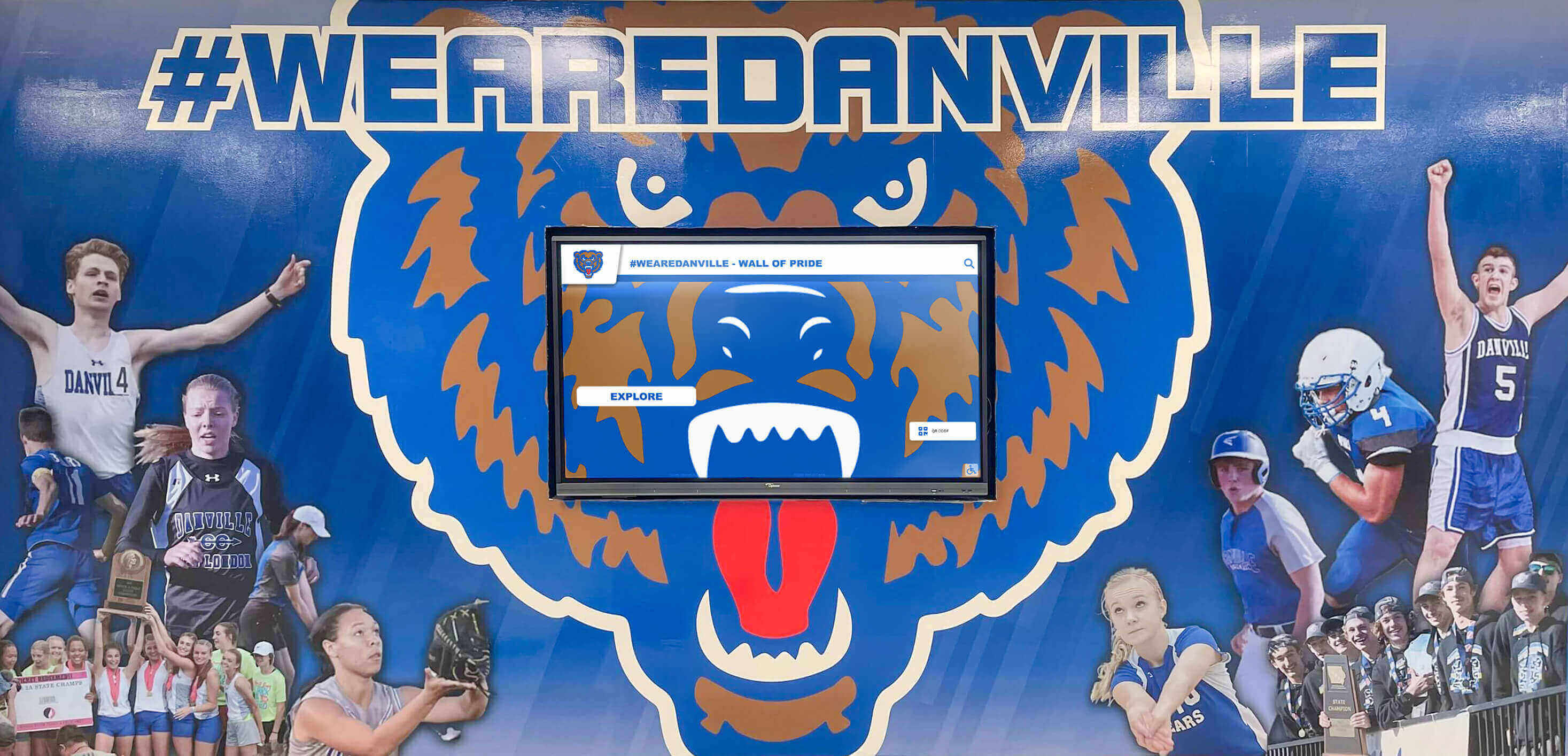
A school athletics hallway with mural and integrated screen — sponsor logos in this type of environment must be prepared at display resolution with transparent backgrounds to composite cleanly against any background
How Logo Assets Flow Into Recognition Outputs
Collecting the right files through a sponsor logo submission form is only valuable if those files are organized and accessible when each production need arises. The downstream outputs where sponsor logos appear are numerous, and they do not all land at the same time.
Season-start outputs — print banners, facility signage, game-day program covers, and athletic website sponsor pages — typically have the earliest deadlines and require production-ready files immediately. These are the outputs that stall most visibly when sponsor assets are missing or unusable.
Ongoing digital outputs — digital sponsor recognition screens in lobbies and gymnasiums, scoreboard graphics, social media sponsor thank-you posts, and email newsletter acknowledgments — have continuous or recurring production needs. A sponsor logo collected correctly once can serve all of these outputs without re-collection if it was submitted in the right formats.
Year-end and archival outputs — athletic banquet programs, annual sponsor acknowledgment letters, digital award archives, and hall of fame recognition panels — often surface logo needs months after the original submission. Files collected and organized through a structured form are still findable; logos emailed informally to a former staff member are typically lost.
Youth sports awards programs and recognition ideas regularly involve sponsor acknowledgment as part of the award ceremony infrastructure — banners behind the podium, program covers, and digital slides that appear throughout the event. All of those outputs pull from the same sponsor logo library that the submission form builds.
Alumni event planning and recognition faces the same dependency: every event that acknowledges corporate partners needs logo files, and the events team should not need to re-collect assets the athletics department already has on file. A centralized logo library, built through a consistent sponsor logo submission form, serves every department that runs events.
Building the Form: Platform Options for Schools
A sponsor logo submission form can be built on several platforms, each with different tradeoffs relevant to school athletic programs.
Google Forms with Drive integration — The simplest option for programs without a dedicated CMS or form platform. Google Forms supports file upload fields that deposit submissions directly into a shared Google Drive folder. Limitations: file size caps, no conditional logic, limited brand customization. Suitable for smaller programs with fewer than twenty sponsors.
JotForm or Typeform — Both platforms support file upload fields, conditional logic (show the brand guidelines upload only if the sponsor selects “Guidelines available”), and branded form design. JotForm offers education and nonprofit pricing and has stronger file upload capabilities than Google Forms. Typeform provides a more guided, conversational form experience that sponsors often find less overwhelming than a dense multi-field form.
Dedicated sponsor management platforms — Tools like SponsorMyEvent, SponsorPitch, or local CRM-based implementations built on Salesforce or HubSpot allow sponsor asset collection to integrate directly with contract management, renewal tracking, and recognition scheduling. This option requires more setup investment but eliminates the manual file-routing work that comes with standalone form platforms.
Custom web forms — Programs with web development resources can build sponsor submission forms directly into their athletic department website, with file storage connected to a structured asset library. This provides maximum control and the cleanest integration with digital recognition displays.
The right platform is the one the organization will use consistently every season. A simple Google Form used reliably outperforms a sophisticated platform that staff find difficult to maintain.
Common Mistakes to Avoid
Several recurring errors in sponsor logo collection create preventable production problems. Structuring the submission form to address these explicitly prevents them before they occur.
Not requiring vector formats. The single most common problem in sponsor logo production is receiving only raster images — JPEGs or low-resolution PNGs — and attempting to use them at banner scale. Explicitly marking EPS/AI/SVG fields as “strongly recommended” and explaining why in the form instructions increases the rate of vector submission significantly.
Not requiring transparent PNG backgrounds. A PNG with a white background is functionally unusable for any dark-background digital display or overlay context. The transparent background specification must be explicit — many sponsors do not know the difference and will submit whichever PNG they already have.
Accepting logos without brand color documentation. When a sponsor’s logo appears on a digital display or in a printed program and the colors are visibly wrong, the sponsor notices. Collecting Hex and Pantone values at intake — even if the sponsor has to look them up — prevents color accuracy problems that damage the perceived quality of the recognition output.
No deadline field. Without a confirmed submission deadline, sponsors submit assets on their own timeline — which is typically “the week before the event” regardless of how much lead time the production team needs. Including a deadline acknowledgment checkbox makes the timeline visible and creates a documented expectation.
Single contact for all follow-up. Sponsorship contacts change. A form that collects only one contact name has no fallback when that person leaves the company. Collecting both a primary contact and an alternate or billing contact provides a second path for asset re-collection when the primary contact is unavailable.
Best hall of fame tools for athletics and donor recognition highlight that the programs with the most reliable recognition outputs are the ones with the most structured data collection workflows — not the ones with the largest budgets or the most sophisticated technology.
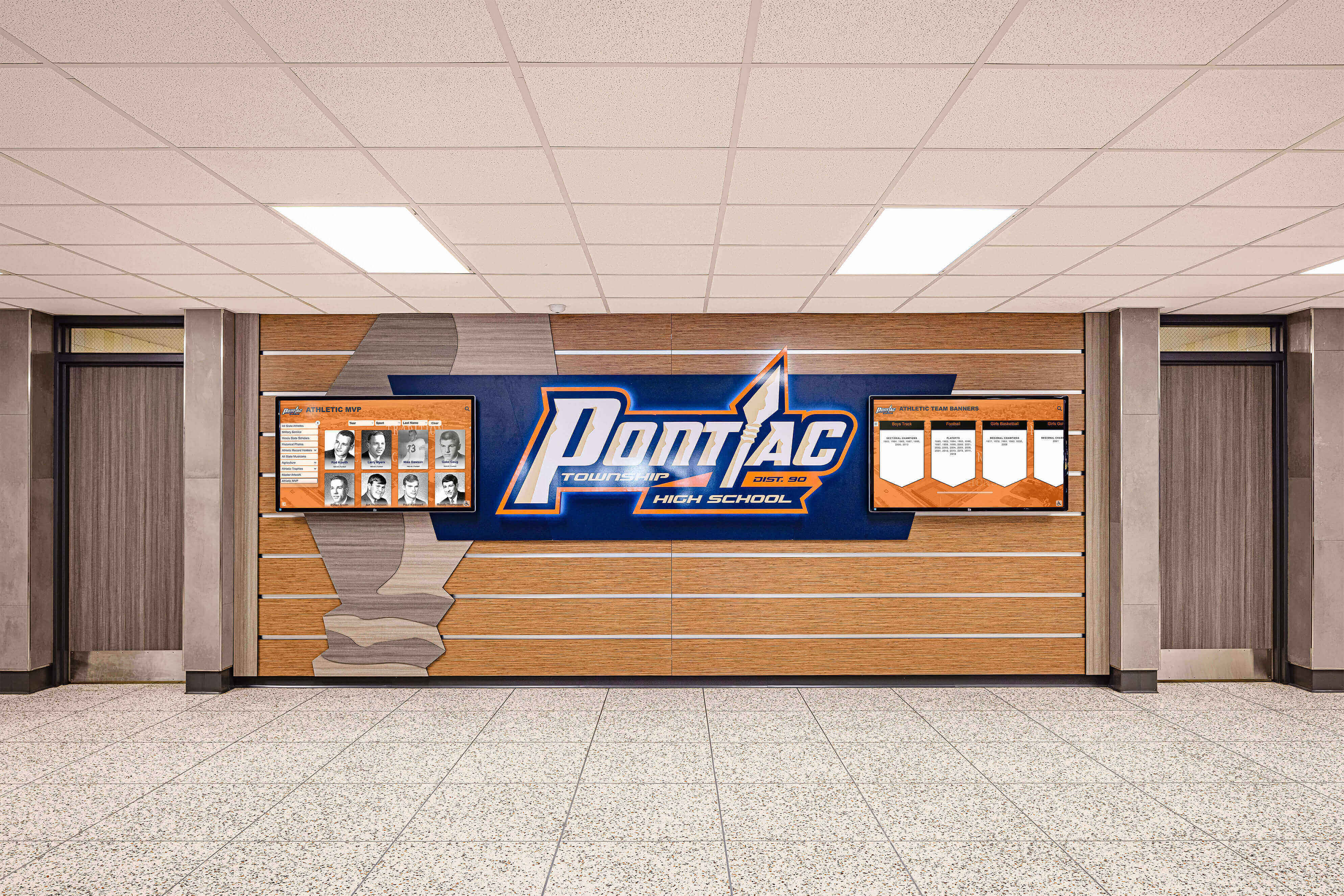
School hallway honor boards with institutional logos and branding — a recognition surface type where logo quality and color accuracy are permanently visible and immediately noticed when they fall short
From Logo Collection to Digital Sponsor Recognition
A sponsor logo submission form is the first step in a sponsor recognition workflow that increasingly extends beyond banners and printed programs into persistent digital displays. Schools and athletic programs are investing in lobby screens, interactive touchscreen kiosks, and digital sponsor recognition panels that keep partner acknowledgment visible year-round — not just on game day.
These digital recognition systems require a higher standard of logo preparation than traditional print: transparent backgrounds are mandatory, color modes must be RGB, and file quality must hold at the display’s native resolution. A well-designed sponsor logo submission form that collects SVG and transparent PNG files alongside print-format EPS files serves both channels from a single intake pass.
Hall of fame tools for athletics, donors, arts, and history increasingly treat corporate sponsors as part of the institutional recognition ecosystem alongside athletes, donors, and alumni — partners whose contributions deserve the same structured, durable acknowledgment that individual recognition programs have long provided.
Digital hall of fame recognition platforms give athletic programs the infrastructure to display sponsor logos dynamically, rotate recognition panels by tier, and update sponsor information without reprinting or redesigning physical signage. All of that capability depends on having clean, properly formatted logo files organized in a structured library.
Programs that build a complete sponsor logo library through consistent use of a submission form are positioned to add digital recognition channels — lobby displays, touchscreen directories, digital program pages — without the operational friction of asset re-collection. The logos are already there, in the right formats, ready to deploy.
Youth sports awards programs and donor recognition programs that integrate corporate sponsor acknowledgment into their visual environments report stronger sponsor retention than programs that limit sponsor visibility to printed materials alone. The mechanism is straightforward: partners who see their logos displayed prominently, accurately, and year-round feel more recognized for their investment than partners whose logo appeared once in a program and was never seen again.
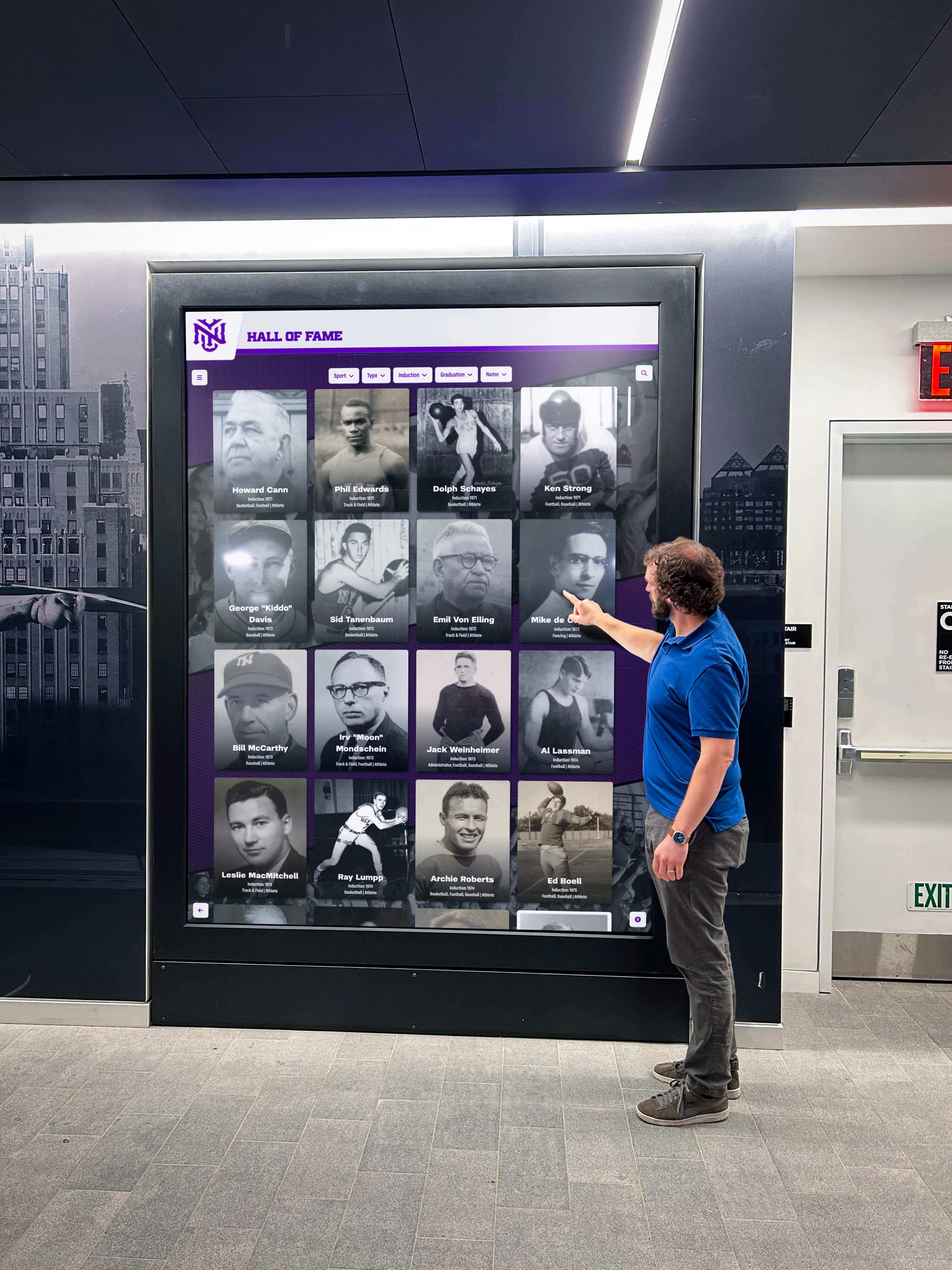
An interactive lobby screen displaying athletic recognition content — the type of persistent digital recognition environment where sponsor logos must be prepared at screen resolution with transparent backgrounds to display correctly
Sponsor Logo Submission Form Pre-Launch Checklist
Before distributing a sponsor logo submission form for a new season, verify each item:
- All required fields marked with asterisk or “Required” label
- File upload fields configured to accept SVG, EPS, AI, PNG, and JPG formats
- File size limits set appropriately — EPS and AI files can exceed 10MB
- Submission deadline field or acknowledgment checkbox present
- Brand color collection fields (Hex and Pantone) included
- Usage context multi-select present and mapped to actual production workflows
- Approval process field included (auto-approved vs. proof review required)
- Alternate contact field present alongside primary contact
- Form tested end-to-end with a test submission before distribution
- Confirmation email configured with next steps and production timeline
- File storage destination confirmed and access-controlled for production team
- Submission instructions explain why vector formats and transparent PNGs are required
Frequently Asked Questions About Sponsor Logo Submission Forms
What file format should sponsors submit logos in?
Sponsors should submit logos in multiple formats: an EPS or AI vector file for large-format print banners, an SVG for digital displays and websites, and a transparent-background PNG for overlays on digital recognition displays, social media graphics, and program layouts. High-resolution JPEGs (300 DPI or higher) are acceptable as print fallbacks but should not be the only format since they do not support transparency and degrade at banner scale.
What fields should a sponsor logo submission form include?
A complete sponsor logo submission form should include company name (exactly as it should appear in recognition contexts), sponsorship tier, primary contact name and email, file upload fields for vector and raster formats, brand color documentation (Hex and Pantone), authorized usage contexts, any exclusivity restrictions, an approval process indicator, and a deadline acknowledgment. Including fields for alternate logo variations — reversed/dark-mode versions, stacked vs. horizontal layouts — reduces back-and-forth when display formats require a treatment different from the standard version.
Why does a sponsor logo need a transparent background for digital displays?
Digital display systems — lobby screens, scoreboard graphics, touchscreen recognition panels — almost never use white backgrounds. When a logo PNG has a white background box, that box appears as a visible rectangle against any colored display background. A transparent-background PNG composites cleanly against any background, making it suitable for every digital context. Requesting transparent PNGs at intake prevents needing to ask sponsors to re-submit when their logo is placed in a dark-background display environment.
How do I collect sponsor logos for both print banners and digital screens?
Use a single submission form that requests print-format files (EPS or AI with CMYK color values) and digital-format files (SVG or transparent PNG with RGB Hex values) simultaneously. Collecting both in one pass — rather than requesting print files at season start and digital files later — builds a complete asset library from the first submission and eliminates repeated outreach to sponsors across the year.
What happens if a sponsor can’t provide vector logo files?
Request the highest-resolution PNG or JPG available and note the limitation in your asset library. For digital displays and programs, a high-resolution PNG often works acceptably. For large-format print banners, a designer can sometimes trace a raster logo to create a vector approximation, though this requires sponsor approval before use. The form should explain that vector files are strongly preferred and that programs may not produce large-format print recognition at full quality without them.
Building the Sponsor Recognition System Behind the Form
A sponsor logo submission form is the intake layer of a recognition infrastructure that, when built correctly, serves your program for years. The banners hanging in the gymnasium, the sponsor panels on the digital lobby screen, the program covers at every home game — they all draw from the same asset library the submission form creates.
Programs that standardize their logo collection process — same form, same field set, same format requirements every season — build an organized sponsor asset library that scales as the sponsor roster grows. When a new digital display is added to the lobby, the logos are already there. When the annual banquet program goes to the printer, the files are already production-ready. When a sponsor renews for a fourth consecutive year, their recognition doesn’t degrade because last year’s assets were lost in someone’s email.
Rocket Alumni Solutions builds digital sponsor recognition displays, touchscreen lobby systems, and athletic recognition environments that bring sponsor logos, donor acknowledgments, and athletic program history together in a single, persistently visible display. A structured asset library is what makes that kind of live recognition environment possible, and it’s the same discipline Rocket Graphics is built around. Get notified when it opens.
Turn Sponsor Logos Into a Permanent Digital Recognition Display
Rocket Alumni Solutions builds touchscreen lobby displays, digital sponsor recognition screens, and interactive hall of fame systems that keep your corporate partners visible year-round — not just on game day. The sponsor logos you collect through a structured intake form become the foundation of a recognition environment that renews partner relationships every time someone walks through your facility.
Get notified when Rocket Graphics opens