Senior year arrives once — and for most families, a well-designed senior ad in the yearbook is the most personal way to mark that milestone in print. Whether you’re a parent creating a tribute for your graduate, a student designing your own page, or a yearbook advisor helping families navigate the process, the right senior ad template makes the difference between a forgettable quarter-page filler and a keepsake families pull off the shelf for decades.
This guide covers everything you need: template categories and layout options for every budget size, design inspiration for different personal styles (classic, sporty, artistic, storytelling), and the exact print specifications yearbook vendors require so your files come back from the printer exactly as intended.

Portrait card displays share the same design DNA as great senior yearbook ads — clear subject focus, intentional layout, and coordinated school-identity elements
What Is a Senior Ad in a Yearbook?
A senior ad is a dedicated paid page or partial page in a school yearbook — typically purchased by parents or family members — featuring curated photos of the graduating senior alongside a personal message celebrating their journey. Senior ads live in a dedicated section separate from the core yearbook content, giving families creative control over how their student is presented.
Senior ad sections have appeared in high school yearbooks since the 1970s and have evolved from simple black-and-white photo boxes into full-color design showcases. Today’s senior ads blend professional senior portraits, childhood throwback photos, candid moments, and typographic tributes into layouts that feel more like editorial design than conventional advertising.
What makes a senior ad different from a yearbook photo page is intent: the yearbook’s editorial content documents the class year for everyone; the senior ad section exists specifically to let families create a personal tribute for their graduate.
Standard Senior Ad Template Sizes and Layout Options
Yearbook vendors offer senior ad sizes in standard increments. Understanding the size system is the first step to choosing the right template format.
Full-Page Senior Ads (8.5" × 11" or 9" × 12")
Full-page templates give families the most creative territory and the highest visual impact. At this size you can include:
- Five to eight photos arranged in editorial collage layouts
- Large display type for the student’s name or a headline quote
- Extended personal message with room for multi-paragraph tributes from multiple family members
- Design elements — borders, watermark graphics, school logo, sport or activity imagery
Full-page senior ads are the premium tier and command attention in the senior section. They also produce the highest-quality keepsake because the larger format reproduces details — sports action photos, baby pictures — that compress to near-invisibility at smaller sizes.
Half-Page Senior Ads (8.5" × 5.5" landscape or 4.25" × 11" portrait)
Half-page templates are the most popular senior ad size. They balance cost, impact, and design flexibility well enough that most yearbook advisors see half-page as the default choice for engaged families.
Effective half-page layouts typically feature:
- Three to five photos with one dominant image and supporting secondary photos
- Student name as the primary typographic element
- Short personal message (50–100 words)
- Graduation year and school name as design anchors
The horizontal (landscape) half-page works well for collage and timeline layouts; the vertical (portrait) half-page suits portrait-dominant designs where one large senior photo carries the composition.
Quarter-Page Senior Ads (4.25" × 5.5")
Quarter-page templates require disciplined design choices because the available space is limited. The strongest quarter-page senior ads use:
- One to two photos — either a single strong portrait or a small childhood/senior photo pairing
- Student name in prominent type large enough to anchor the space
- Brief message (25–40 words maximum)
- Clean background that lets the photo breathe
Quarter-page ads succeed when the design is simple and the photo is exceptional. Overcrowded quarter-pages are the most common senior ad design mistake.
Eighth-Page Senior Ads (4.25" × 2.75" or business-card proportions)
Eighth-page sizes are the entry-level option for families working with tighter budgets. Effective eighth-page designs focus on a single photo with the student’s name and graduation year — sometimes just a portrait with a name beneath is the right choice at this scale.
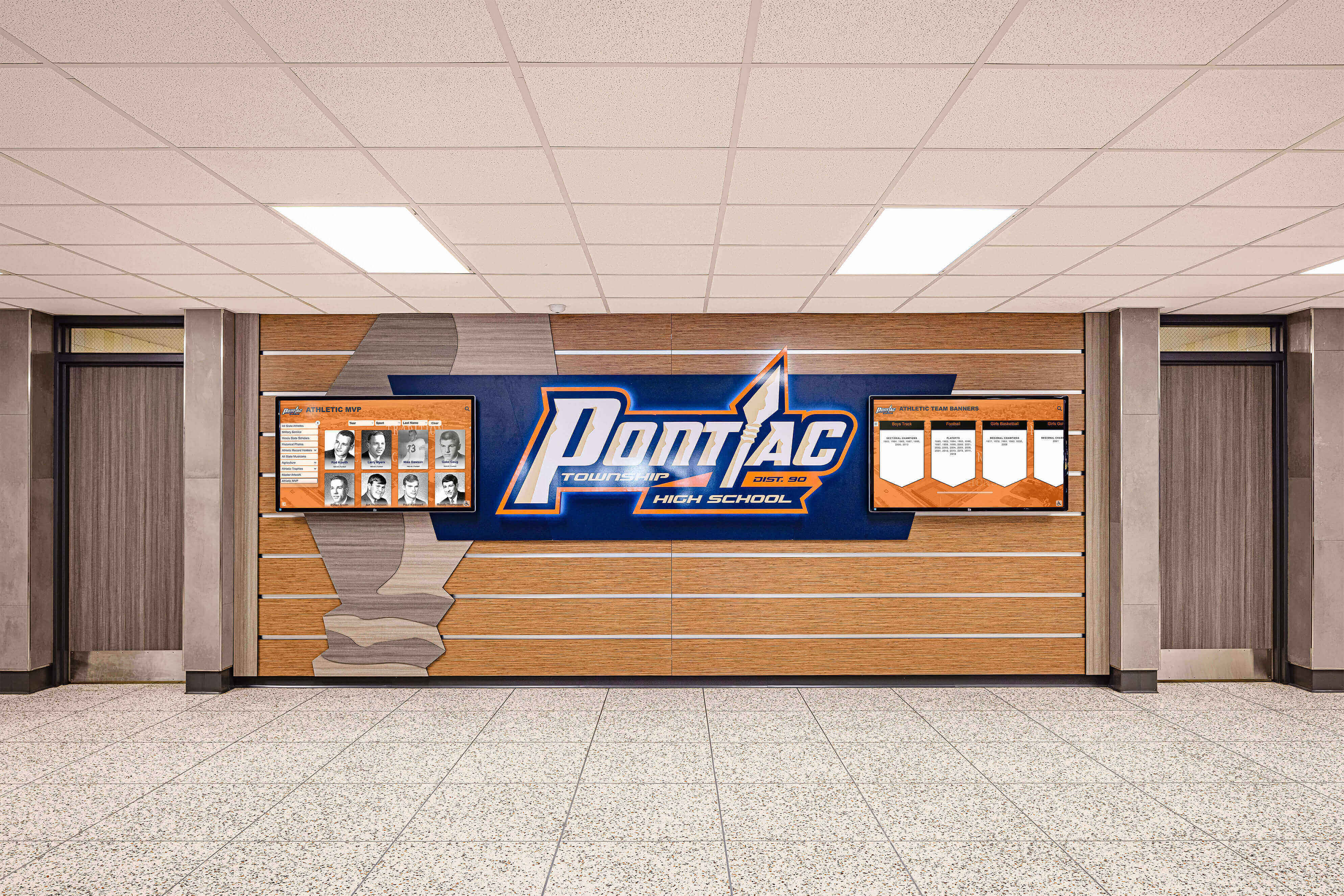
Tiered display formats — from full boards to smaller panels — mirror the size hierarchy in senior ad templates, where larger formats support richer storytelling and smaller formats demand focused simplicity
Core Design Elements for Effective Senior Ad Templates
Across all sizes, the best senior ad templates share a set of consistent design principles that separate polished tributes from amateurish assemblies.
Photo Selection and Hierarchy
Every strong senior ad has one hero image — typically a formal senior portrait or standout action photo — that commands the most visual real estate. Secondary photos support the story the hero image establishes: childhood snapshots for the “look how far you’ve come” narrative, sports and activity photos for achievement-focused tributes, friend and family photos for relationship-centered designs.
Photo hierarchy rules:
- Hero image: 40–60% of available space
- Supporting photos: 15–25% each
- Text and design elements: remaining space
Resist the impulse to include every available photo. Curating to five to eight excellent images produces stronger results than cramming in fifteen mediocre ones.
Typography for Senior Ads
The student’s name is almost always the dominant typographic element. For display use, serif fonts like Playfair Display, Garamond, or Georgia create elegance appropriate for graduation tributes; script fonts like Pacifico or Pinyon Script add personal warmth; clean sans-serifs like Montserrat or Raleway work for contemporary layouts.
Typography size guidelines by format:
- Student name: 48–72pt for full-page; 36–48pt for half-page; 24–36pt for quarter-page
- Quote or message headline: 18–24pt
- Body message text: 10–12pt minimum for readability
- Graduation year: can appear as large background watermark or as a smaller accent element
Never use more than two typeface families in a single senior ad. Typographic restraint creates polish.
Color and Background Treatment
Most senior ad templates use one of three color approaches:
- School color dominant — background or framing elements in school colors create immediate institutional connection and look cohesive when multiple senior ads appear on facing pages
- Photo-based palette — colors extracted from the hero photo determine accent colors, creating visual harmony between image and design elements
- Neutral with color accents — white or cream backgrounds with gold, navy, or school-color accents, the most versatile approach that works across photo types
Dark backgrounds with light typography work for dramatic, editorial-style senior ads but require high-contrast photos to maintain legibility.
Personal Message Formatting
The written message is often what families return to most often when they revisit the yearbook. Formatting matters:
- Separate messages from different family members with visual breaks (horizontal rules, different font weights)
- Keep line length under 55 characters for comfortable reading
- Use 1.4–1.6× line spacing for body text
- Avoid centering long paragraphs — left-aligned text reads more naturally for extended messages
Senior Ad Template Style Categories
Beyond size, senior ad templates break into recognizable style categories. Matching template style to the student’s personality and the family’s tribute goal produces the strongest results.
Classic Portrait Templates
Classic portrait-focused senior ad templates center a single formal senior portrait — typically from a professional senior photo session — surrounded by elegant typographic framing and a personal message. These templates prioritize dignity and timelessness.
Best for: Families who want a tribute that will look polished across decades; students whose identity isn’t strongly tied to one specific activity.
Design features: Single dominant portrait, serif typography, clean backgrounds, formal color treatments (navy, burgundy, or forest green paired with gold or cream).
Childhood-to-Senior Timeline Templates
Timeline templates juxtapose early childhood photos (baby pictures, elementary school years) with current senior portraits, creating a “look how you’ve grown” narrative that resonates emotionally at graduation.
Best for: Parents who want to emphasize the journey and their pride in their child’s growth.
Design features: Two to four photos in chronological progression, graduation year prominently featured, warmth-forward color palettes, personal parent message with ample space.
The digital class composite display model applies similar “then and now” storytelling logic — showing how effective longitudinal photo organization creates emotional impact across recognition formats.
Collage Activity Templates
Collage templates organize multiple activity and achievement photos into a visual scrapbook of the senior year. These templates work especially well for students whose high school career spanned multiple activities — sports, performing arts, leadership roles, community service.
Best for: Active students with strong involvement across multiple areas; families who want to document accomplishments alongside personal tribute.
Design features: Six to ten photo slots, grid or organic layout, activity-specific accents (sport equipment silhouettes, musical notes, academic icons), achievement callouts.
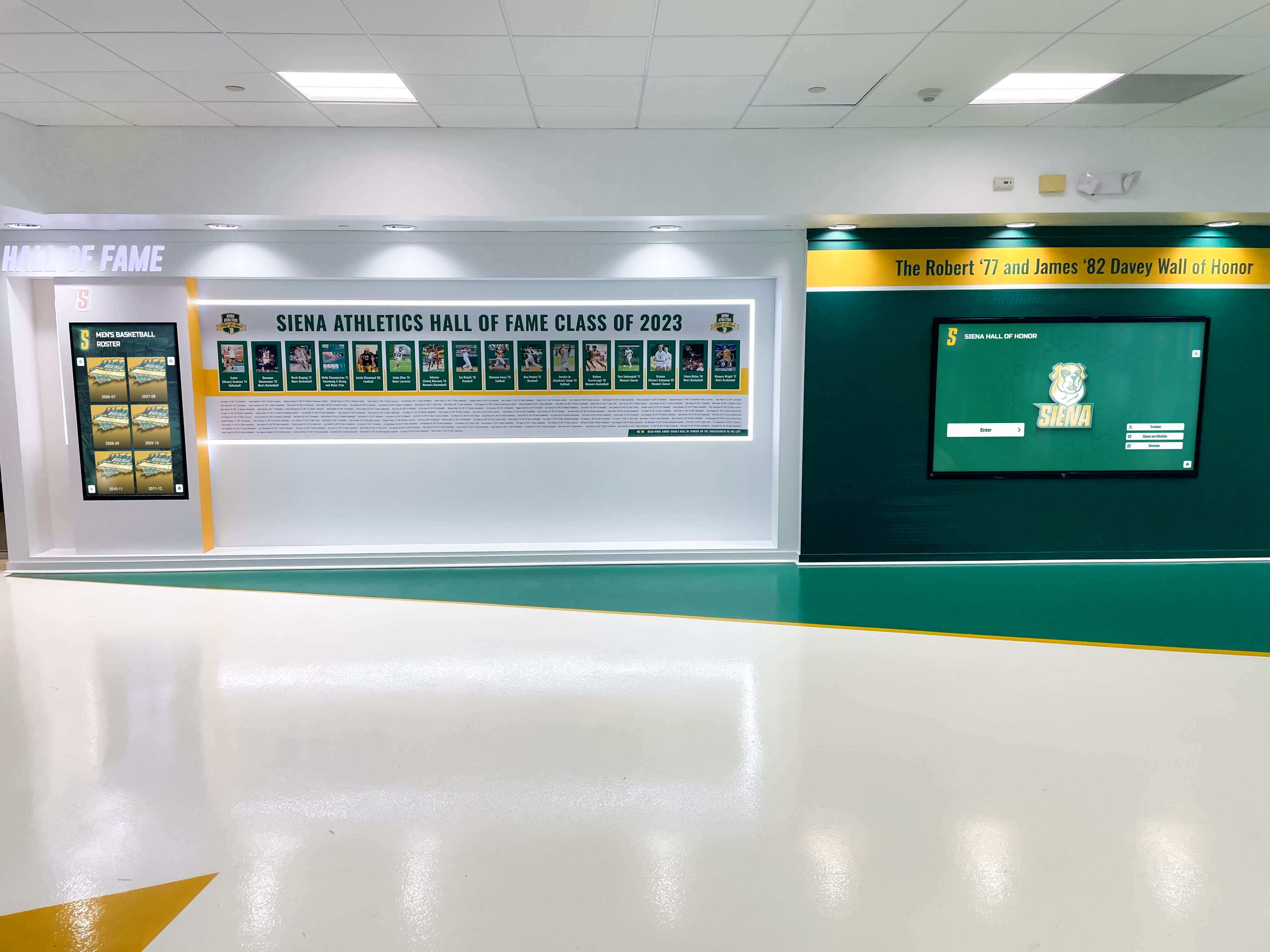
Recognition panel systems that catalog individual achievements alongside portraits mirror the collage senior ad template — both formats celebrate the full arc of a student's contributions
Sport or Activity-Specific Templates
Sport-specific templates use design elements from a particular activity — football fields, basketball courts, swimming lanes, musical staff lines, theater spotlights — as the visual organizing framework for the senior ad.
Best for: Students for whom one sport or activity defines their high school identity; families who want the template to immediately communicate what their student cared most about.
Design features: Activity-specific backgrounds or icons, action photography as hero image, achievement records or team affiliations noted, bold condensed jersey-number typography.
Recognizing student athletes in print connects naturally to longer-term recognition programs — the senior class awards display guide explores how schools extend individual senior recognition into permanent hall of fame installations that last well beyond graduation day.
Quote-Centered Typographic Templates
Quote-centered templates lead with a meaningful quote — the senior’s own words, a lyric, a line from their favorite book, a family saying — set in large display type, with photos supporting the typographic centerpiece.
Best for: Students with a clear personal philosophy or defining statement; families who find the right words more powerful than a photo arrangement.
Design features: Display quote in 36–60pt typography as dominant element, supporting photos in secondary positions, restrained color palette that doesn’t compete with the text.
Minimalist Modern Templates
Minimalist templates strip senior ads to essential elements — one portrait, clean name typography, a brief message — executed with strong design discipline. At first glance they appear simple, but minimalist senior ads depend on exceptional photography and typography to succeed.
Best for: Students or families who prefer understated elegance; designs where photo quality is outstanding.
Design features: Generous white space, single typeface family, one to two photos maximum, restrained accent colors.
Print Specifications for Yearbook Senior Ads
Understanding print requirements before designing prevents the most common technical failures that result in rejected files or reprinted pages.
Resolution Requirements
All senior ad artwork must be saved and submitted at 300 DPI (dots per inch) at the final print dimensions. Images that look fine on screen (72–96 DPI) will print blurry and pixelated. Always source the highest-resolution photos available — professional senior portraits should be requested from photographers in original full-resolution files, not exported from social media platforms.
Resolution checklist:
- Photographs: 300 DPI minimum at print size
- Logos and vector graphics: use vector (AI, EPS, SVG) when possible; 600 DPI if raster
- Backgrounds: 300 DPI at final dimensions
- Never enlarge a photo beyond its original dimensions — this reduces effective resolution
Color Mode: CMYK vs. RGB
Screens display color in RGB (red, green, blue) light; printing uses CMYK (cyan, magenta, yellow, black) inks. Designs created in RGB must be converted to CMYK before print submission — this conversion often shifts colors, particularly in vibrant blues, greens, and deep reds.
Best practice: Design in CMYK from the start. Specify school colors using official CMYK values (typically available from the school’s athletic or communications department). Proof color output by printing a test page on a calibrated printer before submitting final files.
Bleed, Safe Zone, and Trim Specifications
| Spec | Measurement | Purpose |
|---|---|---|
| Bleed | 0.125" beyond trim on all sides | Prevents white border at page edges after cutting |
| Safe zone | 0.25" inside trim on all sides | Keeps critical content from getting cut |
| Trim size | Exact final dimensions per vendor spec | The actual printed page size |
Always request a technical specification sheet from your yearbook vendor (Jostens, Walsworth, Herff Jones, TreeRing, or your publisher) before designing. Vendors have specific requirements for file format, color profile, and bleed that can vary.
File Format for Submission
Most yearbook vendors accept one of these formats:
- Print-ready PDF with embedded fonts, embedded images, and CMYK color profile — preferred by most vendors
- High-resolution TIFF (300 DPI, CMYK, flattened)
- Adobe InDesign package — some vendors accept with linked files and fonts included
Always flatten layers before exporting. Embed all fonts — fonts that aren’t embedded may substitute on the vendor’s system, changing your typography entirely.
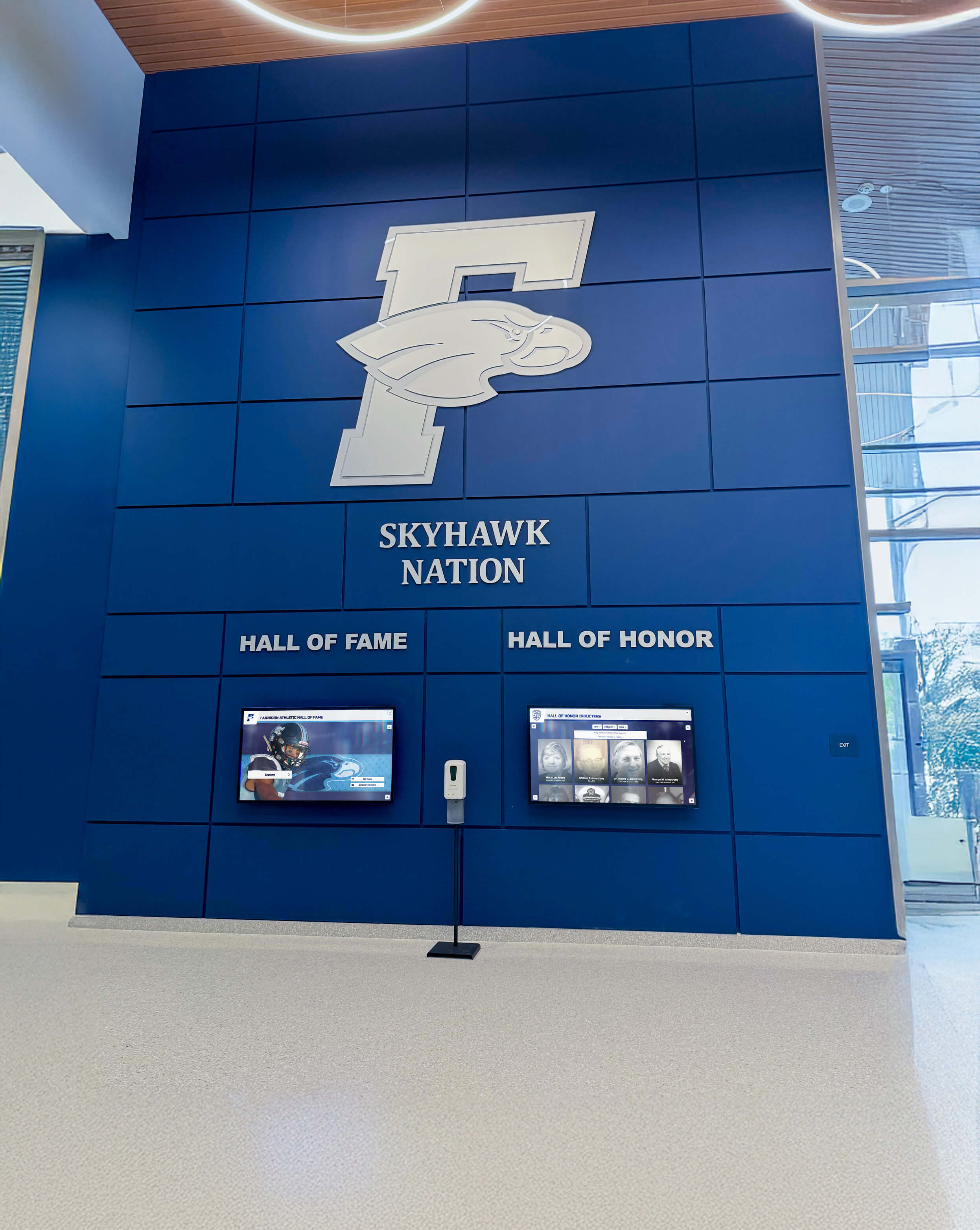
School color consistency — as demonstrated in this Skyhawk Nation lobby display — is equally important in senior ad templates, where matching the school palette creates visual cohesion across the entire senior section
Senior Ad Design Ideas and Inspiration
Using School Colors and Identity
Tying senior ad colors to the school’s official palette creates visual cohesion when multiple senior ads appear on facing pages. A senior section where every ad uses wildly different color schemes looks chaotic; a section where ads share a common color vocabulary — even if each design is distinct — feels curated and intentional.
Look to how your school presents class of 2026 digital showcases for color palette choices that feel appropriate for the graduating class year.
Showcasing Multiple Life Chapters
Parents who have collected photos across eighteen years have an extraordinary archive to draw from. The most emotionally resonant senior ads often include:
- A defining baby photo (bathtub portraits, first birthday, hospital arrival)
- An elementary school class picture or candid
- A middle school transition moment
- Multiple senior year photos showing different facets of the student’s personality
This multi-chapter approach works especially well for full-page and half-page templates that have space to breathe across the timeline. The tradition of class rings and senior milestones connects senior identity to school legacy — the same tradition senior ads reinforce through personal tribute.
Incorporating Achievement Callouts
Rather than burying accomplishments in paragraph text, consider formatting key achievements as graphic data points:
- 300 career points (basketball)
- 4 years varsity, 3-time captain (soccer)
- NHS member, junior year forward (academic honor)
- Lead role, spring musical (performing arts)
Achievement callouts work particularly well in collage templates and sport-specific designs where achievement records are central to the tribute.
Friend and Family Group Photos
Secondary photo clusters featuring the student with close friends or family add emotional warmth and relationship context that solo portrait-only layouts can miss. Even one strong candid of the student with their closest group creates a “this is who I am” narrative dimension that complements the formal portrait.
How AI-Powered Design Tools Simplify Senior Ad Creation
Traditional senior ad design required either design software expertise (Adobe InDesign, Illustrator, or Photoshop) or expensive professional design services. Today, AI-powered tools eliminate the skill barrier — allowing parents and families to produce professionally designed senior ads using drag-and-drop interfaces with template libraries built specifically for school publications.
Platforms like Rocket Graphics offer free AI-powered graphics tools for schools that allow even non-designers to produce polished senior ad layouts — handling photo arrangement, typography, and color coordination automatically while the user focuses on selecting photos and writing the personal message.
Key features to look for in any senior ad design platform:
- Template library organized by size (full-page, half-page, quarter-page, eighth-page options)
- Automatic resolution checking that flags low-resolution photos before submission
- CMYK export support for print-accurate color output
- Bleed and safe zone guidelines built into templates
- Font library with licensing cleared for print use
- School color matching that applies official school colors consistently
For yearbook advisors managing senior ad submissions from dozens of families, tools that produce consistently formatted, print-ready PDFs are transformative — replacing the late-spring scramble to fix file errors with a streamlined submission process.
Extending Senior Recognition Beyond the Yearbook
The yearbook senior ad captures a single moment in a printed format that serves families primarily. Schools that extend senior recognition into campus environments create additional touchpoints for honoring graduating students throughout senior year and beyond.
Digital yearbook walls installed in school lobbies or hallways allow graduating classes to be celebrated in high-traffic public spaces — displaying senior portraits, achievement highlights, and class-wide recognition in formats visible to the full school community rather than only yearbook purchasers.
Interactive touchscreen systems extend this further by making senior content browsable and searchable — allowing visitors, underclassmen, and alumni to explore graduating class profiles, activity records, and tribute content in an engagement format print yearbooks can’t replicate. Digital yearbook examples from schools across K-12 and university settings show how schools are combining print and digital formats to create recognition ecosystems that serve multiple audiences.
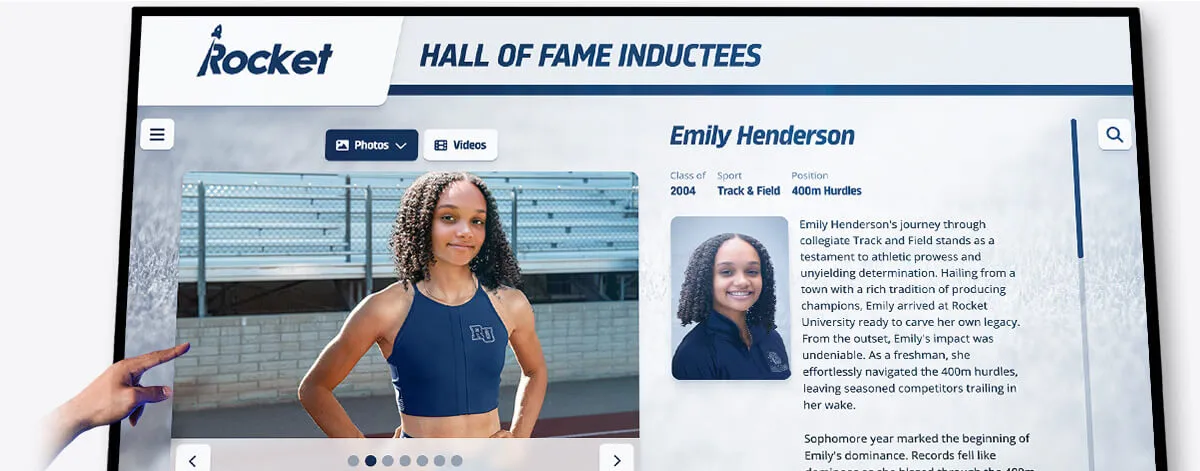
Interactive touchscreen recognition systems extend senior and athlete recognition beyond print yearbooks — creating browsable, searchable achievement archives visible to the full school community year-round
The design consistency principles that make senior ad template sections feel cohesive apply equally to campus recognition environments — a coordinated visual language across yearbook, digital displays, and hallway panels creates a unified senior recognition experience that reinforces the significance of graduation.
Schools that invest in school spirit and community recognition programs consistently find that coordinated recognition — from yearbook senior ads through campus displays — reinforces the sense of belonging and achievement that motivates students throughout their high school careers.
Frequently Asked Questions About Senior Ad Templates
What size senior ad template should I choose for a yearbook?
Half-page senior ad templates are the most popular choice because they offer enough space for three to five photos, a prominent name treatment, and a personal parent message at a reasonable cost. Full-page templates are the premium option for families who want maximum design impact and room for six to eight photos with extended text. Quarter-page works for families with tighter budgets who have strong, high-resolution photos to anchor the design. When in doubt, choose one size larger than you initially think you need — it is easier to design effectively with extra space than to compress meaningful content into a tight layout.
What photos work best in senior ad templates?
The strongest senior ads combine a professional senior portrait as the hero image with personal candid photos from childhood, sports, activities, and friendships as supporting images. Professional portraits typically have the 300 DPI resolution and lighting quality required for print reproduction. Personal phone camera photos can work in supporting roles as long as they were taken in good light at high resolution — test by printing a small proof before committing. Baby photos and early childhood images are consistently effective in senior ads because the juxtaposition with senior portraits creates emotional resonance that no other photo combination replicates.
How do I make sure my senior ad files print correctly?
Submit files in CMYK color mode (not RGB), at 300 DPI resolution for all photos, as print-ready PDFs with embedded fonts and images. Include a 0.125-inch bleed beyond the trim size on all sides so background colors extend to the edge without white borders after cutting. Keep important text and content at least 0.25 inches inside the trim edge as a safe zone. Request your yearbook vendor’s specific technical specification sheet before starting design — requirements vary between Jostens, Walsworth, Herff Jones, TreeRing, and other publishers.
When are yearbook senior ad submissions due?
Most yearbook programs set senior ad deadlines in October or November for spring delivery yearbooks — significantly earlier than families expect. Yearbook advisors typically communicate deadlines through Back-to-School Night, student announcements, and parent communications in August. Missing the senior ad deadline almost always means missing inclusion entirely, since the senior ad section is among the first sections to close due to its placement near the front of most yearbooks. Families should watch for deadline communications starting at the beginning of the school year and complete designs in September or October.
Can I design a senior ad template without design software?
Yes. Modern online design platforms — including AI-powered tools like Rocket Graphics — allow families to design print-ready senior ads using browser-based drag-and-drop interfaces with no design software experience required. These platforms provide templates pre-sized to standard yearbook ad dimensions, font libraries cleared for print use, and export functions that generate CMYK PDF files meeting most vendor specifications. For additional customization, tools like Canva also offer yearbook-appropriate templates with print export options, though careful attention to resolution and CMYK conversion is required before submission.
Celebrate Your Senior Class On Campus and in the Yearbook
Rocket Alumni Solutions helps schools extend senior recognition beyond the printed page — with digital displays, interactive touchscreen tributes, and recognition systems that honor graduating classes in hallways, lobbies, and beyond. See how schools are building lasting senior recognition programs that complement yearbook senior ad sections.
Get notified when Rocket Graphics opens