A school record graphic serves two distinct purposes that athletic programs often treat as the same task — and the confusion produces designs that fail at both. The first purpose is immediate: celebrate a record-breaking moment on social media while the emotion is fresh. The second purpose is permanent: document that milestone in a format that belongs on a digital record board and can be searched, printed, or displayed for decades. Each purpose imposes different design requirements, and athletic departments that understand the distinction create graphics that genuinely serve both audiences instead of compromising for neither.
This guide covers the complete workflow — from the design elements that every school record graphic needs, to the format differences between social posts and digital boards, to the archiving process that connects a game-night Instagram Story to a permanent entry in the school’s athletic record system.
What Makes a School Record Graphic Different From Other Athletics Graphics
A game-day score graphic and a record-breaking milestone graphic share the same immediate context — something notable just happened in a game — but their long-term purposes are completely different. A score post has a shelf life measured in hours; it’s relevant until the next game. A record graphic documents a permanent entry in the school’s athletic history. It will be referenced years from now when a coach is preparing a hall-of-fame nomination, when a booster program is building an anniversary tribute, or when a new athlete approaches the all-time mark.
That archival function changes the design requirements. A score post can afford to be ephemeral and stylized. A record graphic needs enough structured information to function as a data record, not just a celebration post. When the graphic is consumed on Instagram at 11 PM after a rivalry game, it celebrates an achievement. When it’s pulled from an archive five years later to populate a digital record board entry, it needs to document that achievement precisely.
Schools that record and track sports games systematically understand that the documentation chain from game log to record book to recognition display is only as reliable as each link. The school record graphic is the visual link between the raw data and the permanent recognition environment — it needs to hold up at both ends.
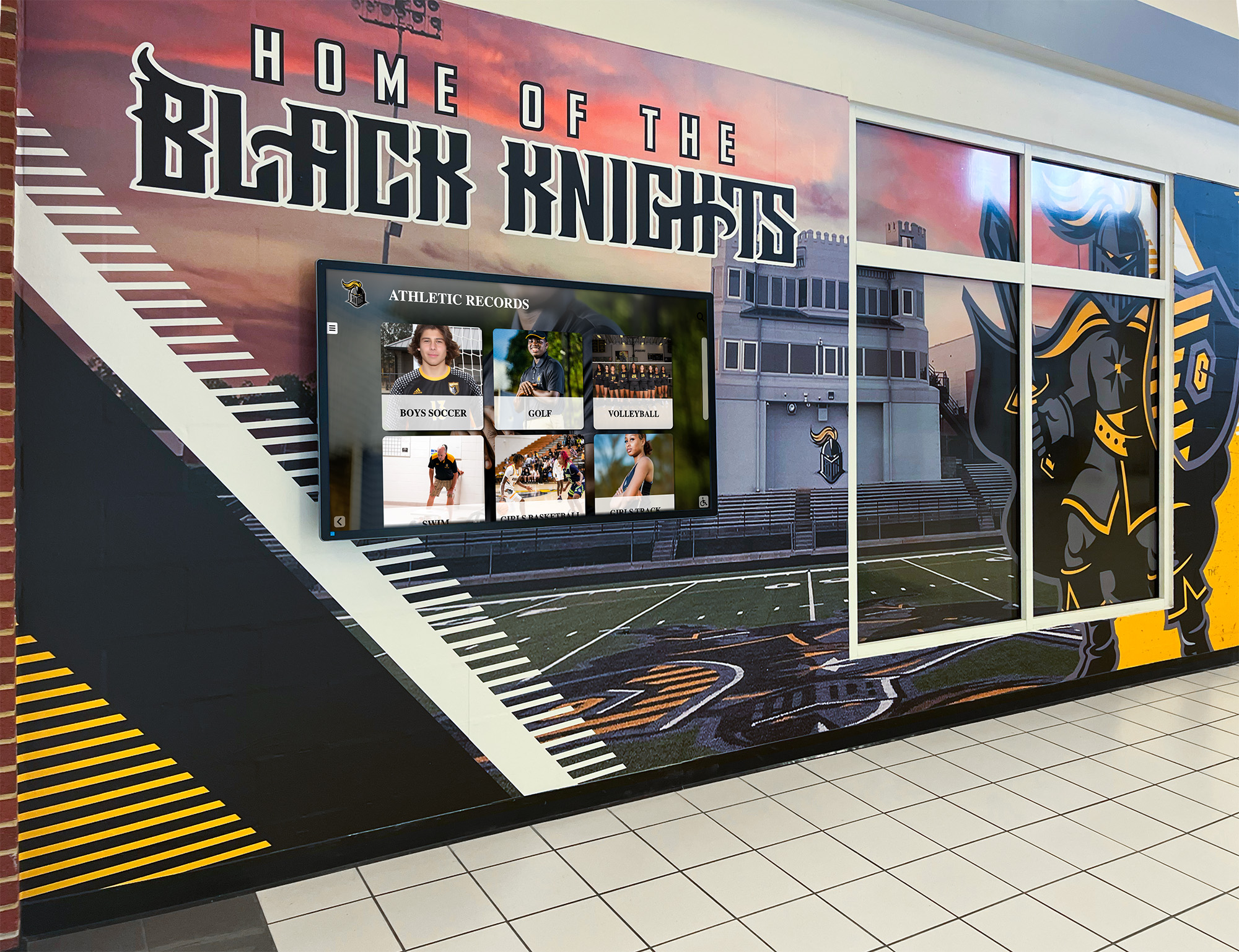
A school athletic hallway where a program mural sits alongside a dedicated records display — the same milestone that generates a social post one night becomes a permanent entry on a board like this one
Essential Fields in Every School Record Graphic
The most common failure in school record graphic design is omitting information that seems obvious in the moment but is essential six months later. The record-holder’s name and sport are clear on game night — but a graphic pulled from an archive file in 2031 needs to stand alone.
Required Data Fields
Every school record graphic — regardless of whether it’s headed for Instagram or a digital record board — needs these fields:
| Field | Example | Why It Matters |
|---|---|---|
| School name or logo | Westview Eagles | Required for out-of-context viewing |
| Athlete’s full name | Jordan Martinez | Archive identification; not just a first name |
| Sport and event | Varsity Girls Track – 400m | Specifies exactly which record category |
| Team level | Varsity / JV / Freshman | Records are tier-specific |
| Record value | 54.3 seconds | The actual measurement, with units |
| Previous record | 54.8 seconds (former mark) | Context for how significant the break was |
| Season / Year | 2025–26 Season | Required for historical sequencing |
| Date of achievement | March 14, 2026 | Needed for record book entry |
| Event / Meet | Regional Championships | Where the record was set |
Optional but High-Value Fields
- Previous record holder’s name (honors the athlete being surpassed, not just the new record holder)
- Competitor or venue context for milestone completeness
- Career statistics summary for personal-best milestones versus all-time school records
- Conference or classification note for state-qualifying records
The design principles behind athletic record board displays apply directly to these field requirements — whether the display lives on a physical board or a digital screen, the information architecture has to serve someone reading it for the first time with no prior context.
Design Requirements: Social Posts vs. Digital Record Boards
The same record, the same athlete, the same milestone — but the design that works on Instagram fails on a corridor digital board, and vice versa. Here is why, and how to handle both efficiently.
Social Post Design Requirements
Social platforms reward visual energy. A school record graphic posted on Instagram or Facebook is competing with every other piece of content in the feed — it needs to grab attention before it communicates information. The design hierarchy reverses from a record board: emotion first, data second.
Primary visual element: Athlete photo or action image (where available) — the human element drives engagement on social Secondary element: Record value, large and high-contrast — “School Record” or “New All-Time Mark” as a callout Tertiary elements: Name, sport, year, school identity — present and readable, but visually subordinate
Social platforms also impose specific dimension requirements that affect how the graphic is cropped and displayed:
| Platform / Format | Dimensions | Notes |
|---|---|---|
| Instagram Feed (square) | 1080 × 1080px | Most versatile single format |
| Instagram Story | 1080 × 1920px | Record-breaking announcement countdown |
| Instagram Landscape | 1080 × 566px | Useful for before/after record comparison |
| Facebook Post | 1200 × 630px | Community and alumni sharing |
| Twitter / X | 1600 × 900px | Game-night score and record combination |
| Digital Lobby Screen (landscape) | 1920 × 1080px | Corridor and lobby display |
| Digital Lobby Screen (portrait) | 1080 × 1920px | Vertical hallway screen rotation |
Design for the largest format first and export scaled-down versions. A 1920 × 1080px digital lobby version scaled to Instagram retains quality; an Instagram-first file upscaled to lobby dimensions introduces visible degradation.
Digital Record Board Design Requirements
A digital record board display has completely different design priorities from a social post. Viewers encounter it at 5–15 feet of viewing distance, usually in passing — they need to extract specific information quickly and move on. There is no scrolling, no tapping for more detail, no algorithm curating which records they see.
Primary visual element: Record category and value — what kind of record, and what the number is Secondary element: Athlete name — who holds it Tertiary elements: Year, sport, date — when it was set
Typography rules for digital record board display differ from social posts as well. Minimum 48pt equivalent for the record value and holder’s name at full display resolution. Supporting fields (year, date, event) should be minimum 28pt. Every field needs a minimum 7:1 contrast ratio against the background — screens in lit corridors wash out contrast significantly, making the 4.5:1 WCAG standard insufficient for readable athletic displays.
How schools track and display all-time records follows a consistent pattern regardless of whether the display is physical or digital: primary record value front and center, holder’s name immediately below, season context to the right or below, with the school’s visual identity anchoring the design.
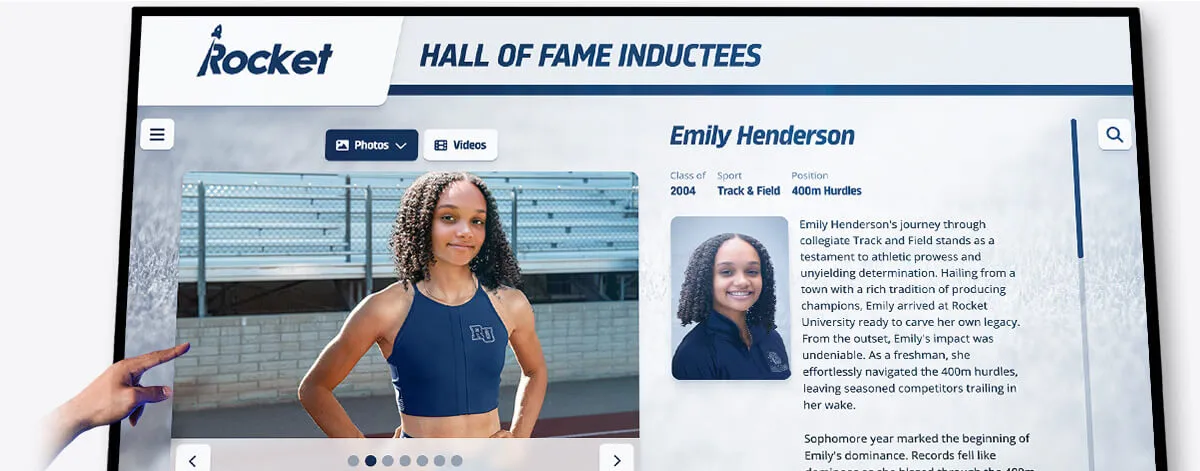
A touchscreen athletic record display that documents a specific event, time, and athlete — the same structured information this display shows is what makes a school record graphic useful long after the celebration post has disappeared from feeds
Color and Typography Standards for School Record Graphics
The visual conventions for school record graphics are simpler than many athletics graphics formats because the function is primarily informational. Decoration should not compete with the record data.
Color Application
Use school colors as the organizational logic, not the decorative logic:
- Background: School primary color (dark colors preferred — navy, forest green, maroon, black — because they hold contrast well under both screen and lighting conditions)
- Primary text: White or the school’s lightest official accent color
- Callout/highlight elements: School secondary color for the record value, “New Record” label, or achievement callout
- Avoid: Gradients that reduce contrast at any point along the text area; background photography that sits behind unreadable text; color combinations without sufficient contrast at the periphery of the design
The championship banner design conventions that govern gymnasium installations apply here: school color consistency from the social post to the permanent display surface creates the sense that this record is part of an organized athletic tradition, not a one-off celebration post.
Typography Rules
For record values and athlete names: Bold or extra-bold condensed sans-serif typefaces — Bebas Neue, Oswald ExtraBold, Barlow Condensed Bold — deliver high legibility at both close (mobile) and corridor viewing distances. Numbers and names at this weight hold contrast under variable lighting.
For supporting fields (year, date, event): Regular or medium weight of the same family or a clean companion sans-serif. Consistent with but visually subordinate to the primary fields.
Two-typeface rule: One bold condensed face for primary fields, one regular weight for supporting fields. More than two typefaces in a record graphic creates visual competition where there should be clarity.
Hierarchy Visual Check
Before finalizing any school record graphic, apply the five-second test: glance at the graphic for five seconds, then look away. Without referencing the image, state: what sport, what record, who holds it. If you can answer all three from a five-second glance, the visual hierarchy is working. If any element is unclear, that element needs more visual weight.
Building a Reusable School Record Graphic Template System
Athletic programs that produce individual school record graphics from scratch each time spend significantly more staff time per graphic and produce less consistent results than programs with a template system. The template system doesn’t reduce quality — it establishes a quality floor that every graphic meets automatically.
Template Architecture
A complete school record graphic template set needs at minimum three variants:
Individual Record Template: One athlete, one record, one sport — the standard format for a single-event record break. Full data fields, school branding, athlete name prominently placed.
Record Board Summary Template: Multiple records displayed simultaneously — suitable for digital corridor displays and “record board update” season-start posts that show all current holders across a sport or season.
Before/After Comparison Template: Old record on one side, new record on the other — the most shareable format for social posts when the margin of improvement is notable.
Each variant should be built with placeholder fields that accept updated data without requiring redesign. When a new record is set, the production process is: open the template, update the athlete name and record value, export. Not: design from scratch at 10 PM after a game.
For athletic departments evaluating options, the athletic hall of fame planning guide for school admins documents how record graphic workflows integrate into broader recognition systems — template consistency at the individual record level feeds directly into consistent display quality at the hall-of-fame level.
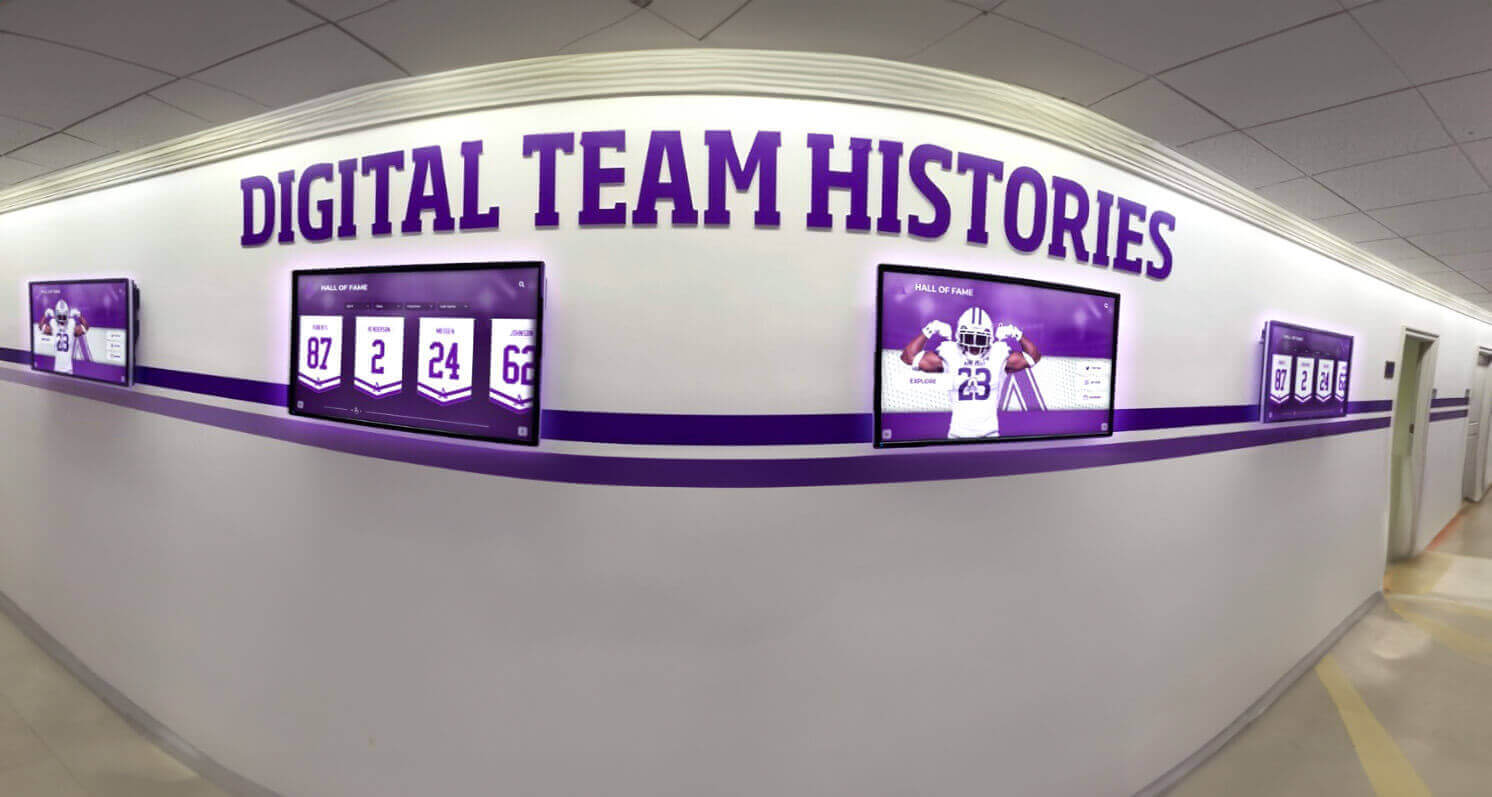
A school hallway with multiple digital screens showing team records and histories — the structured data approach to individual school record graphics makes this kind of comprehensive display environment possible when programs accumulate years of consistently formatted record documentation
Connecting Social Record Graphics to Permanent Digital Record Boards
The gap between a social record graphic and a permanent digital record board entry is smaller than most athletic departments assume — but closing it requires intentional design choices made at the social post stage.
The Archive-First Design Philosophy
When designing a school record graphic for social media, design it as if it will also be used directly as a digital record board entry. This means:
- Every required data field (listed above) is present and legible on the social version
- The record value uses a consistent format (time format: MM:SS.ss; distance format: feet-inches; score: points)
- Athlete name appears in full, not a jersey number or nickname
- The school year and date of achievement are visible on the graphic itself, not just in the caption
This approach costs nothing in design effort — it’s the same data the graphic would include anyway — but it means the social graphic can be archived directly without reformatting, and the data is recoverable from the graphic even if the caption and metadata are lost.
Digital Record Board Entry Workflow
The most effective workflow for schools managing digital record boards connects the graphic design stage to the board update in a single process:
- Record is set during competition
- Athletic director or coach prepares the school record graphic using the standard template
- Graphic is exported in both social dimensions (1080 × 1080px or 1080 × 1920px) and display dimensions (1920 × 1080px)
- Social version is posted immediately; display version is uploaded to the digital board content system
- Record data (athlete, value, date, event) is entered into the school’s record-tracking database or spreadsheet
- Both the graphic file and the data entry are archived under a consistent naming convention
This workflow means the record is documented in three formats simultaneously — the social graphic, the digital board display, and the data record — from a single production event. When a new record breaks years later, the research into the previous record is trivial.
Touchscreen record board systems and their display comparison show how current digital board platforms handle incoming record data — the structured fields that make a graphic archive useful are the same fields these systems import for display updates.
From Record-Breaking Post to Permanent Digital Board
Rocket Alumni Solutions builds touchscreen record boards and digital recognition displays that turn every school record graphic into a permanent part of your program's history. Connect your game-night social posts to a display that students, alumni, and recruits can explore for decades.
Get notified when Rocket Graphics opensSchool Record Graphic Formats by Sport
Different sports have different record conventions, and a school record graphic template needs to accommodate each sport’s measurement format naturally. A track record graphic with a time format and a basketball record graphic with a points total require different field treatments even when both use the same visual template.
Track and Field and Swimming
Records defined by time need a standardized format: MM:SS.ss for distances requiring minutes, SS.ss for sub-minute events. Include wind reading for applicable field events (100m, 200m, long jump, triple jump) because wind-aided performances are marked separately in official records. Specify the event (100m Hurdles, 400m, Mile Run) fully on the graphic — not an abbreviation that requires context to understand.
Court and Field Sports
Basketball, volleyball, soccer, lacrosse, and similar sports track records by counting statistics: points, assists, wins, goals, saves. Specify whether the record is a single-game record, a season record, or a career record — these are separate categories, and combining them in a generic “school record” label creates ambiguity in future archives.
Strength and Wrestling
Lifting records and wrestling records should note the weight class explicitly on the graphic. A squat record set at 165 lbs and the same record set at 215 lbs are different records — weight class omission is one of the most common errors in school record graphics for these sports.
Cross Country and Golf
Records for cross country courses should include course name and conditions note, because course modifications over the years can make direct comparison misleading. Golf record graphics should specify the course and whether the score is for nine or eighteen holes.
The complete guide to digital record boards covers how modern systems handle the sport-specific data structures that individual record graphics need to populate — standardizing the graphic format from the start makes the data entry for the board system straightforward when the time comes.
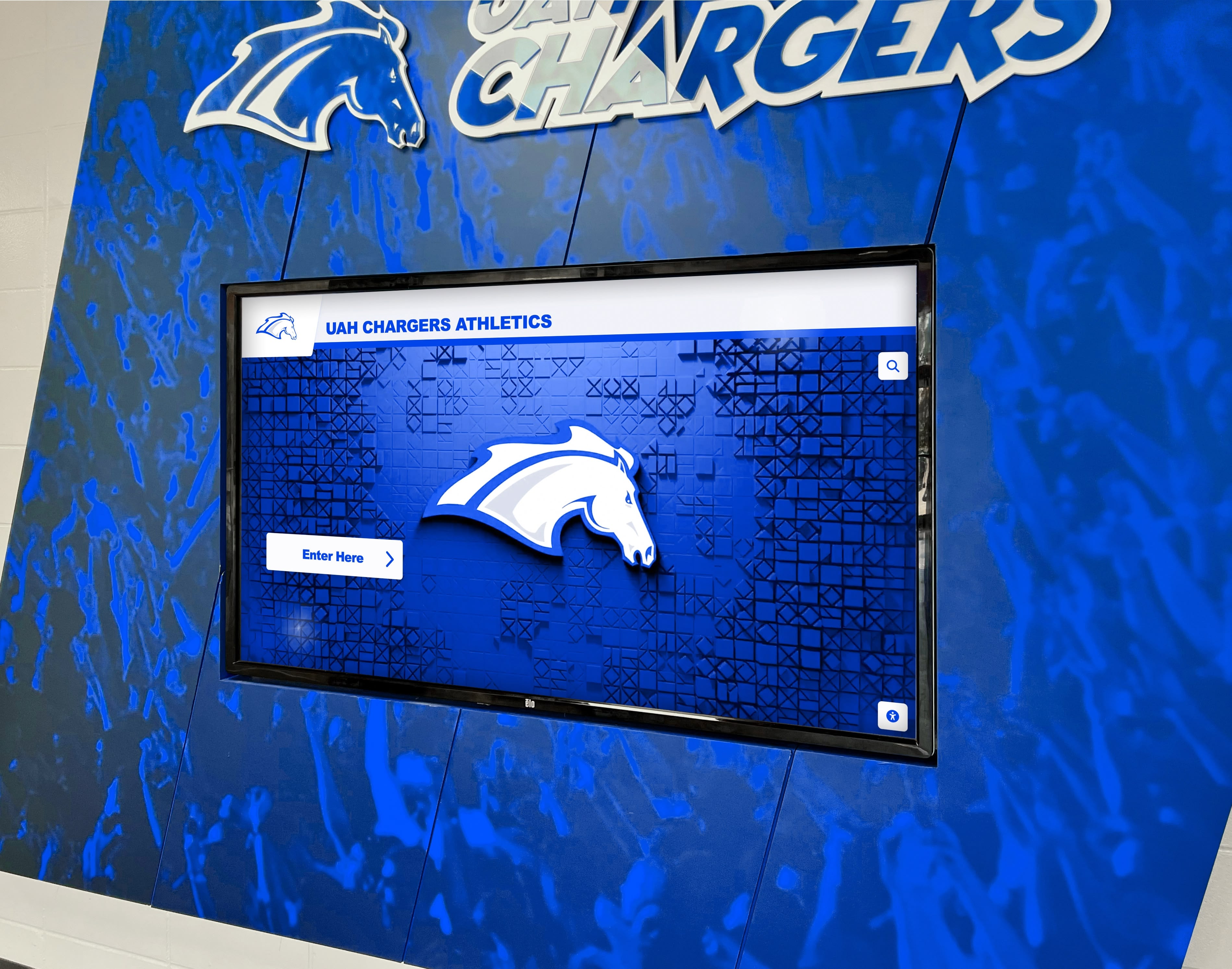
A corridor digital display mounted in a branded athletic environment — digital record boards like this one depend on a consistent, archive-quality school record graphic workflow to maintain accurate, searchable records across all sports and seasons
Reuse Across Display Environments
A school record graphic designed with archive-first thinking can serve multiple display environments from a single production event. Understanding which environments the graphic will appear in — and what each requires — helps athletic communications staff prioritize where to invest production effort.
Social Media
Immediate emotional impact. The social post is published within hours of the record being set, often from a phone at the venue. Templates that can be populated on mobile reduce the delay between the moment and the post. For high-stakes records — state-qualifying marks, all-time school records, records broken at major championships — a full-quality desktop version is worth producing before posting.
Digital Lobby Screens and Corridor Displays
Digital lobby displays running on a content rotation system can display a “New School Record” announcement for days after the achievement. The same 1920 × 1080px file produced for the social post serves the corridor display with no additional production if the original was designed at the correct dimensions.
Memorabilia display environments that combine physical memorabilia with digital screens benefit particularly from record graphics that maintain visual consistency with the surrounding display environment. A record graphic that matches the wall’s color treatment and typography looks intentional alongside the physical materials; a mismatched graphic looks like a digital afterthought.
Athletic Hall of Fame and Record Archives
When a record-holding athlete is eventually nominated for the athletic hall of fame, the record graphic from the year the record was set becomes archival documentation. Programs that use basketball display case ideas and physical hall-of-fame installations alongside digital records find that consistent graphic files — stored in an organized archive — dramatically reduce the research burden when preparing induction materials years later.
Printed Programs and Anniversary Publications
A school record graphic formatted at print-quality resolution (300 DPI minimum for the final print dimensions) can be dropped directly into a printed program, booster club publication, or anniversary booklet. Programs that create only screen-resolution versions for social posts lose this reuse potential — designing at 2× screen resolution or true print resolution costs nothing in template production but preserves every downstream use case.
Plyometric and athletic development programs that emphasize systematic performance tracking over time mirror the record graphic workflow: what gets measured and documented consistently compounds into a meaningful historical record; what gets celebrated and then lost leaves no legacy.
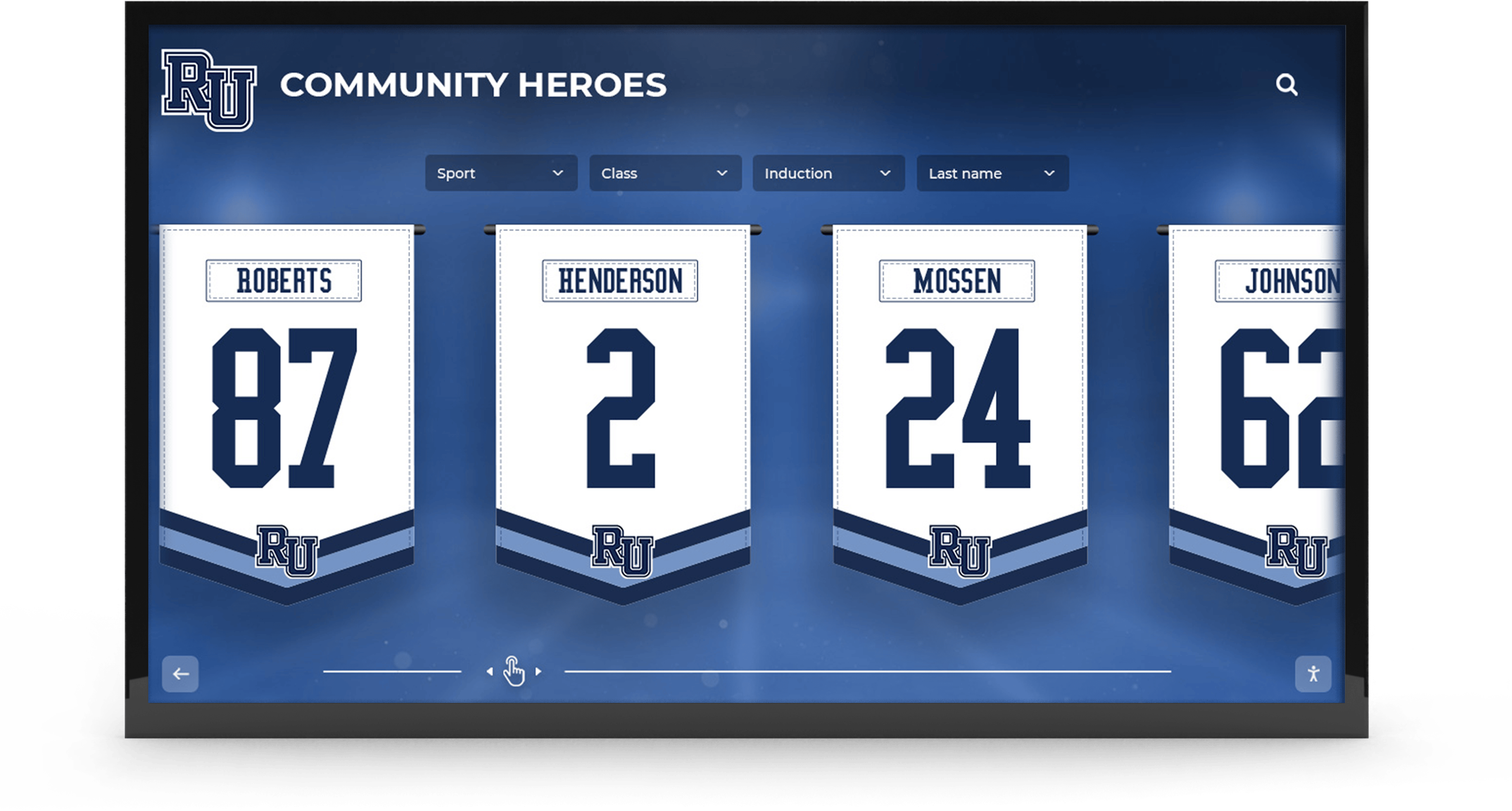
A digital recognition banner display featuring athlete identifiers and school recognition graphics — school record graphics designed for archival reuse contribute directly to these broader recognition environments over time
Accessibility and Readability Standards for Record Graphics
Athletic record graphics are often overlooked in accessibility conversations, but they appear in public spaces — hallways, lobbies, websites — where accessibility requirements apply. Meeting these standards also improves readability for all viewers, not just those with visual accessibility needs.
Color contrast: WCAG 2.1 minimum 4.5:1 for normal text, 3:1 for large text (18pt+ or 14pt+ bold). For digital corridor displays viewed under ambient lighting, target 7:1 — the WCAG minimum is insufficient at viewing distances above 10 feet.
Font size minimums: For social graphics designed at 1080px, primary text should be at minimum 72px (equivalent to approximately 54pt). For digital display content, minimum 48pt for primary record fields, minimum 28pt for supporting fields.
Alternative text for digital archives: Every school record graphic stored in a digital archive should include descriptive alt text documenting the athlete, record, sport, and year. This ensures screen readers can interpret the record, and it makes archive searches more effective for future research.
Color-only information: Never rely on color alone to communicate record significance — for example, using green to indicate a new record vs. yellow for a standing record. State the record status in text so the graphic is interpretable without color.
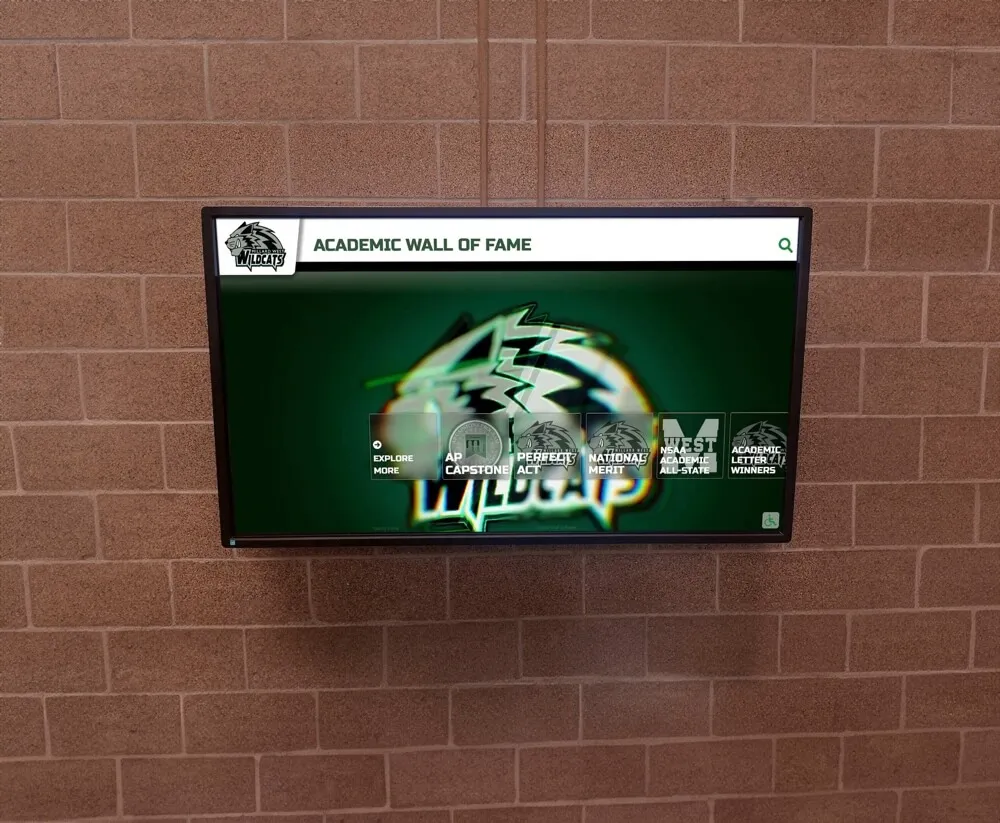
A digital recognition screen mounted in a permanent school wall environment — the accessibility and contrast standards that make school record graphics readable on social feeds are even more critical when the display is a fixed corridor installation
Maintaining an Organized School Record Graphic Archive
The full value of a consistent school record graphic system only materializes when the archive is organized well enough to actually be used. Graphics stored in a downloads folder sorted by the month they were downloaded are not effectively archived.
Naming Convention
A standardized file naming convention for school record graphics makes retrieval fast and unambiguous:
[school]-[sport]-[event]-[record-type]-[holder-last-name]-[YYYY].png
For example: westview-track-400m-varsity-alltime-martinez-2026.png
This format sorts correctly in chronological order within each sport and event category, and returns useful results when searching for a specific athlete or year without opening files.
Storage Structure
Organize record graphic files in a folder structure that mirrors the record categories displayed on the digital board:
Record Graphics Archive/
  Track and Field/
    Boys/
    Girls/
  Basketball/
    Varsity Boys/
    Varsity Girls/
  Swimming/
    ...
When a digital record board entry needs updating, the folder structure points directly to the graphics for that category — research time for a board update drops from searching to navigating.
Retention Policy
School record graphics should be retained permanently — they document institutional athletic history. Unlike game-day score graphics or social promotion posts, which can be purged after a season ends, record graphics accumulate in value over time as the historical record deepens.
Frequently Asked Questions About School Record Graphics
What information should a school record graphic include?
Every school record graphic needs the school name or logo, the athlete’s full name, the sport and event category, the team level, the record value with units, the previous record for context, the season year, the date of achievement, and the meet or event where it was set. These fields ensure the graphic serves as archival documentation long after the social post is buried in the feed.
What size should a school record graphic be?
For Instagram feed posts use 1080 × 1080px; for Instagram Stories use 1080 × 1920px; for Facebook use 1200 × 630px. For digital corridor displays and record boards, design at 1920 × 1080px (landscape) or 1080 × 1920px (portrait). Always design at the largest required format first — scaling down to social platforms preserves quality, while upscaling a social-first file introduces visible degradation.
How should school record graphics be stored?
Organize graphics in a folder structure by sport, event category, and team level. Use a consistent naming convention that includes school name, sport, event, record type, athlete name, and year. Record graphics should be retained permanently — they document institutional athletic history that compounds in value over time for hall-of-fame nominations, anniversary publications, and digital board updates.
What is the difference between a social media record graphic and a digital board graphic?
Social graphics prioritize emotional impact — athlete photo or visual energy first, record value large and celebratory. Digital board graphics prioritize structured information — record category and value front and center, holder’s name immediately visible. The data fields are identical in both formats but the visual hierarchy reverses. The most efficient approach is one archive-quality design with separate exports for each environment.
How do record graphics connect to a permanent digital record board?
A record graphic designed with complete data fields can be uploaded directly to a digital board content management system alongside the structured data entry. When the social post uses archive-first design — all required fields present and legible — no separate design is needed for the digital board. The record is documented in three forms from one production event: social graphic, corridor display version, and structured data record.
Turn Every School Record Into a Permanent Display
Rocket Alumni Solutions builds touchscreen record boards and digital recognition displays that bring your program's athletic milestones to life in school lobbies and hallways. From the first social post to the permanent corridor display, create a recognition environment that honors record-holders long after the season ends.
Get notified when Rocket Graphics opens