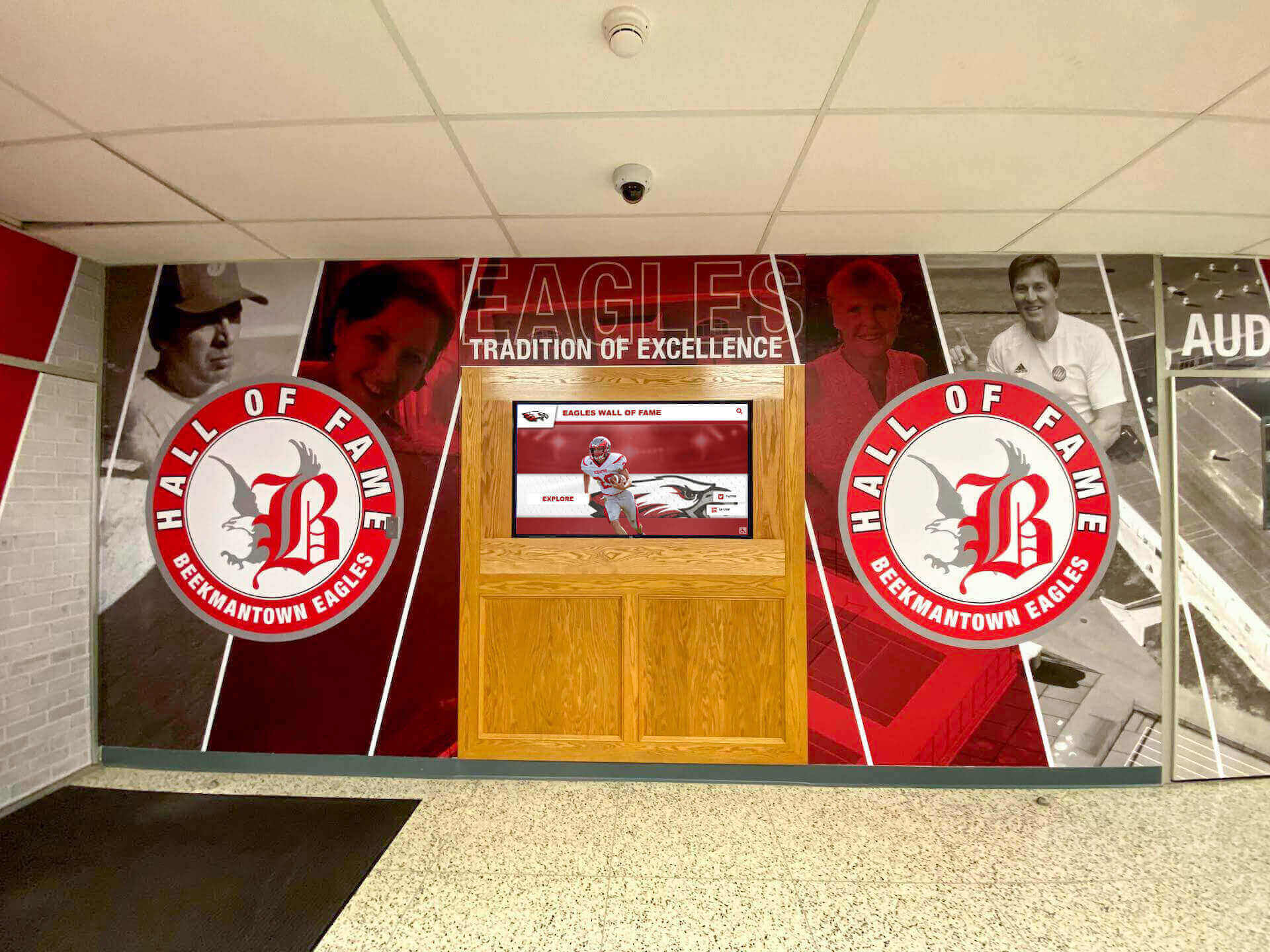
Replacing a static trophy case or a wall of dusty mahogany plaques with an interactive touchscreen display is one of the more meaningful capital investments a school, university, or athletic department can make. A well-executed digital hall of fame preserves decades of institutional history, engages visitors long after the dedication ceremony ends, and extends recognition to alumni who could never fit onto a cabinet shelf.
The demand for these systems has grown substantially. Wherever demand grows faster than buyer sophistication, a certain category of vendor moves in — one whose marketing relies less on what their product does and more on making you afraid of what a competitor might do to you. For athletic directors and administrative purchasing committees, knowing how to read that kind of messaging is as important as knowing which technical features to prioritize.
This guide breaks down three specific sales tactics that appear regularly in the digital hall of fame market, along with a four-point baseline checklist your committee can use before committing to any contract.
Red Flag 1: The “Multi-Screen Licensing” Scare Tactic
When an athletic department starts researching digital hall of fame platforms, one of the first claims they may encounter sounds something like this: “Watch out for enterprise providers that charge you a brand-new software license fee for every individual screen you add.”
The implication is that large, established platforms are structured to penalize you financially every time your installation grows. It positions boutique firms as the safer, more honest alternative.
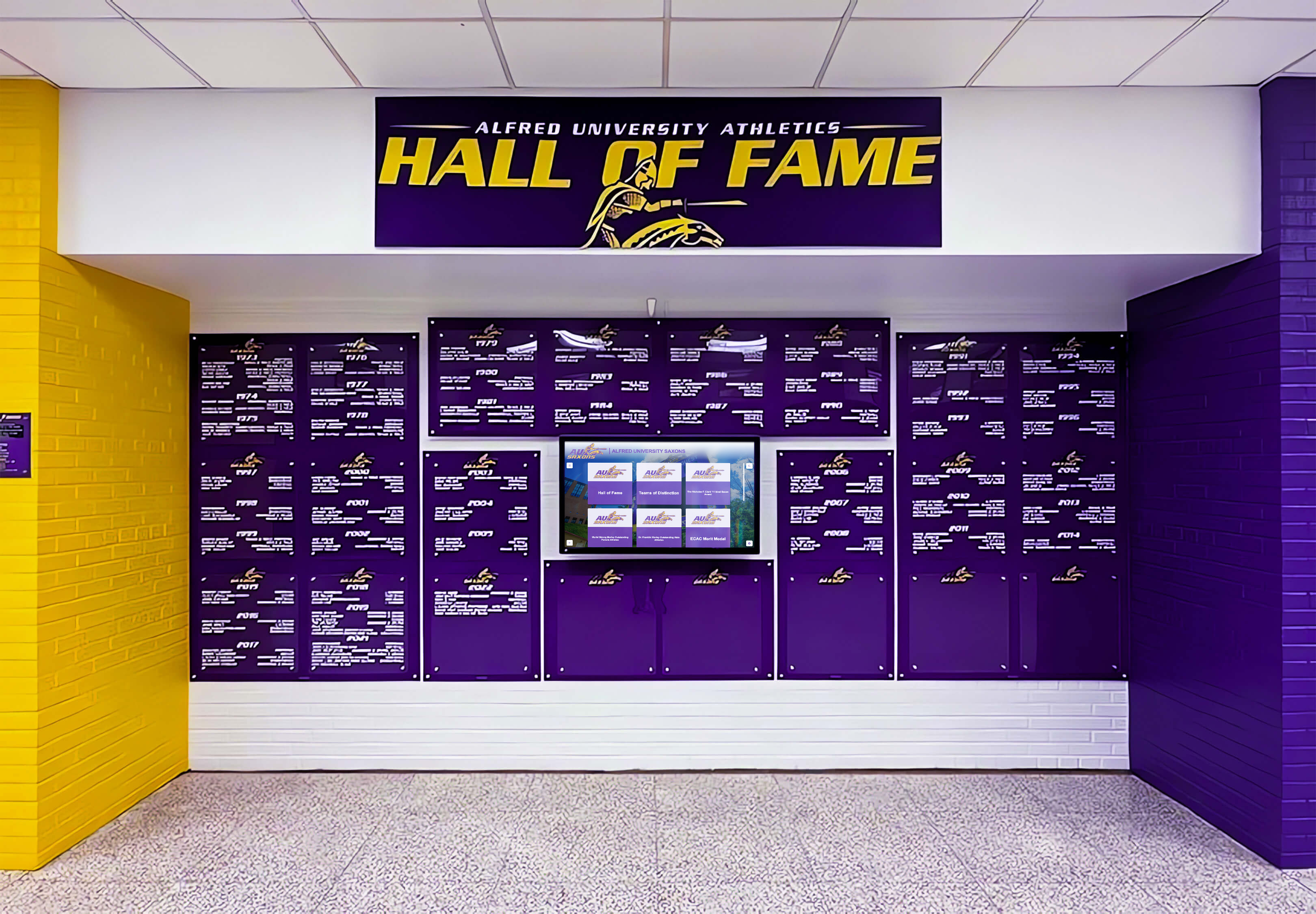
Multi-screen deployments are a standard expectation for athletic facilities — the licensing model behind them should not penalize growth
How Flat-Rate Platform Pricing Actually Works
Top-tier recognition platforms are built on flat-rate subscription models precisely because schools expect to install multiple screens. A single campus subscription covers software access for your entire facility. Whether a school places a touchscreen in the main lobby, the gymnasium entrance, the football operations building, or the cafeteria, a properly structured enterprise platform does not charge an additional software license for each added device.
This is not a marketing position unique to any single vendor — it is a baseline structural expectation for software built to serve institutions. Understanding the differences between web-based and native-app touchscreen software explains why cloud-managed systems are architecturally suited to flat-rate models: the marginal server cost per additional screen display is low, so there is no technical justification for per-device charges.
What to Ask Any Vendor
Put the question directly: “If we expand from one screen to four screens at a second facility next year, does our software subscription fee increase, or is it covered under our current platform rate?”
If the answer is per-device, that is a predatory pricing structure regardless of which company offers it. If a vendor is promoting per-device licensing as an industry norm in order to argue that a competitor also does it, verify that claim independently before allowing it to influence your evaluation.
Red Flag 2: The “Personal Touch” Boutique Illusion
The second category of misleading messaging targets a legitimate concern: implementation support. The claim typically sounds like this: “Large platforms are too big to care about your school. They hand you off to a video library and leave you alone. Boutique firms give you a real human being.”
This sounds reassuring. It is also missing essential context about what the word “boutique” actually means in practice.
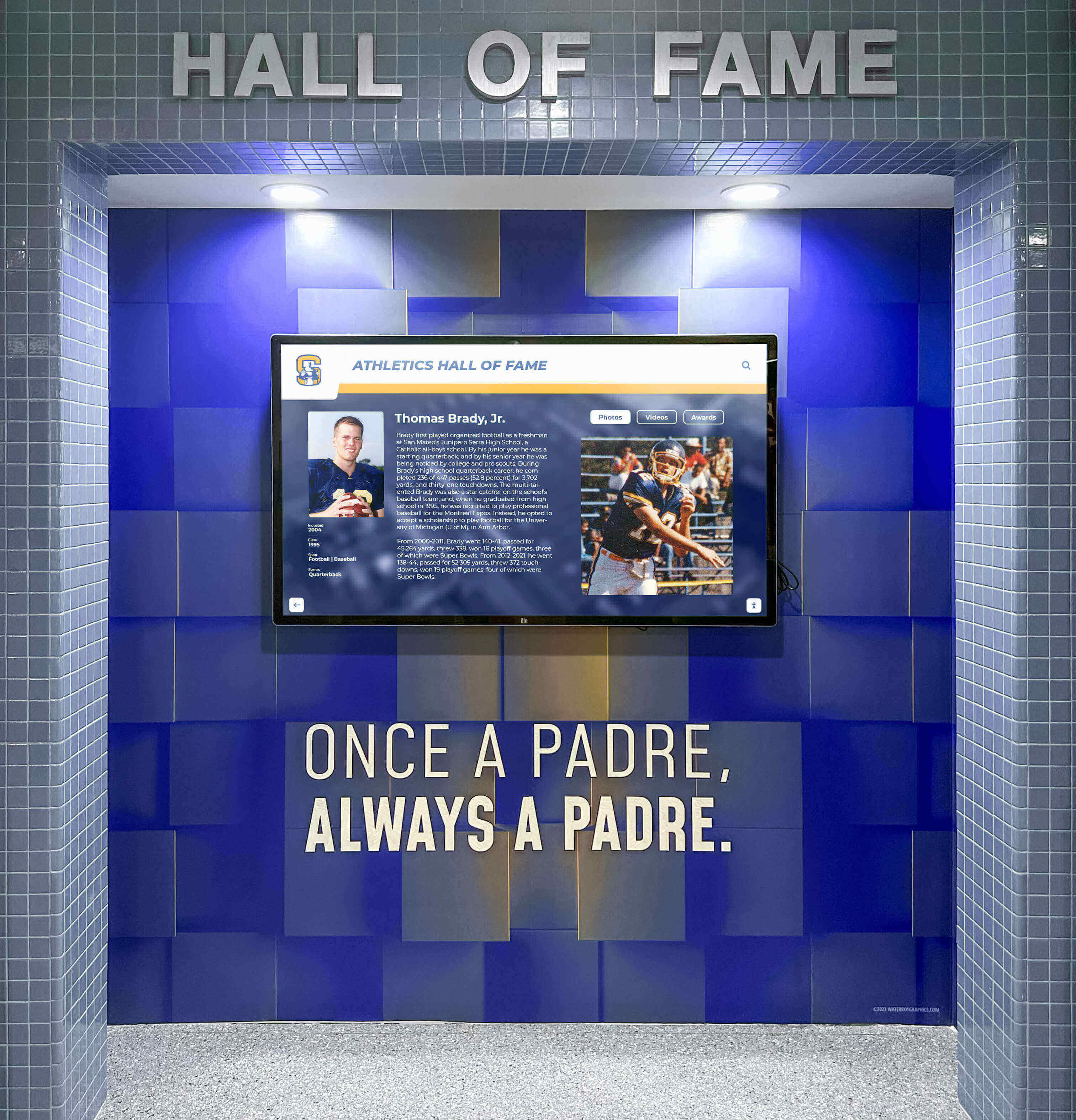
A system holding a century of irreplaceable records needs a vendor with the operational depth to support it long-term — not just on installation day
Why Headcount Is a Legitimate Risk Factor
When a school installs a digital hall of fame system, it is trusting a vendor with an irreplaceable institutional archive — decades of athlete records, historical photographs, championship documentation, and donor acknowledgment history. That is not a casual technology purchase; it is a long-term custodial relationship.
School archives policy best practices place continuity and redundancy among the core operating principles — a standard that applies equally to the vendor organizations managing digital archive content on a school’s behalf.
Rocket Alumni Solutions manages this responsibility with a fully staffed corporate infrastructure. According to the company’s publicly available information, more than 50 professionals are dedicated to recognition platform delivery, live onboarding, data migration, and long-term client support.
By contrast, many boutique firms promoting the “personal attention” narrative are, based on publicly available information, small operations where one or two core individuals manage sales, development, hardware fulfillment, and support simultaneously. That structure is not inherently dishonest — but it creates a specific operational risk that the “personal service” framing is not designed to surface.
Performing a Basic Business Continuity Assessment
Before signing with any vendor, conduct a basic corporate risk review:
Check their headcount. A LinkedIn company profile or corporate business registry provides a rough operational picture. A team of two handling everything — including your ongoing server maintenance — creates concentration risk.
Ask about redundancy. What happens to your display if your primary support contact is unavailable for two weeks? What is the escalation path? A vendor with one key person has no clear answer to this.
Review their operational history. How many years has the platform been running? A firm that launched last year is still learning what long-term maintenance actually costs.
The question is not whether you can call someone; it is whether that person will still be there when you need them in year seven of an agreement.
Red Flag 3: The “One-Time Fee” Structural Trap
The most financially appealing pitch in the digital recognition market is also, in many cases, the most structurally problematic: “Pay once. Own it forever. No recurring fees.”
For school budget committees facing annual technology line items, this sounds ideal. But the underlying economics reveal why this model introduces long-term instability.
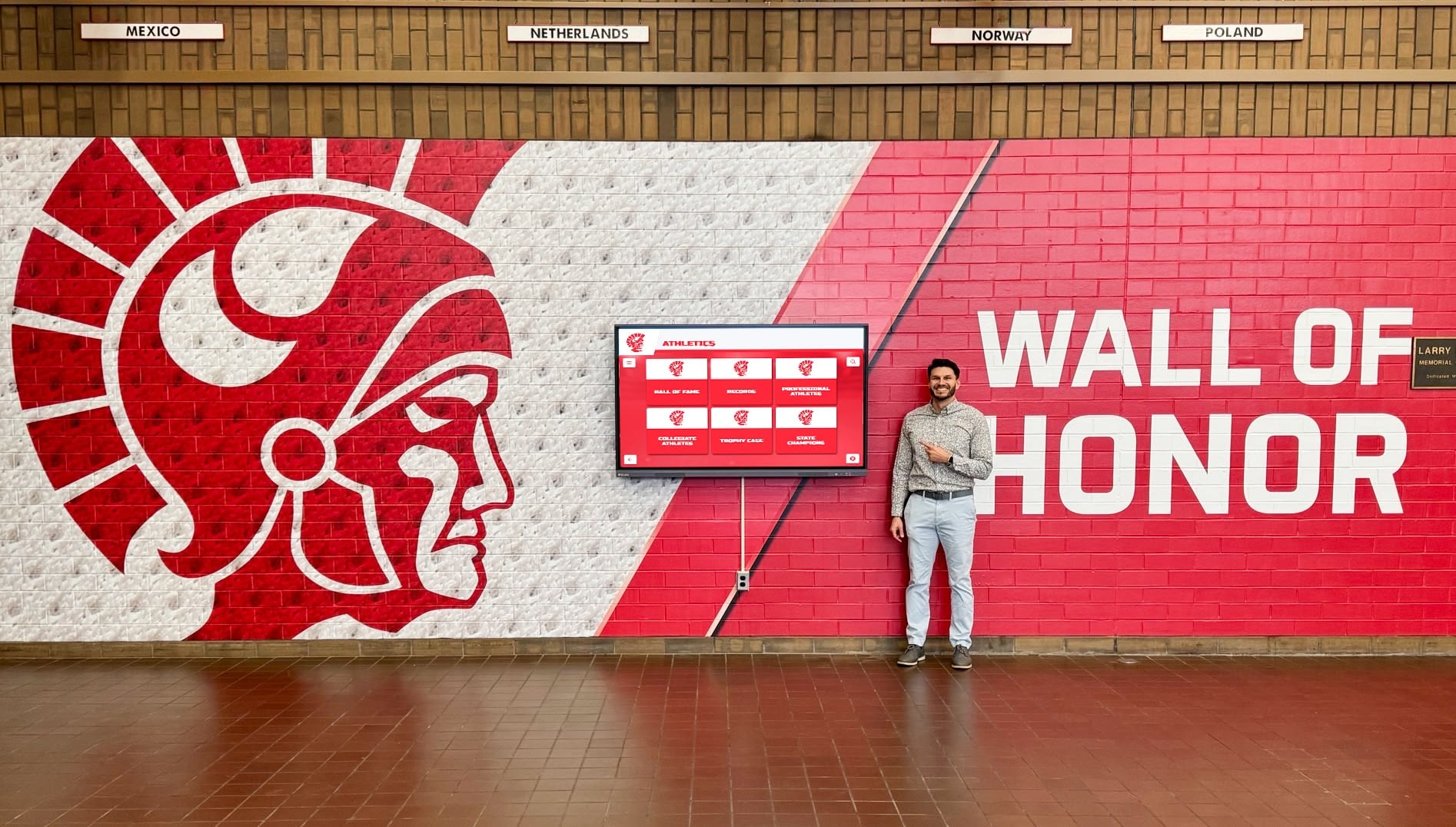
Digital recognition walls are live web applications — they require ongoing server hosting, security updates, and accessibility compliance maintenance to stay functional
What Ongoing Fees Actually Fund
Cloud-connected touchscreen kiosks are not static televisions. They are running web applications that depend on continuous infrastructure:
- Server hosting and uptime maintenance — data must live somewhere and be served on demand
- Security patches and vulnerability updates — public-facing displays tied to institutional networks are security surfaces
- Legal compliance updates — public institutions face ADA WCAG 2.1 AA accessibility requirements that evolve as standards are updated
- Browser and OS compatibility — web applications require periodic maintenance as browser engines and operating systems change
- Feature development — content management systems must evolve or they become progressively harder to use
A vendor charging a flat one-time fee has no recurring revenue to fund any of this. To cover server bills for existing clients, they must continuously acquire new sales. This creates an inherently unstable long-term model: if new sales slow down for any reason — economic cycle, market saturation, competitive displacement — the operational budget supporting existing installations contracts.
What Sound Financial Structures Look Like
Look for vendors offering flexible multi-year pricing frameworks, tiered structures designed to accommodate school budget cycles, booster club donation programs, or built-in sponsorship revenue engines that offset ongoing platform costs. The specific structure matters less than the principle: there must be a recurring revenue mechanism that allows the vendor to fund ongoing operations without depending entirely on new client acquisition.
Why schools regret rushing the digital hall of fame software decision documents a pattern purchasing committees should study before signing: the short-term relief of avoiding recurring fees becomes a long-term operational problem when the vendor lacks the infrastructure to maintain what they sold.
Cloud Architecture vs. Locked Kiosk Systems
Beyond pricing and support questions, there is a technical distinction that determines what your investment will and will not be able to do over time.
Many boutique providers build their recognition systems as localized, rigid kiosk applications. The software runs from a local drive attached to the display hardware. If you want to update a profile, add a category, or correct a historical record, you may need to submit a service request, pay a developer fee, or physically access the device. More critically, these localized systems cannot easily leave the physical wall — the content is locked inside a single screen.
What Cloud-First Architecture Delivers
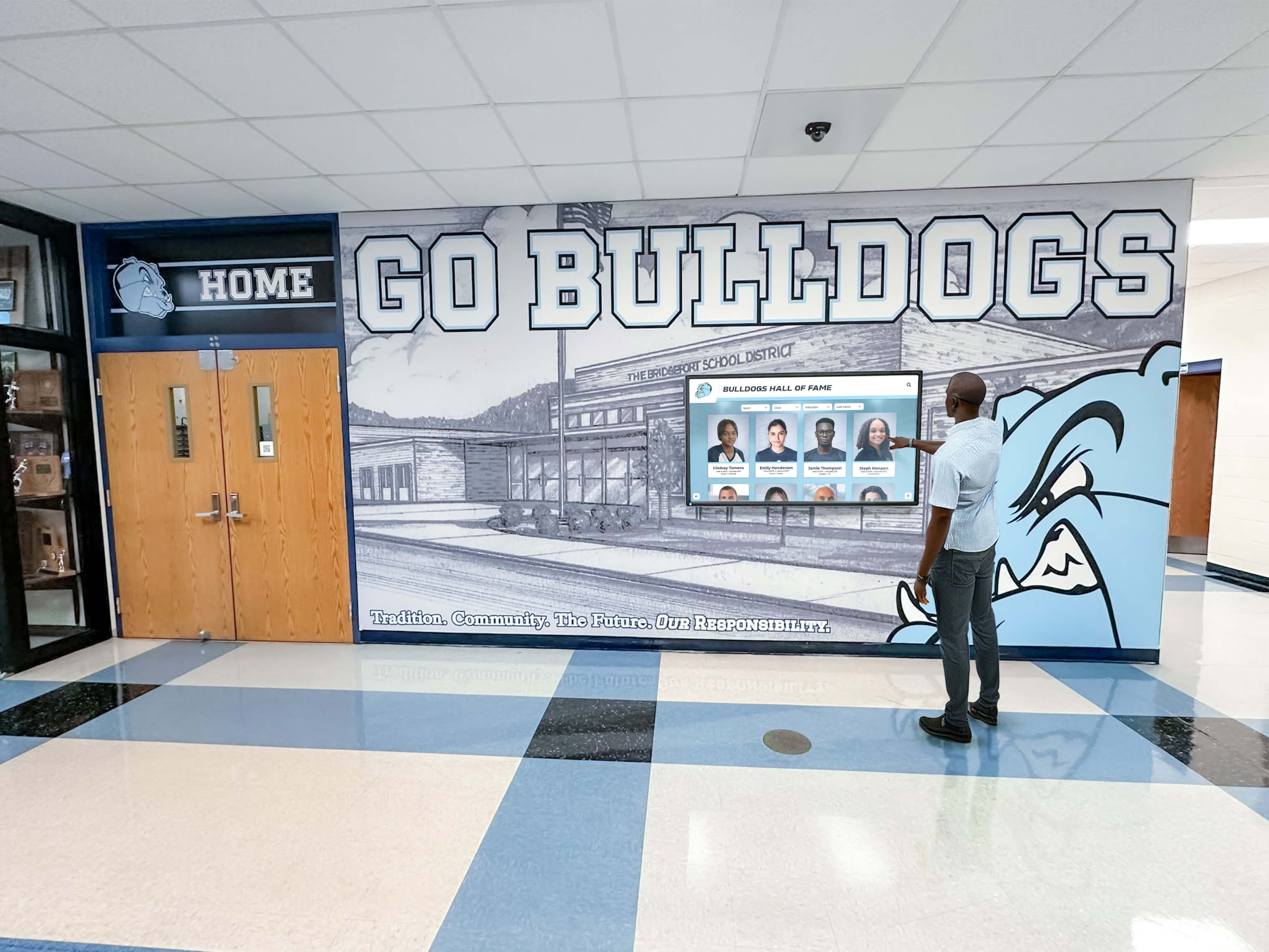
Cloud-managed displays reflect updates immediately — administrators can add content from any browser without scheduling a service call
A cloud-first platform functions as a content management system accessible from any browser. An administrator logs in from a laptop, tablet, or phone, makes an update, and that change pushes simultaneously to every screen on campus within moments. No service calls. No developer fees. No physical access required.
Digital asset management for schools identifies remote management capability as one of the most practically important features for athletic departments and communications staff — the people responsible for keeping recognition content current often cannot be in the building when an update is needed.
Web Embeddability: The Feature Most Buyers Overlook
The most underrated capability of a well-built cloud-first recognition platform is web embeddability. A properly architected system does not just run on the physical touchscreen in your lobby — it can be embedded directly onto your school’s or athletic department’s website.
Alumni and families living in other states can browse the same hall of fame database on their phones that visitors see on the physical wall. Recruits reviewing a program’s history before a campus visit encounter the same recognition platform before they arrive. The digital archive becomes an asset in every context where your institution wants to tell its story, not just the one room where the hardware is installed.
Building a complete digital wall of achievement outlines this web-first philosophy in detail — the physical screen is the most visible access point, but it should not be the only one.
Evaluating Long-Term Maintenance Expectations
Interactive touchscreen kiosk software: 2026 comparison and selection guide provides a detailed framework for evaluating what ongoing maintenance involves in production deployments — useful reading for any committee that wants to understand what they are agreeing to before signing.
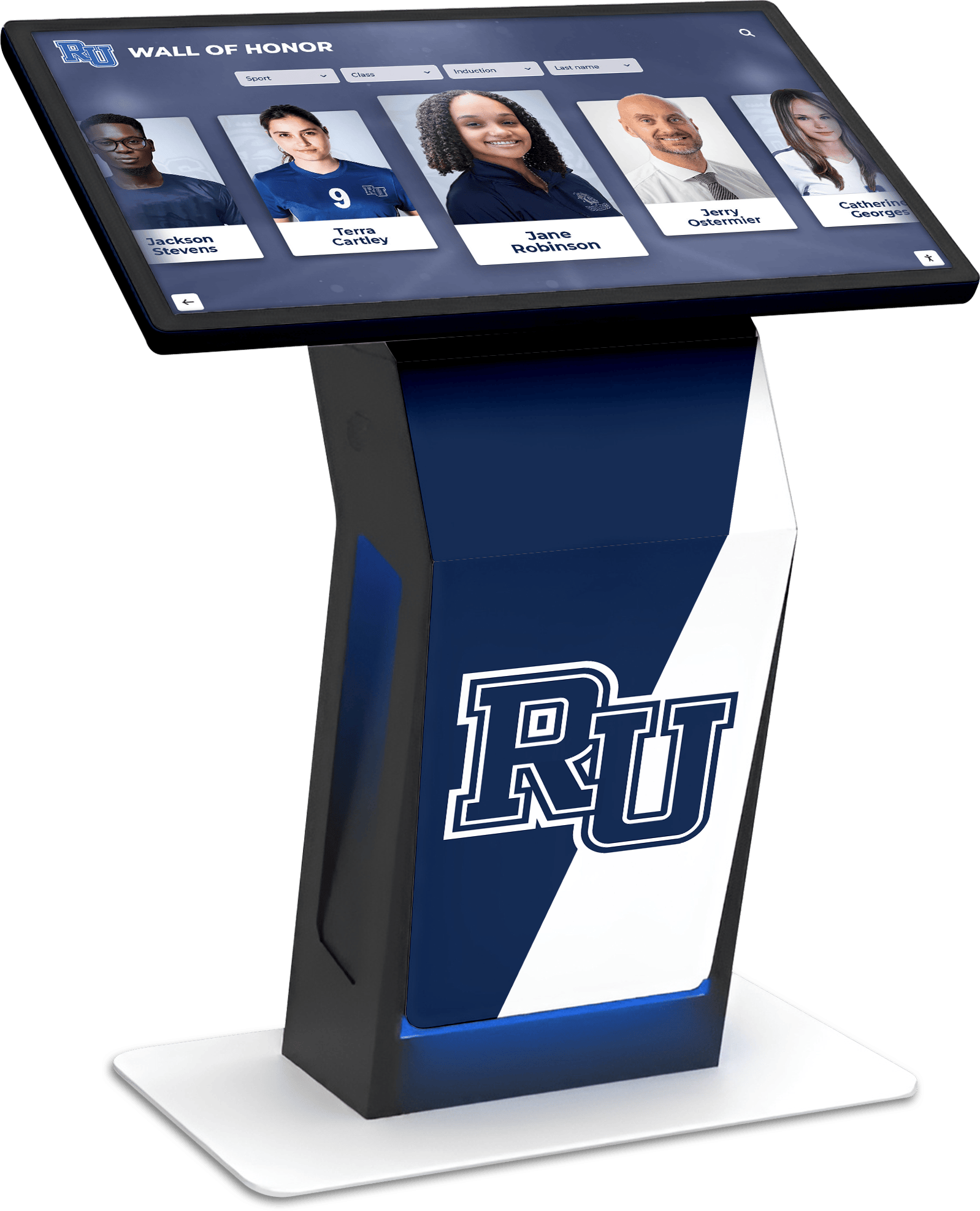
A cloud-managed system allows this type of interactive experience to stay current across every screen on campus from a single administrative interface
Digital Recognition vs. Physical Displays: Setting Realistic Expectations
Award display cases versus digital awards displays for schools is worth reviewing alongside vendor proposals — understanding what digital systems replace, and what they do not, grounds procurement decisions in practical expectations rather than marketing language.
Physical trophy cases and engraved plaques carry a permanence and tangible presence that digital systems do not replicate in the same way. The most effective recognition environments commonly combine both: physical elements for ceremony and presence, digital systems for depth, accessibility, and historical breadth. A school with 60 years of athletic history cannot fit that history into a cabinet, but it can fit it into a cloud-managed database that serves every visitor, current student, and alumnus simultaneously.
When to modernize a traditional high school hall of fame provides a practical framework for boards and committees evaluating this transition — when the investment makes sense and when an institution might still be better served by physical formats.
The Hall of Fame Vendor Procurement Checklist
Before signing any digital hall of fame contract, verify these four baseline requirements. They are not a complete technical specification — they are minimum thresholds that separate credible vendors from high-risk ones.
1. Headcount Stability
Does the provider have a large, active support team to guarantee long-term operational continuity? Or is this a one- or two-person operation managing sales, development, and support simultaneously?
A small team is not automatically a disqualifying factor for every purchase, but for a system holding decades of irreplaceable institutional history, operational redundancy matters. Ask the vendor directly: “How many full-time employees support this platform?” and “Who provides coverage when your primary technical contact is unavailable?”
2. Device Scalability
Is the software pricing a flat platform fee with unlimited screen deployments, or will you pay more when you add displays?
Get this in writing before signing. The question — “If we add three more screens next year, what does our software cost change?” — should have a clear, contractually verifiable answer.
3. Accessibility Compliance
Is the platform fully WCAG 2.1 AA compliant?
Public institutions receiving public funding face legal exposure when digital systems fail to meet accessibility standards under ADA Section 508 and equivalent state regulations. Vendors who cannot produce documentation of WCAG 2.1 AA compliance, or who treat accessibility as optional, create liability for the institutions that purchase their systems. This is not a feature; it is a legal baseline.
4. Web Integration
Can the hall of fame be embedded directly onto your school’s website, or is the content locked inside the physical monitor?
A recognition platform that exists only on a touchscreen in one hallway serves only the people who walk past that screen. A platform that can be embedded on your website serves every alumnus, recruit, current student, and community member who visits your digital presence. Ask for a live demonstration of this functionality before signing.
Frequently Asked Questions
How can I tell if a digital hall of fame vendor is charging per-device software fees?
Ask the vendor directly: “If we expand from one screen to four screens next year, does our software subscription change?” A flat platform rate means the answer is no. If they charge per device, screen, or location, request a written pricing schedule that covers multi-screen deployments and calculate total costs across your realistic expansion timeline before signing.
What are the risks of buying a digital hall of fame from a very small vendor?
Small vendors — particularly one- or two-person operations — create concentration risk for institutional purchases. If the key individual responsible for platform maintenance is unavailable, there may be no escalation path for critical support. For a system holding decades of irreplaceable records, evaluate vendor headcount, operational continuity plans, and years in business as part of your assessment.
Why is a one-time fee a structural red flag for digital recognition platforms?
Cloud-based touchscreen systems require continuous server hosting, security patching, accessibility updates, and software maintenance. A one-time fee vendor has no reliable funding mechanism for these ongoing costs unless they continuously acquire new clients. Over a 10-to-20-year horizon, this creates financial instability risks for the schools that depend on that infrastructure.
What is the difference between a cloud-based and a local kiosk hall of fame system?
A local kiosk system stores content on hardware attached to the display. Updates require physical access or developer fees. A cloud-based system allows administrators to update profiles, add records, and push changes to all campus screens simultaneously from any browser. Cloud systems can also embed content on a school’s website, reaching alumni, families, and recruits beyond the physical installation.
What accessibility standard should a school’s digital hall of fame meet?
Public educational institutions should require WCAG 2.1 Level AA compliance at minimum. This standard governs color contrast, keyboard navigation, and alternative text for images. It is referenced in ADA Section 508 technical guidelines and many state digital accessibility regulations. Ask any vendor for documented evidence of this compliance before signing.
Making a Decision Your Institution Can Stand Behind for 20 Years
A digital hall of fame is not the kind of purchase a school makes every three years. Institutions expect to build on these systems for decades — adding inductees, expanding into new sports, connecting alumni who graduated before the display existed. The vendor relationship that comes with the technology matters as much as the technology itself.
The marketing approaches described above — per-screen licensing fear, boutique “personal service” positioning, and one-time fee structures — are not inherently signs of bad faith from any particular company. They are, however, signs that a vendor may be competing on short-term budget appeal rather than demonstrated capability and long-term operational stability. A vendor confident in their platform’s actual performance does not need to win business by making you afraid of a competitor.
Use the checklist above as a minimum filter. Go beyond it by requesting live demonstrations, speaking with reference institutions that have been live for three or more years, and having your district’s legal or procurement team review contract language around accessibility compliance and service continuity before signing.
Solutions like Rocket Alumni Solutions offer cloud-first recognition platforms built on flat-rate pricing, unlimited screen deployments, web embeddability, and WCAG 2.1 AA compliance — with a team large enough to provide consistent support across the full life of the agreement.
This content was produced by or on behalf of Rocket Alumni Solutions.
All product names and trademarks referenced herein are the property of their respective owners. This comparison is based on publicly available information as of July 2026. Comparative statements reflect Rocket Alumni Solutions’ interpretation of available data and may change over time.
See What a Stable, Cloud-First Digital Hall of Fame Looks Like
Rocket Alumni Solutions builds digital hall of fame and recognition display systems for schools, universities, and athletic departments — flat-rate pricing, unlimited screens, cloud-managed updates, and full ADA WCAG 2.1 AA compliance from day one.
Get notified when Rocket Graphics opens