A championship banner rendering intent preflight is the production check that confirms the correct ICC rendering intent — perceptual, relative colorimetric, absolute colorimetric, or saturation — has been selected at every color profile conversion step in the artwork file before the file is submitted to a large-format print vendor. The direct answer: for championship banner school colors that fall within the CMYK destination gamut, relative colorimetric rendering intent preserves those in-gamut hue values most accurately; for full-color athlete photographs embedded in banner artwork, perceptual rendering intent distributes tonal relationships more evenly across the compressed CMYK gamut. Absolute colorimetric is a simulation mode reserved for proofing workflows and must never be applied to a production conversion. Saturation intent is not appropriate for championship banner artwork at any stage. A championship banner rendering intent preflight confirms this setting at every RGB-to-CMYK conversion point in the workflow — in the design application, in each linked image file, and in the PDF export settings — before the file is submitted.
This guide is written for school administrators, athletic directors, facilities managers, and recognition-program coordinators who review and approve championship banner artwork for gymnasium, lobby, and corridor installation — not for professional prepress technicians who manage ICC color workflows daily.
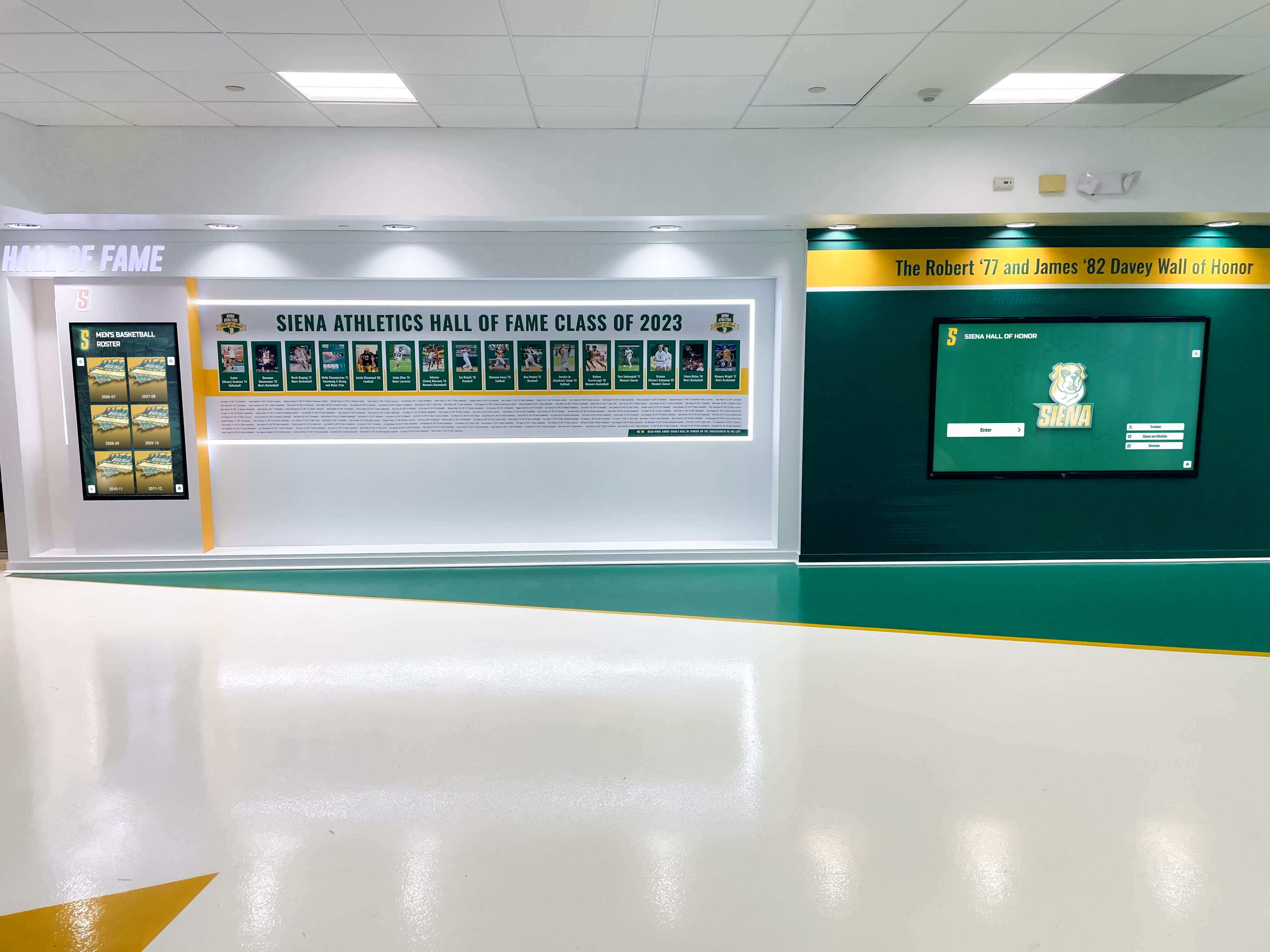
Championship banner installations in athletic lobbies are viewed alongside uniforms, digital screens, and other printed recognition materials — rendering intent determines whether the banner's school colors match those references or shift during the CMYK conversion that produces the production file
What Rendering Intent Controls in Championship Banner Color Conversion
Rendering intent is the ICC color management rule that governs how color values are translated when a source color profile — such as Adobe RGB or sRGB — is converted to a CMYK destination profile used for large-format banner output. Because RGB working spaces contain a larger gamut than most commercial CMYK profiles, some source colors will always fall outside the destination’s reproducible range. The rendering intent determines two things: how out-of-gamut source colors are mapped to the nearest reproducible CMYK value, and whether in-gamut colors are shifted as part of that mapping.
For championship banner production, the rendering intent setting appears in the Convert to Profile dialog in Adobe Photoshop and Illustrator, in InDesign’s export color management settings, and implicitly in any linked placed image when the document color settings establish a default conversion policy. An unconsidered intent selection — or a mismatched intent applied to the wrong type of artwork — produces measurable color error without any visible warning during layout. The soft proof in the design application may look acceptable if the application’s proof setup uses a different intent than the export setting; the color failure appears only when the finished banner is produced and compared against reference materials on the gymnasium floor.
Three companion preflight steps address related color accuracy concerns: a championship banner black-point compensation preflight confirms that shadow detail in team photographs survives the CMYK conversion intact; a championship banner metamerism proofing checklist confirms that school colors look consistent under the gymnasium’s lighting rather than only under proofing-room conditions; and a championship banner dot-gain compensation preflight confirms that the CMYK values account for the ink spread behavior of the banner substrate.
The Four ICC Rendering Intents and What Each Does to School Colors
The ICC specification defines four rendering intents. Each is designed for a distinct use case, and applying the wrong intent to championship banner artwork produces a predictable, specific type of color error.
Perceptual rendering intent compresses the entire source color gamut proportionally to fit within the destination gamut. Colors that were in-gamut in the source are shifted slightly — their relationships to one another are preserved, but individual color values are not exact. Perceptual is designed for photographic images where the visual harmony of the full scene matters more than exact color accuracy for any single element. Applied to a full-color athlete photograph in a championship banner layout, perceptual intent produces natural-looking tones, gradations, and hue balance. Applied to flat school color fields, perceptual intent can shift those brand colors slightly from their defined values, because the gamut compression algorithm has no special treatment for colors already in gamut.
Relative colorimetric rendering intent maps in-gamut source colors to their exact CMYK equivalents without shifting them and maps out-of-gamut source colors to the nearest reproducible boundary value. It also adapts the white point of the source to match the destination media white, producing a visually neutral result on the destination substrate. Relative colorimetric is the standard rendering intent for brand color conversion in graphic arts applications and is the correct choice for in-gamut school color fields in championship banner production.
Absolute colorimetric rendering intent maps colors exactly as in relative colorimetric mode but does not adapt the white point. It is designed for proofing workflows where the simulation of a source medium’s paper white — including its slight off-white color cast — must appear on the proofing substrate. Applied to a production file, absolute colorimetric introduces a visible color cast across all neutral areas caused by the white-point difference between the RGB source and the CMYK destination. It must not be used for any production conversion in championship banner production.
Saturation rendering intent maps colors to maximize the vivid appearance of the output, sacrificing hue accuracy in exchange for saturation. It is appropriate for business charts and presentation graphics. It is not appropriate for championship banner artwork — it produces school colors with incorrect hues and does not deliver the brand consistency required for recognition materials that represent a school’s athletic program.
| Banner Artwork Element | Recommended Rendering Intent | Reason |
|---|---|---|
| Solid school color background fields (in-gamut) | Relative Colorimetric | Preserves exact in-gamut hue values; white-point adaptation ensures neutral appearance on substrate |
| Vivid school colors near or outside CMYK gamut | Relative Colorimetric | Maps to nearest in-gamut value; acceptable for colors defined to be as vivid as the substrate allows |
| Athlete photographs and action images | Perceptual | Preserves tonal and hue relationships across the full photographic image |
| Mascot artwork with rendered photographic shading | Perceptual | Treats rendered illustration as an image; tonal gradation is preserved across the compressed gamut |
| Flat vector mascot and logo artwork | Relative Colorimetric | Flat spot color elements are treated as brand-color areas; in-gamut preservation preferred |
| Mixed photo-plus-color-field layout | Split workflow — see below | Each element type requires a separate conversion with the appropriate intent |
| Proofing simulation on an inkjet proofer | Absolute Colorimetric | White-point simulation for proof evaluation only — never for production conversion |
Perceptual Versus Relative Colorimetric: The School Color Decision
The most consequential rendering intent choice in championship banner production is the decision between perceptual and relative colorimetric for each category of artwork. That decision depends on what the artwork contains and what outcome the school cares most about.
When relative colorimetric is the right choice: Any championship banner artwork whose school colors are defined as Pantone references, as specific CMYK builds, or as spot color values that fall within the destination profile’s gamut should be converted with relative colorimetric. The school’s athletic navy, maroon, gold, or green — when defined precisely through a spot color setup workflow for championship banners — will survive the conversion to CMYK without hue shift under relative colorimetric intent. The athletic director who compares the finished banner against the team’s uniform or against a previously produced banner will see a consistent color match rather than a slight hue deviation introduced by unnecessary gamut compression.
When perceptual is the right choice: Any championship banner artwork that includes embedded photographs — team portraits, action images, senior photos, facility photography — should be converted with perceptual intent for those image elements. Perceptual intent ensures that the photograph’s tonal gradation, the natural skin-tone progression across athletes’ faces, the shadow detail in dark uniforms, and the highlight separation in bright gymnasium backgrounds all translate to CMYK with visually consistent relationships. A team photograph converted with relative colorimetric intent may clip shadow tones and saturated jersey colors to flat CMYK boundaries, producing a noticeably degraded photograph in the finished banner.
The mixed-layout challenge: Most championship banners combine both types of artwork — a school color background field, a team photograph, a wordmark, and mascot art. A single rendering intent applied to the entire flattened file will compromise at least one element type. The professionally correct approach is a split workflow: convert photographic image files to CMYK with perceptual intent before placing them in the layout, then export the layout document with relative colorimetric intent. This approach applies the appropriate intent to each element at the time each element is converted. Confirming this split is part of the championship banner rendering intent preflight.
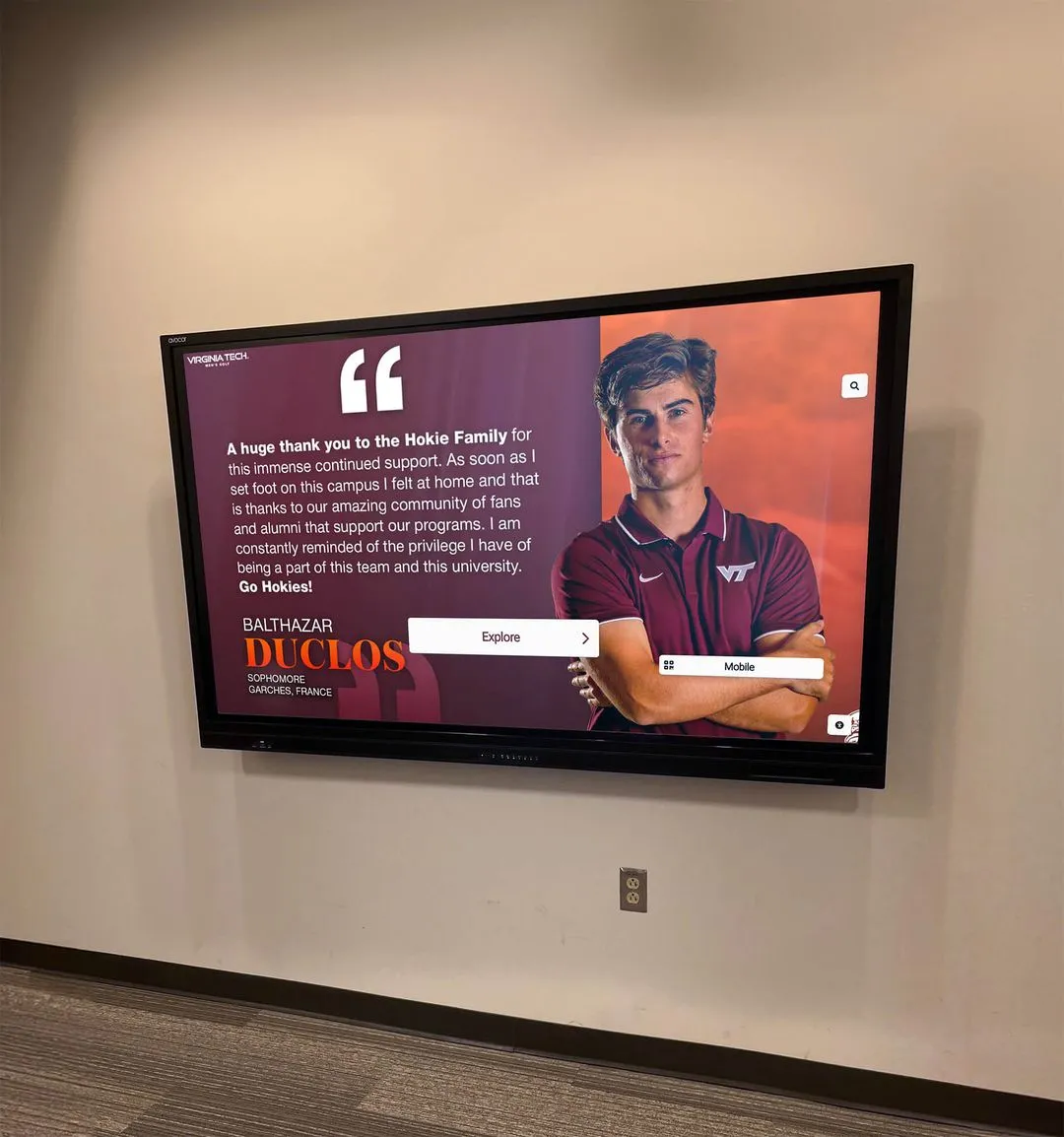
School colors like maroon and cardinal red are especially sensitive to rendering intent because they sit near the CMYK gamut boundary — applying perceptual intent to background fields shifts these hues away from their reference values in ways that become visible when the finished banner is compared against uniforms or existing recognition materials
Championship Banner Rendering-Intent Preflight Checklist
This seven-step checklist applies before the production file is submitted to the large-format print vendor.
Step 1: Identify every RGB-to-CMYK conversion point in the workflow. List all files that will undergo a color profile conversion before vendor submission: each linked photograph, each embedded image, the main layout document export, and any PDF settings applied at export. A conversion at any point in this list without the correct rendering intent setting produces a file with the intent error baked in.
Step 2: Confirm the destination CMYK profile the vendor requires. Contact the vendor and confirm the specific ICC output profile they require: GRACoL 2013 Coated 1, SWOP v2, Fogra39, Fogra51, or a vendor-supplied custom profile for their wide-format substrate. The rendering intent setting determines how the source gamut is mapped to that specific destination profile. Using the correct destination profile in the preflight and conversion step ensures the intent mapping is performed against the actual output gamut, not a generic approximation.
Step 3: Convert photographic images to CMYK with perceptual intent. Open each photograph embedded in the banner layout in Adobe Photoshop. Go to Edit > Convert to Profile. Select the vendor’s required CMYK profile as the destination. Set the Rendering Intent to Perceptual. Confirm Use Black Point Compensation is checked (see the championship banner black-point compensation preflight for the full BPC workflow). Save the converted CMYK image and relink it in the layout.
Step 4: Verify that flat school color fields will be exported with relative colorimetric intent. In the layout application (InDesign or Illustrator), open the export or print color management settings. Confirm the rendering intent is set to Relative Colorimetric for the document export. This applies to all flat color objects — the solid school color fields, text, vector logo art, and flat mascot art — that have not already been converted through a separate image-level workflow.
Step 5: Perform a soft proof comparison with each rendering intent. Before exporting the final production file, enable soft proofing in the layout application using the vendor’s CMYK profile as the proof condition. Switch the rendering intent in the proof setup between perceptual and relative colorimetric and observe the on-screen result for school color fields. This comparison reveals whether the school colors are in gamut (relative colorimetric will show minimal difference from the uncorrected view) or near the gamut boundary (perceptual will show a visible hue shift that would be introduced if perceptual intent were applied to the color fields).
Step 6: Export the production PDF with confirmed rendering intent settings. Export the final production file with the settings confirmed in Steps 3 through 5. In InDesign, the export color management settings appear in the Output tab of the Export Adobe PDF dialog. In Illustrator, they appear in the Color Management section of the Save As or Export As settings. Document all rendering intent choices in the file specification sent to the vendor so that any vendor-side PDF processing does not override the confirmed settings. Schools managing athletic award archives across multiple seasons benefit from documenting rendering intent decisions per banner series so that future banner productions use consistent settings.
Step 7: Verify the exported PDF with a soft proof against the vendor’s CMYK profile. Open the exported PDF in Adobe Acrobat Professional. Go to View > Proof Setup > Custom and select the vendor’s CMYK output profile with relative colorimetric intent. Use View > Proof Colors to enable the soft proof. Compare school color fields against the original reference — existing banners, Pantone fan deck, or uniform swatch — to confirm the colors are within expected tolerances. A visible hue shift between the soft proof and the reference that was not present before export indicates an intent error in the export settings.
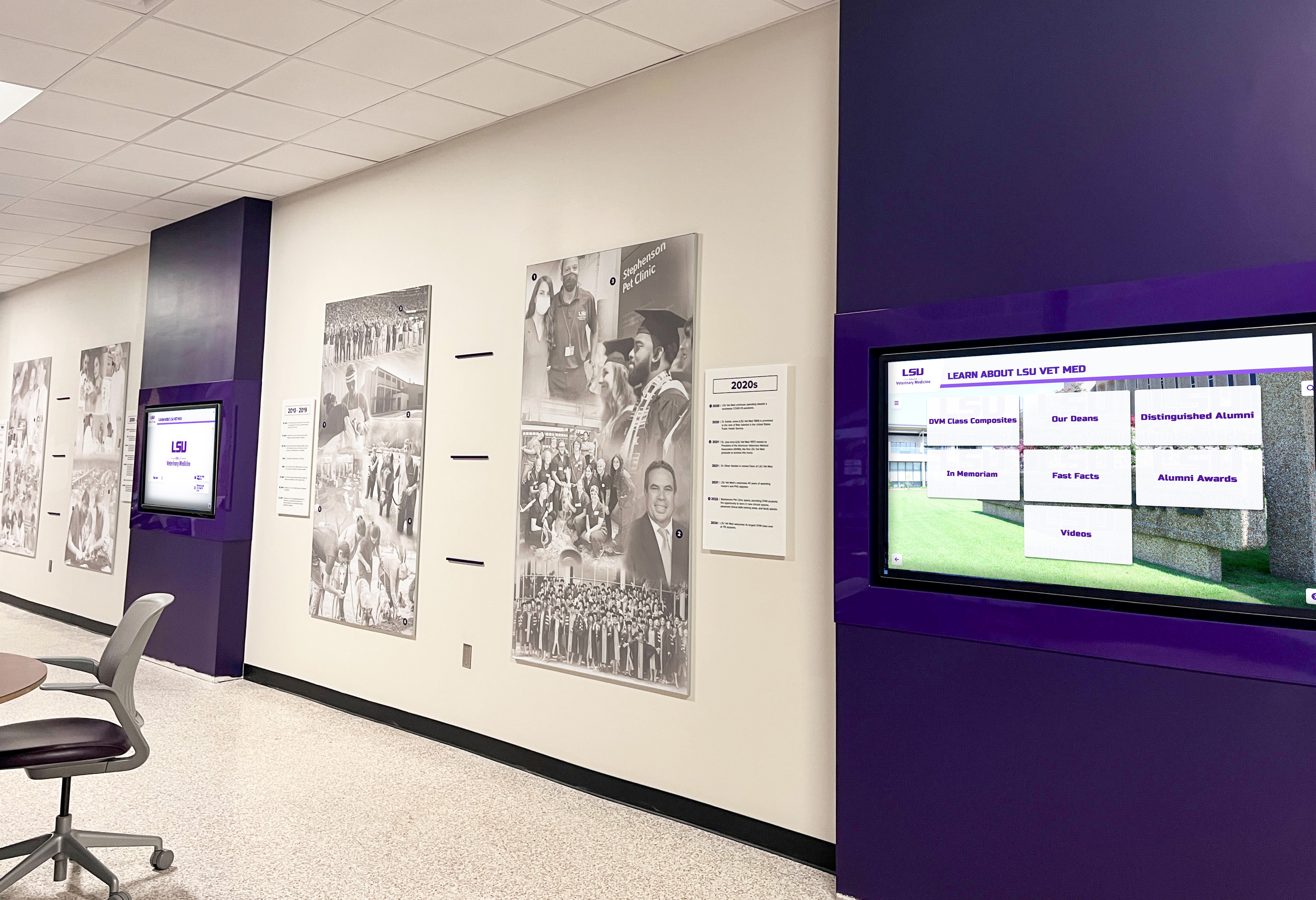
Purple and violet school colors that sit near the CMYK gamut boundary are especially affected by rendering intent choice — a rendering intent preflight using soft proof comparison identifies the intent setting that delivers the closest match to the school's color reference before any production ink is committed
Out-of-Gamut School Colors and Rendering Intent
Some school colors fall partially or entirely outside the reproducible gamut of commercial CMYK profiles. Electric orange, vivid yellow, saturated lime green, and some light-value teals exceed the CMYK gamut’s boundary under GRACoL and SWOP profiles. Rendering intent determines how these out-of-gamut values are handled.
Under relative colorimetric, out-of-gamut colors are mapped to the nearest reproducible boundary value — a process called gamut clipping. The result is the most saturated version of the hue that the CMYK profile can reproduce. For school colors defined to be as vivid as the substrate allows, this is the correct behavior — the banner delivers the maximum possible saturation for that color on that substrate.
Under perceptual, the entire gamut is compressed proportionally. Out-of-gamut colors are brought within the gamut, but in-gamut colors are shifted slightly toward the interior of the gamut to preserve tonal relationships. For school color fields, this means a slight reduction in saturation even for colors that were already in gamut, in exchange for a smoother, more proportionally consistent appearance when out-of-gamut and in-gamut colors appear adjacent.
For schools whose vivid school colors — particularly bright orange, yellow-gold, or neon green — are near or outside the CMYK gamut, a soft proof comparison between the two intents at the preflight stage reveals the trade-off before any production decision is made. Rendering both intents in the soft proof and comparing them against a physical reference is the most reliable way to confirm which intent delivers the better outcome for a specific school’s color palette on a specific vendor’s substrate. Related considerations around color gamut and ink limits also appear in the championship banner total-ink-coverage preflight, which addresses the separate question of total area coverage and ink laydown at the output destination profile level.
Rendering Intent and Permanent Recognition Archives
Championship banners are not temporary signage. Banners installed in gymnasia, corridors, and athletic lobbies remain in place for years or decades. A rendering intent error that produces a visible color shift in a 2026 banner becomes part of the permanent visual record of that season — it will be seen alongside correctly produced banners from every subsequent year, and the inconsistency will be visible to anyone who looks at the wall.
Schools and programs that build multi-year athletic archives understand this. Programs that invest in comprehensive hall of fame systems covering athletics, donors, arts, and history document color standards precisely so that physical recognition elements produced years apart look consistent together. A rendering intent decision made without documentation in 2026 becomes a variable that cannot be reproduced reliably in 2028 when the next championship banner is produced.
For school recognition programs that extend beyond athletics — encompassing graduation archives, academic achievement displays, and community recognition — color consistency across media types is equally important. Schools developing high school graduate display programs face the same CMYK conversion considerations for printed recognition panels that athletic departments face for championship banners. And programs that honor coaches and program leaders through recognition walls benefit from a documented color standard that ensures coaching recognition materials remain visually consistent with the broader athletic display program.
Documenting the rendering intent, ICC profile, and substrate for each banner production run creates a production specification that future administrations and print vendors can reference. This is the same discipline that makes athletic recognition programs maintainable over years without color drift or version inconsistency.
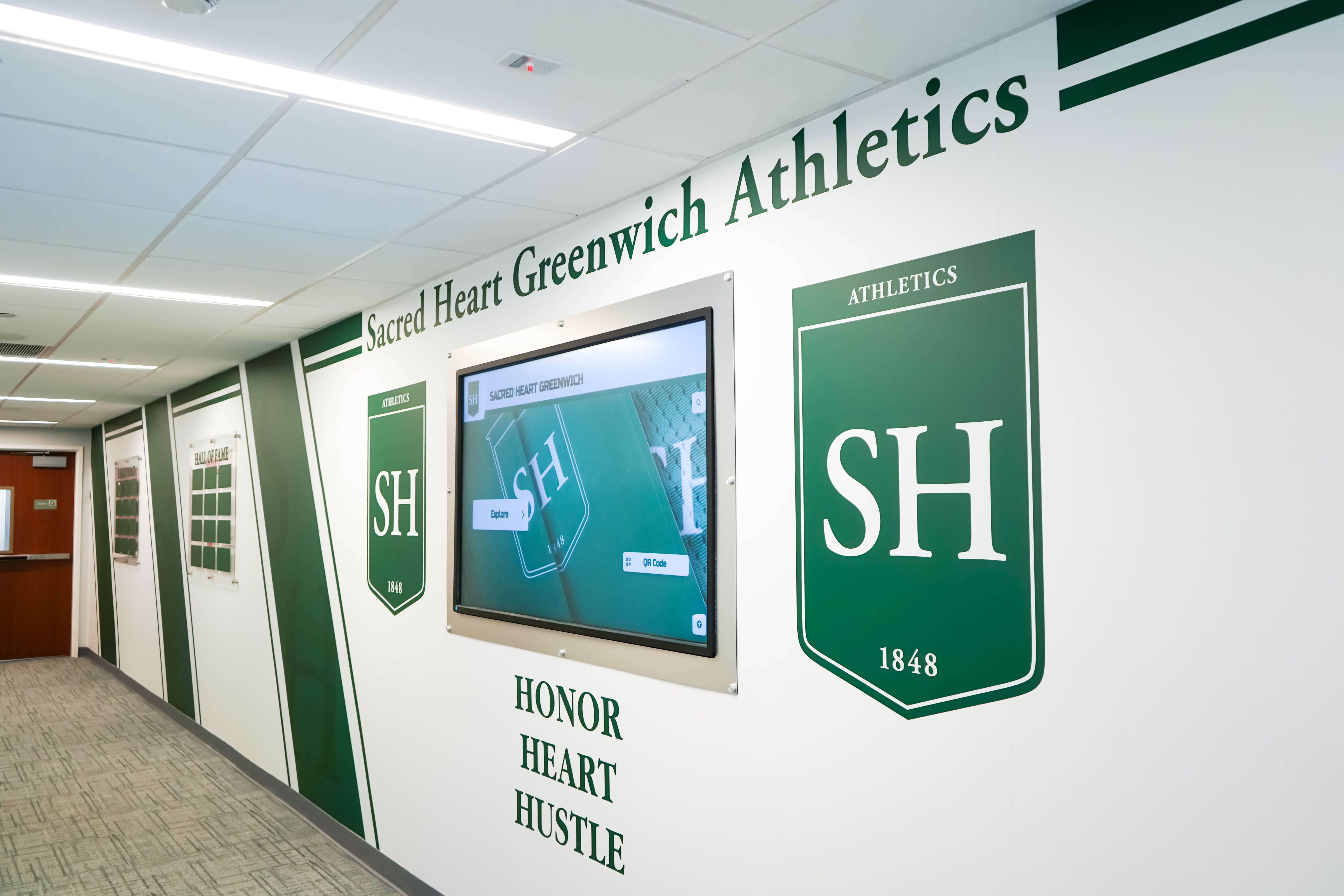
Athletic hallway recognition programs combining banners, shields, and plaques from multiple years require a documented color standard — including rendering intent and ICC output profile — so that new additions match the visual quality of materials already installed
Rendering Intent and Digital Recognition Alongside Physical Banners
Many schools install digital recognition displays — touchscreen kiosks, digital screens, and interactive hall of fame systems — in the same gymnasium lobbies and corridors where championship banners hang. The two output types operate in entirely different color spaces: physical banners reproduce color through ink on a substrate with a reflective gamut, while digital screens emit color through an additive RGB gamut. A rendering intent preflight ensures the printed banner’s school colors are as accurate as the CMYK gamut allows, but schools should also account for the visual difference between emitted digital color and printed ink color when both appear in the same space.
Schools managing youth sports and activity recognition programs that include both physical printed recognition materials and digital displays need to evaluate school color consistency across both output types. The rendering intent preflight governs the print-side color quality; the display calibration and color space management of the digital system governs the screen-side quality. Neither replaces the other — a correctly produced banner and a well-calibrated digital display each require their own color quality review.
For schools deploying digital recognition displays that will be evaluated against printed banners in the same space, the recognition display performance characteristics of the installed hardware are a factor in the overall color consistency of the recognition environment.
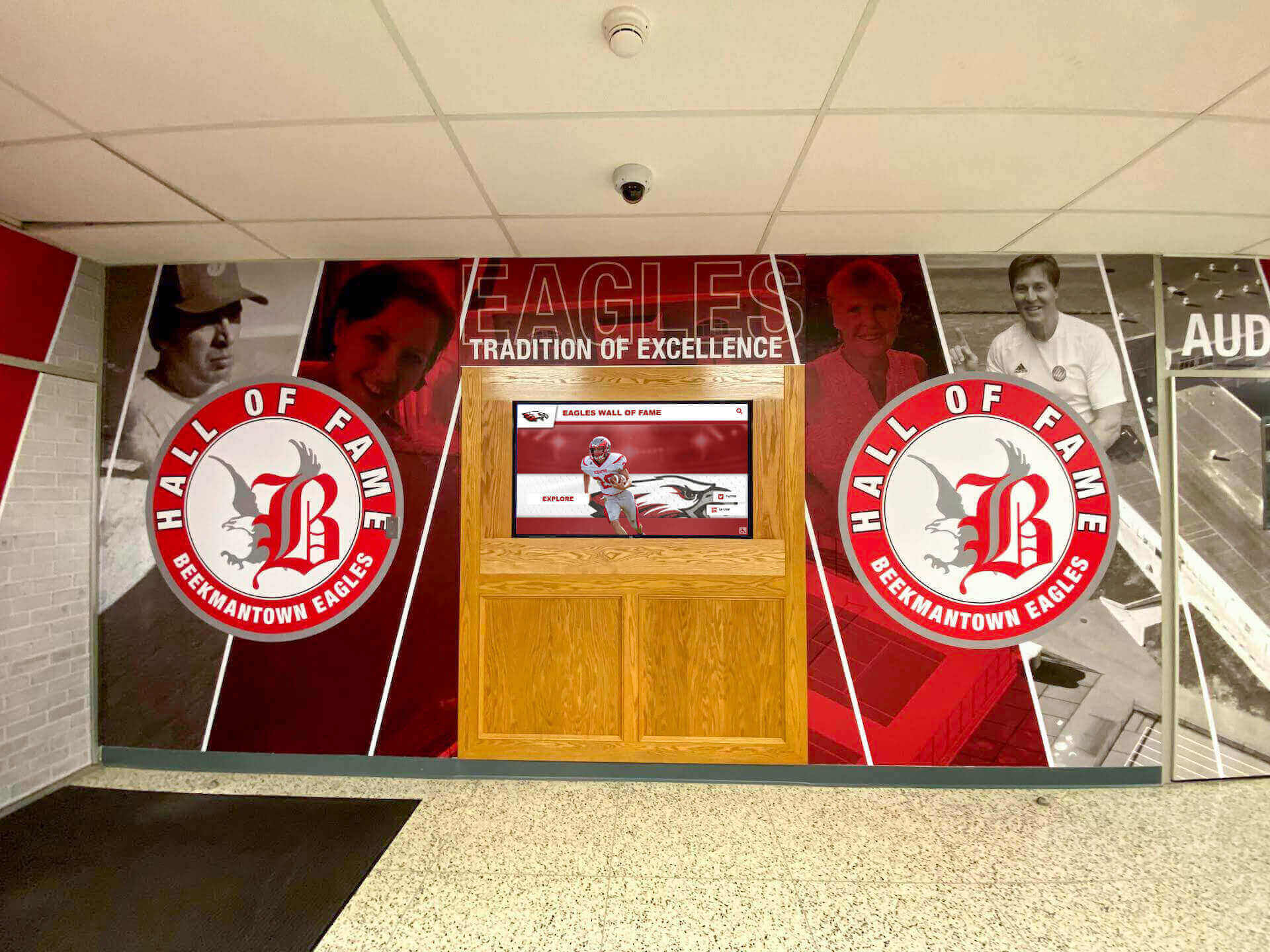
Championship banner and hall of fame installations that combine flat mascot art, solid school color backgrounds, and embedded portrait photographs in a single layout require separate rendering intent settings applied to each artwork category — a single rendering intent applied to the entire flattened file will compromise at least one element type
Creating championship banner artwork with school colors?
Rocket Graphics is building an AI-powered platform for school staff to generate championship banner artwork and athletic recognition graphics with school colors built in — reducing the manual color management steps that currently sit between a design idea and a production-ready file.
Get notified when Rocket Graphics opens.Soft Proofing to Verify Rendering Intent Before Vendor Submission
A software soft proof is the most practical pre-submission verification for rendering intent in championship banner production. Adobe Photoshop, Illustrator, and Acrobat all support soft proofing — a screen simulation of how a file will appear when converted to a specific CMYK output profile using a specific rendering intent.
In Adobe Photoshop: Go to View > Proof Setup > Custom. Select the vendor’s CMYK output profile in the Device to Simulate field. Toggle the rendering intent between Relative Colorimetric and Perceptual and compare the on-screen result for school color fields. Enable View > Proof Colors (Ctrl+Y / Command+Y) to activate the simulation. A visible hue shift in the school color fields under perceptual intent — relative to the unproofed view — confirms those colors are in gamut and should be converted with relative colorimetric.
In Adobe Acrobat Professional: After exporting the production PDF, open it in Acrobat and go to View > Proof Setup > Custom. Select the vendor’s CMYK profile. Enable Proof Colors. A visible difference between the Acrobat soft proof and the expected school colors indicates a rendering intent mismatch in the export settings that should be corrected before submitting the file.
The soft proof does not replace a physical proof on the production substrate, but it provides an immediate, cost-free check that the rendering intent is set correctly before a physical proof is ordered. The championship banner PDF/X preflight is the companion step that confirms the exported file is compliant with vendor PDF submission requirements after the color management settings have been verified.
Frequently Asked Questions: Championship Banner Rendering Intent Preflight
What is rendering intent in championship banner production?
Rendering intent is the ICC color management setting that determines how color values are translated when an artwork file is converted from an RGB source profile to the CMYK output profile required by a large-format print vendor. It controls both how out-of-gamut colors are mapped to the nearest reproducible CMYK value and whether in-gamut colors are shifted as part of that mapping. For championship banner production, the two most relevant intents are relative colorimetric — which preserves in-gamut school color values exactly — and perceptual — which distributes tonal relationships across the full compressed gamut for photographic images.
Should I use perceptual or relative colorimetric for championship banner school colors?
Use relative colorimetric for solid school color fields, flat vector mascot art, and wordmarks — these elements contain brand colors that should be preserved exactly within the CMYK gamut. Use perceptual for embedded athlete photographs, team portraits, and any photographic imagery in the banner layout. For layouts that include both, convert photographs to CMYK with perceptual intent before placing them in the layout, then export the layout document with relative colorimetric intent.
What happens if the wrong rendering intent is applied to a championship banner file?
Applying perceptual intent to flat school color fields can shift the school’s brand colors slightly from their defined values due to gamut compression. Applying relative colorimetric to full-color athlete photographs can clip shadow tones and saturated jersey colors to flat CMYK boundary values, reducing tonal gradation in the finished banner. Neither error can be corrected after production — the rendering intent preflight identifies and corrects both before vendor submission.
When should absolute colorimetric rendering intent be used in banner production?
Absolute colorimetric rendering intent must not be used for production color conversions in championship banner production. It is designed for proofing workflows — simulating how a color printed on one medium appears on a proofing substrate — and applies white-point simulation that introduces a visible color cast when applied to a production file.
How do I verify the rendering intent in my championship banner file before submission?
Use the soft proof function in Adobe Photoshop, Illustrator, or Acrobat. In Photoshop, go to View > Proof Setup > Custom, select the vendor’s CMYK profile, and toggle between Relative Colorimetric and Perceptual to compare the on-screen result for school color fields. After export, open the production PDF in Acrobat and verify using the same proof setup to confirm the export settings matched the intended rendering intent.
The Right Rendering Intent Preserves School Identity on the Gymnasium Wall
A championship banner rendering intent preflight takes minutes and prevents a color failure that cannot be undone after the banner is installed. The choice between perceptual and relative colorimetric is not a technical preference — it is a determination about which type of accuracy matters for each element in the banner layout, made deliberately rather than by default. School colors that represent decades of athletic tradition, mascot art that carries program identity, and athlete photographs that mark the specific team of a specific year all have different accuracy requirements. Matching the rendering intent to each artwork category, confirming the setting through soft proof comparison, and documenting the production specification for future reference is the step that keeps championship banners visually consistent across the years they hang on the gymnasium wall.
Create Championship Banner Artwork with School Colors Built In
Rocket Graphics is building an AI-powered platform to help school staff create championship banner artwork and athletic recognition graphics with accurate school colors from the first draft — no manual rendering intent selection or color profile management required before your artwork is ready to submit.
Get notified when Rocket Graphics opens.