A championship banner halftone screen angle preflight is the production verification step that confirms how a large-format vendor’s printing system will convert continuous-tone artwork — photographs, gradients, and solid school-color fields — into printable dot patterns before ink touches the banner substrate. The direct answer: when a vendor uses amplitude-modulated (AM) halftone screening, each CMYK color plate must be oriented at a specific angle — typically Black at 45°, Cyan at 105°, Magenta at 75°, and Yellow at 90° — to form a stable rosette pattern and prevent moiré interference from appearing across school colors, team photographs, and fine mascot artwork on the finished banner. Confirming those angles, the screen ruling, and the vendor’s screening method before file submission is the championship banner halftone screen angle preflight. Skipping it risks delivering a banner where photographs display a visible grid or wavy-line interference pattern that is permanent, unrepairable, and immediately visible to everyone who walks past it in the gymnasium.
This guide is written for school administrators, athletic directors, facilities managers, and recognition-program coordinators who approve championship banner artwork before commercial production — not for professional prepress operators who manage halftone parameters daily.
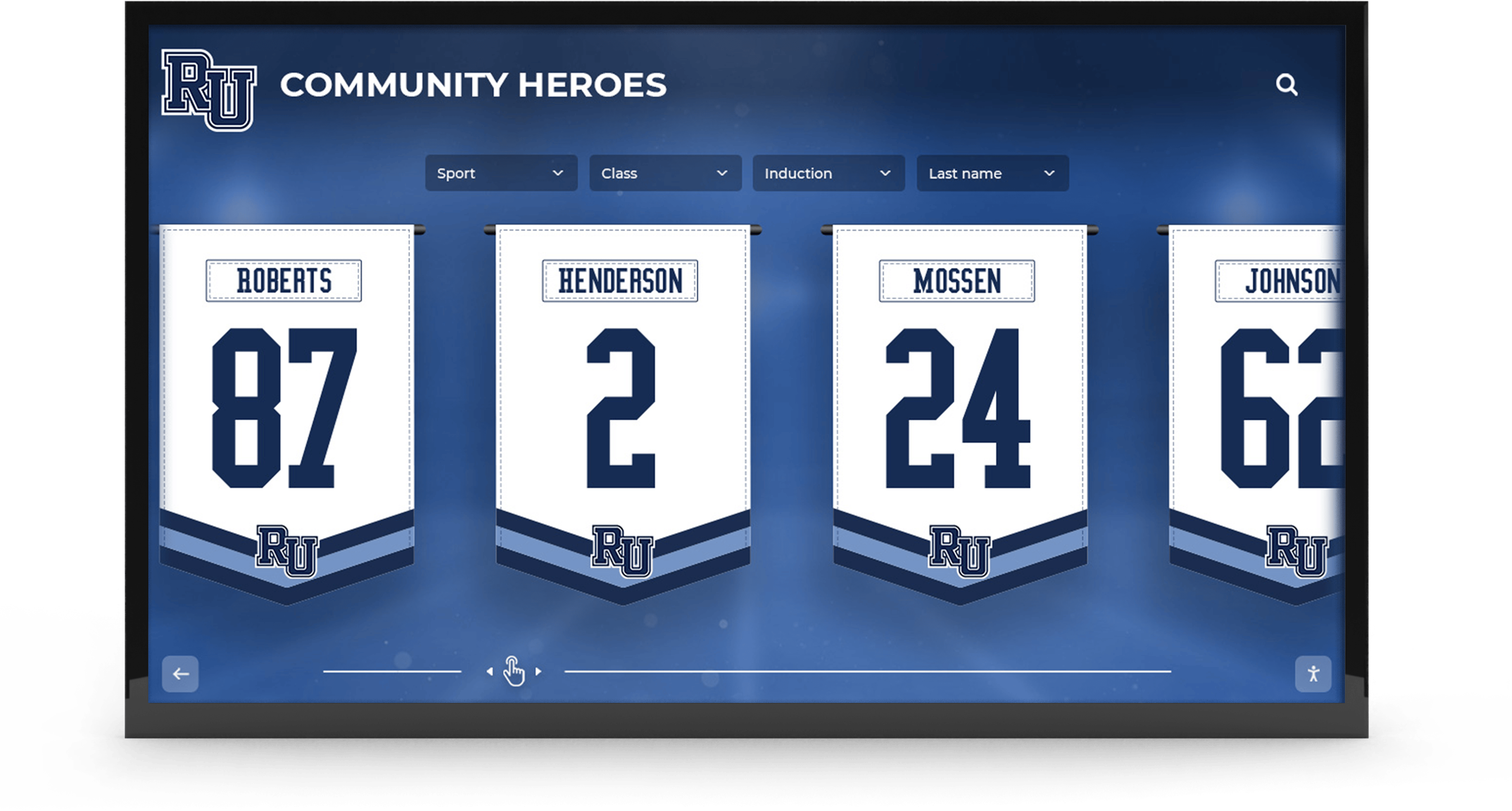
Championship banners and recognition displays installed in school lobbies and gymnasiums contain photographs, fine mascot artwork, and school-color fills that must be halftone-screened correctly — a screen angle preflight confirms the vendor's CMYK dot patterns will form a clean rosette rather than a visible moiré interference grid on the finished banner
What Halftone Screening Is and Why It Affects Championship Banners
Halftone screening is the process by which a printing system converts a continuous-tone image — a photograph, gradient, or solid color fill — into a pattern of tiny ink dots that a printer can reproduce on a substrate. Digital printing systems cannot lay down ink in infinitely variable densities; they can only deposit ink or leave a gap. By varying the size or placement of ink dots across a surface, halftone screening creates the visual illusion of continuous tone. The championship banner hanging in a gymnasium that shows a team photograph does not contain photographic ink — it contains a pattern of dots that, at the viewing distance of a hallway or gym floor, reads as a continuous-tone image.
Two primary types of halftone screening exist, and which one your vendor uses determines whether a screen-angle preflight is necessary at all.
Amplitude-modulated (AM) screening arranges ink dots in a fixed geometric grid. The dots vary in size — larger where the image is dark, smaller where it is light — but their center positions follow a regular lattice at a fixed angular orientation. That angular orientation is the screen angle. When a CMYK file prints through AM screening, each color plate’s grid is oriented at a different angle: this is a deliberate design. Plates oriented at 30° to each other form a stable visual pattern called a rosette — a small, regular flower-like cluster visible only under magnification. When plates are oriented at angles that do not form a proper rosette, their regular grids interfere with each other mathematically, producing a low-frequency pattern — moiré — that is visible across the entire print at normal viewing distances.
Frequency-modulated (FM) or stochastic screening places ink dots of uniform size at positions that are statistically random rather than geometrically regular. Because there is no fixed grid angle, FM screening has no screen angle and cannot produce the angular moiré artifacts that afflict AM screening. Most large-format inkjet banner printers — including equipment from Roland, Mimaki, and Epson commonly used for championship banner production — default to FM or hybrid screening for photographic content. Many school athletic programs submitting banner files to commercial online vendors will never encounter an AM halftone moiré problem simply because their vendor uses FM screening.
The halftone screen angle preflight therefore starts with confirming which screening method the specific vendor uses for the specific substrate and output profile the championship banner will print on — and proceeding through angle verification only when the vendor confirms they use AM or hybrid screening.
CMYK Screen Angles: The Standard Configuration
When a vendor does use AM screening, each CMYK color plate must be oriented at a specific angle relative to the others. The industry-standard screen angles for CMYK printing, as documented in ISO 12647 color standards for process color printing, are:
| Color Plate | Standard Screen Angle | Visual Role | Angle Separation from Black |
|---|---|---|---|
| Black (K) | 45° | Dominant image detail; most visually prominent | — |
| Cyan (C) | 105° (or 75°) | Largest proportion of most school color builds | 60° from Black |
| Magenta (M) | 75° (or 15°) | Completes rosette with Cyan; color definition | 30° from Cyan |
| Yellow (Y) | 90° (or 0°) | Least visually prominent; smallest dot size | 15° from Cyan |
The 45° angle for Black is chosen because diagonal dot arrangements are least perceptible to human vision — the eye reads diagonal patterns as texture rather than as a regular grid. Yellow is placed at 90° or 0° (near-horizontal and near-vertical) because Yellow is the weakest chromatic channel in CMYK printing and its regular grid is least visible at the low ink volumes Yellow typically uses. Cyan and Magenta must each be at least 30° from any adjacent plate to prevent their grids from forming a moiré pattern with each other or with Black.
When a vendor applies non-standard screen angles — or when a design application embeds AM halftone screens at the wrong angles before the file reaches the RIP — the CMYK plates do not form a stable rosette. Instead, their dot grids create visible interference at a low spatial frequency: moiré.
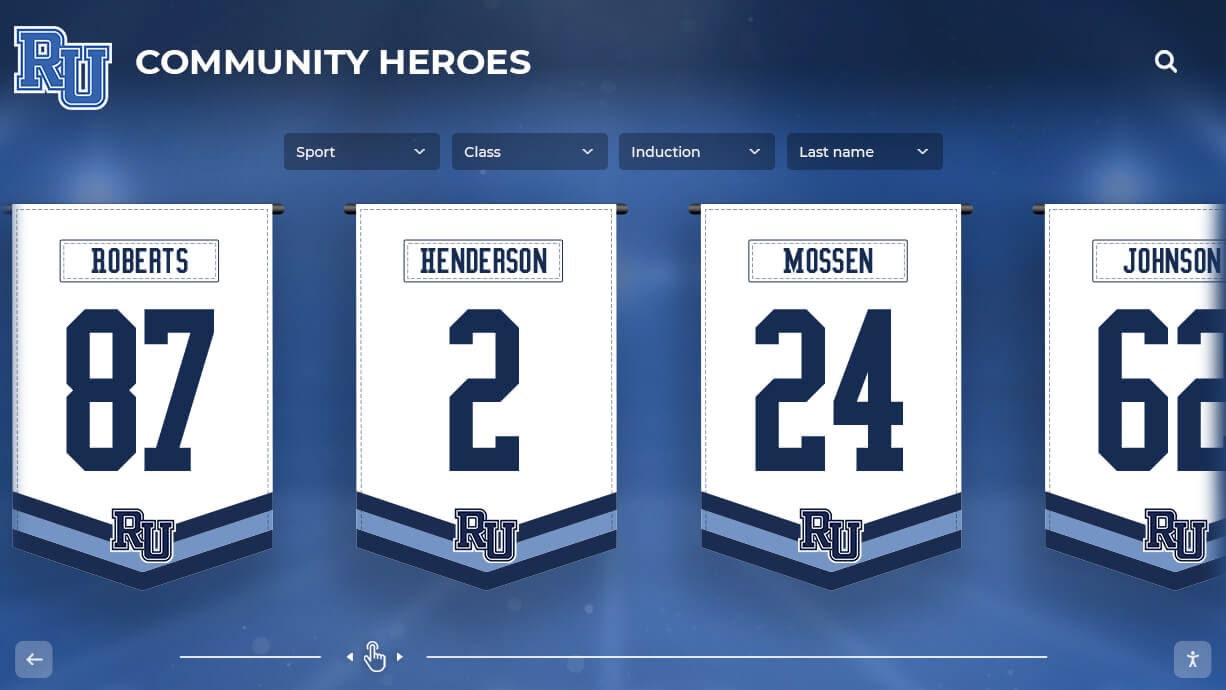
Recognition banners hanging in school corridors are examined at close range by athletes, students, and families daily — a moiré interference pattern in a team photograph or school-color fill is immediately visible and cannot be corrected after the banner is installed
How Banner Substrates and Viewing Distance Affect Moiré Risk
Screen ruling — measured in lines per inch (lpi) or lines per centimeter (l/cm) — determines how many halftone dot rows appear per unit of distance on the printed surface. Higher screen rulings produce finer dot patterns that are less visible at close range; lower screen rulings produce coarser dot patterns that are visible at greater distances.
Championship banners occupy a different viewing-distance range than most printed materials. A brochure or game program is read at 10–18 inches. A championship banner in a gymnasium is typically viewed from 5 to 30 feet by most audience members, and at 2–5 feet during close reading of athlete names and statistics. This two-range viewing situation affects halftone requirements:
- Large-format AM screening typically uses 50–100 lpi for banner substrates, compared to 150–175 lpi for commercial offset printing on coated paper. At 50–100 lpi, individual halftone dots are significantly coarser and more visible at close range than offset print dots.
- Coarser dot patterns make moiré more prominent at close range. A moiré interference frequency that would be imperceptible at 150 lpi becomes a visible grid pattern at 60 lpi, because the interference wavelength is now large enough to see without magnification.
- Banner substrate texture creates a second pattern source. Mesh banner substrates used for ventilated outdoor applications contain a physical woven grid structure. When a mesh banner is printed using AM halftone screening, the physical mesh grid interacts with the halftone dot grid exactly as two misangled halftone plates would — producing a secondary moiré visible across the entire banner surface. Mesh banners require either FM screening or a screen ruling specifically chosen to avoid resonance with the mesh pattern’s spatial frequency.
Athletic programs that use championship banners across multiple sports — from indoor gymnasium displays to outdoor facilities banners — may use different substrates for different applications, each with different halftone requirements. High school fall sports championship recognition programs often span multiple banner formats installed across different venue environments simultaneously; each format requires individual screening verification rather than a single approval applied to all outputs.
Step-by-Step Championship Banner Halftone Screen-Angle Preflight
This eight-step workflow applies at the pre-production approval stage — before the championship banner file is submitted to a commercial large-format vendor.
Step 1: Confirm the Vendor’s Screening Method
Before evaluating any screen angle settings in the design file, confirm in writing with the vendor:
- Whether they use AM (amplitude-modulated / conventional), FM (frequency-modulated / stochastic), or hybrid screening for the specific substrate and media type the championship banner will print on.
- Whether they apply screening through their RIP (preferred) or expect screening to be embedded in the submitted file.
- If AM screening is used, what their standard CMYK screen angles and screen ruling are for that substrate.
If the vendor uses FM (stochastic) screening exclusively: Screen angle moiré cannot occur through angular interaction of CMYK plates. Proceed to Step 6 to evaluate physical substrate moiré risk from mesh patterns or scanned imagery. Steps 2–5 apply only to AM or hybrid screening.
If the vendor uses AM or hybrid screening: Continue through all steps below.
If the vendor expects you to embed screening in the file: This is unusual for large-format banner production and requires designer-level intervention to set halftone screens in the source application. Request that the vendor instead manage screening through their RIP and deliver an unscreened file — this is the standard workflow for large-format banner production and avoids the double-screening problems that arise when AM screens are embedded in a file and then re-screened by the RIP.
Step 2: Request the Vendor’s Screen Angle and Ruling Specifications
If the vendor confirms AM or hybrid screening, request:
- Their standard CMYK screen angles for the specific substrate (vinyl, fabric, or mesh).
- Their screen ruling in lines per inch.
- Whether they have an ICC profile calibrated for that substrate and screen ruling.
Document the response in writing (email confirmation is sufficient) and attach it to the production order file. This creates a reference point if the finished banner displays moiré and a reprint is required.
Step 3: Verify the File Does Not Embed Custom Halftone Screens
Design files can embed halftone screening instructions at the application level — a setting in Adobe Photoshop, Illustrator, or InDesign that overrides the vendor’s RIP screening with angles and rulings specified in the source file. When a file with embedded custom screens reaches a vendor’s RIP that also applies its own screening, the result is double-screened output: two AM halftone grids at potentially mismatched angles producing severe moiré.
In Adobe Photoshop:
- Open the championship banner artwork file.
- Navigate to File > Print and expand the Color Management section.
- Confirm No Color Management or the appropriate output profile is selected — not a custom halftone setting.
- Navigate to Image > Mode and confirm the file is in the correct color mode (CMYK or RGB, per vendor specification) without embedded halftone screening instructions.
In Adobe Illustrator:
- Navigate to File > Document Color Mode and confirm the correct color mode.
- Open Window > Attributes and confirm no custom halftone settings are applied to individual objects via the Halftone Screens option in the Print dialog.
In Adobe InDesign:
- Navigate to File > Print and open the Graphics panel.
- Confirm that the halftone settings use Printer’s Default rather than a custom screen angle specification.
If custom halftone screens are found embedded in the file at any level, remove them and revert to printer-default screening before vendor submission.
Step 4: Inspect Source Images for Pre-Screened Content
Championship banner files that incorporate images scanned from previously printed materials — yearbook photographs reproduced from print, newspaper clippings, or images pulled from printed game programs — may contain AM halftone screening already baked into the raster image from the original printing process. When a pre-screened image is re-halftoned by the vendor’s RIP, the existing screen pattern in the image data interacts with the new RIP-applied screen, producing moiré across the image area.
How to identify pre-screened images:
- Open the source image at 300% or greater zoom in Adobe Photoshop.
- Pre-screened images will show a visible regular dot pattern in the image data when zoomed in — not the noise of a photographic original, but a regular repeating grid structure.
- Photographs taken digitally or scanned from photographic prints will show smooth tonal gradation at high zoom without a dot pattern.
Resolution: Apply a Despeckle or Median filter to pre-screened images to reduce the pre-existing dot pattern before the file is submitted to the vendor. For important photographs in school athletic recognition programs — team photographs, individual athlete portraits, coaches — source the original digital file or a high-resolution photographic scan rather than a scan of a previously printed version.
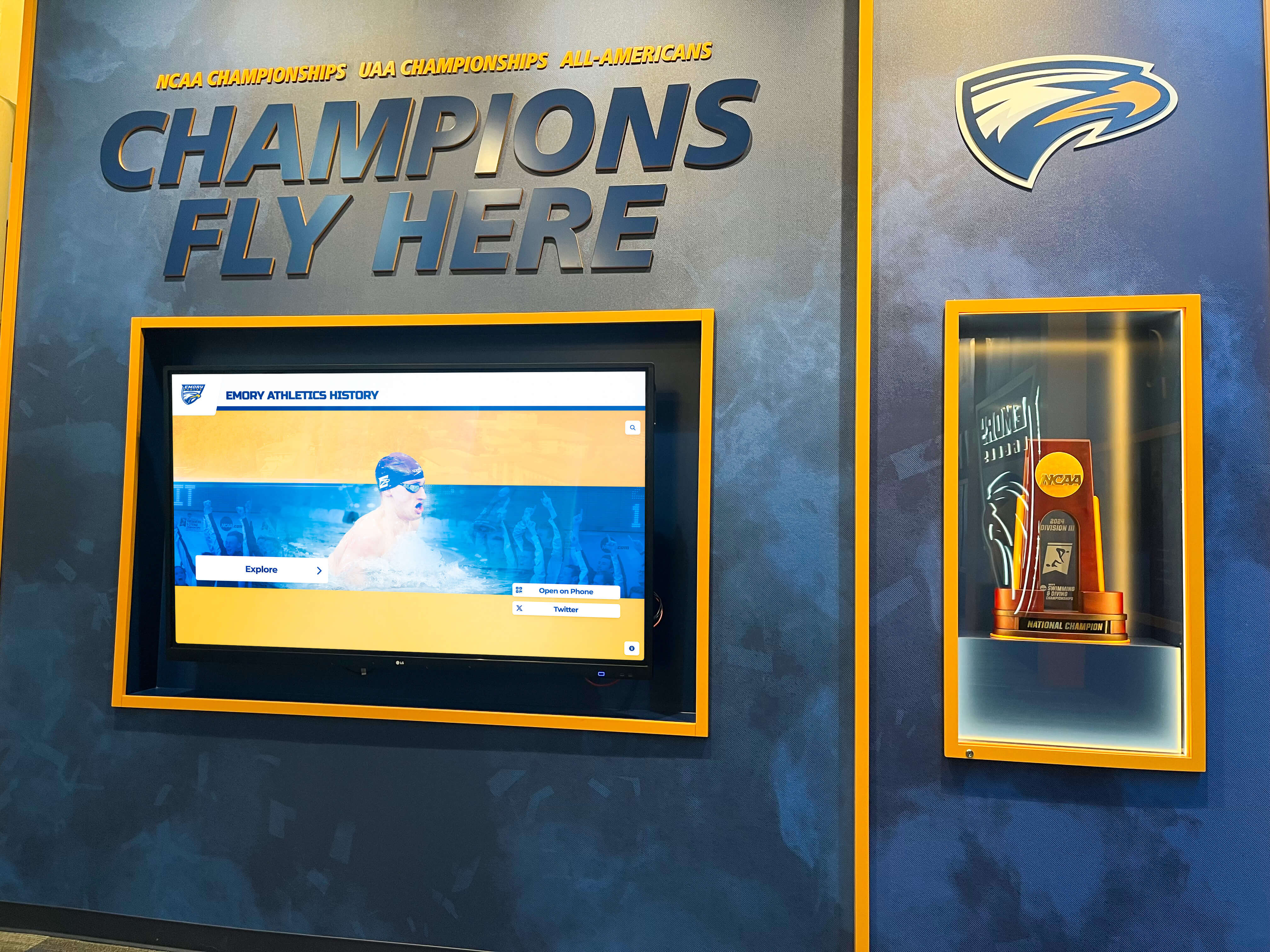
Championship recognition programs accumulate photographs across many sports and seasons — sourcing photographs from digital originals rather than scans of previously printed materials eliminates a common moiré source in banner halftone production
Step 5: Evaluate Artwork for Pattern Elements That Cause Secondary Moiré
Beyond color plate interaction and pre-screened image data, certain design elements create secondary moiré by introducing physical patterns that interact with the halftone dot grid.
Jersey and uniform photographs: Action photographs and team photographs taken during games frequently show jersey fabric, mesh netting, and athletic fabric weaves. When a regular fabric texture in a photographic image interacts with the AM halftone dot grid, the two regular patterns can produce moiré in that image region — independent of CMYK angle relationships. This is particularly common in basketball photographs where jersey mesh fabric and net backgrounds are prominent.
School crests and seal artwork with fine radiating lines: Many school seals contain fine radiating line patterns, cross-hatching, or concentric circles as design elements. When these are printed at large-format scale through AM halftone screening, the regular line pattern in the artwork interacts with the halftone grid.
Resolution: For jersey and fabric images at risk, apply a light Gaussian Blur (0.5–1.0 pixel radius) to the photographic layer before banner file assembly. This is sufficient to soften the fabric texture without perceptibly affecting image sharpness at banner viewing distances of five feet or more. For seal and crest elements with fine line detail, confirm with the vendor that FM screening will be used for vector elements or that line artwork will be processed at sufficient resolution to avoid halftone interaction.
Step 6: Verify Screen Ruling Against Substrate Viewing Distance
When AM screening is confirmed, the screen ruling the vendor uses must be appropriate for the viewing distance at which the championship banner will be installed.
| Banner Installation Context | Typical Viewing Distance | Appropriate Screen Ruling (AM) |
|---|---|---|
| Gymnasium rafter banner | 20–50 feet | 50–75 lpi |
| Gymnasium wall banner | 10–30 feet | 60–85 lpi |
| Athletic lobby entrance banner | 5–20 feet | 75–100 lpi |
| Hallway corridor championship banner | 3–10 feet | 85–120 lpi |
| Trophy case display banner | 1–5 feet | 100–150 lpi |
Request confirmation from the vendor that their standard screen ruling for the selected substrate falls within the appropriate range for the installation context. A banner intended for a trophy case at 1–3 feet viewing distance requires a finer screen ruling than one hung from gymnasium rafters at 30 feet. The same school-color and photographic content will read significantly differently under a 60-lpi screen at close viewing distances.
Schools building athletic recognition programs that include school record board displays alongside championship banners benefit from understanding how printed and digital elements are viewed at different distances — the same design intent may require different production specifications for a printed banner at gymnasium-wall scale and a digital display board at corridor distance.
Step 7: Evaluate Mesh Substrate Moiré Risk
For championship banners specified on mesh vinyl — used for outdoor ventilated applications such as stadium entrance banners, field perimeter banners, and outdoor facility recognition displays — the physical mesh structure creates an additional moiré source independent of CMYK screen angles.
Mesh banner substrates contain a regular open weave structure measured in mesh count (openings per inch). When the vendor’s screen ruling resonates with the mesh count, moiré appears across the entire banner surface regardless of how well the CMYK plates are angled.
Verification steps for mesh banners:
- Request the vendor’s mesh substrate specification, including mesh count and open area percentage.
- Ask whether the vendor uses FM screening specifically for mesh substrates — this is best practice and eliminates the mesh-halftone moiré entirely.
- If AM screening will be used on mesh, request the screen ruling selected for that substrate and ask whether the vendor has performed a moiré test print at that ruling for the specific mesh product.
- For championship banners with high institutional significance — multi-decade athletic records, hall-of-fame installations, wall-of-honor recognition programs — request a production proof of a critical image region on the actual mesh substrate before approving full-run production.
Step 8: Request a Press Proof for Halftone-Critical Elements
A soft proof using the vendor’s ICC profile approximates color accuracy but cannot simulate halftone moiré behavior — moiré is a physical interaction between printed dot patterns that requires physical output to evaluate. For championship banner files that contain:
- Team photographs with fabric textures or architectural grid elements
- School seal or crest artwork with fine radiating line patterns
- Photographs sourced from previously printed materials (pre-screened risk)
- Mesh substrate specifications
Request a press proof from the vendor on the actual production substrate before approving the full production run. The proof need not be full-size — an 18-by-24-inch proof tile of the most halftone-critical design region is sufficient to evaluate moiré risk at the production screen ruling and substrate combination.
Document the proof approval in the production order file alongside the screen angle and ruling specifications confirmed in Step 2.
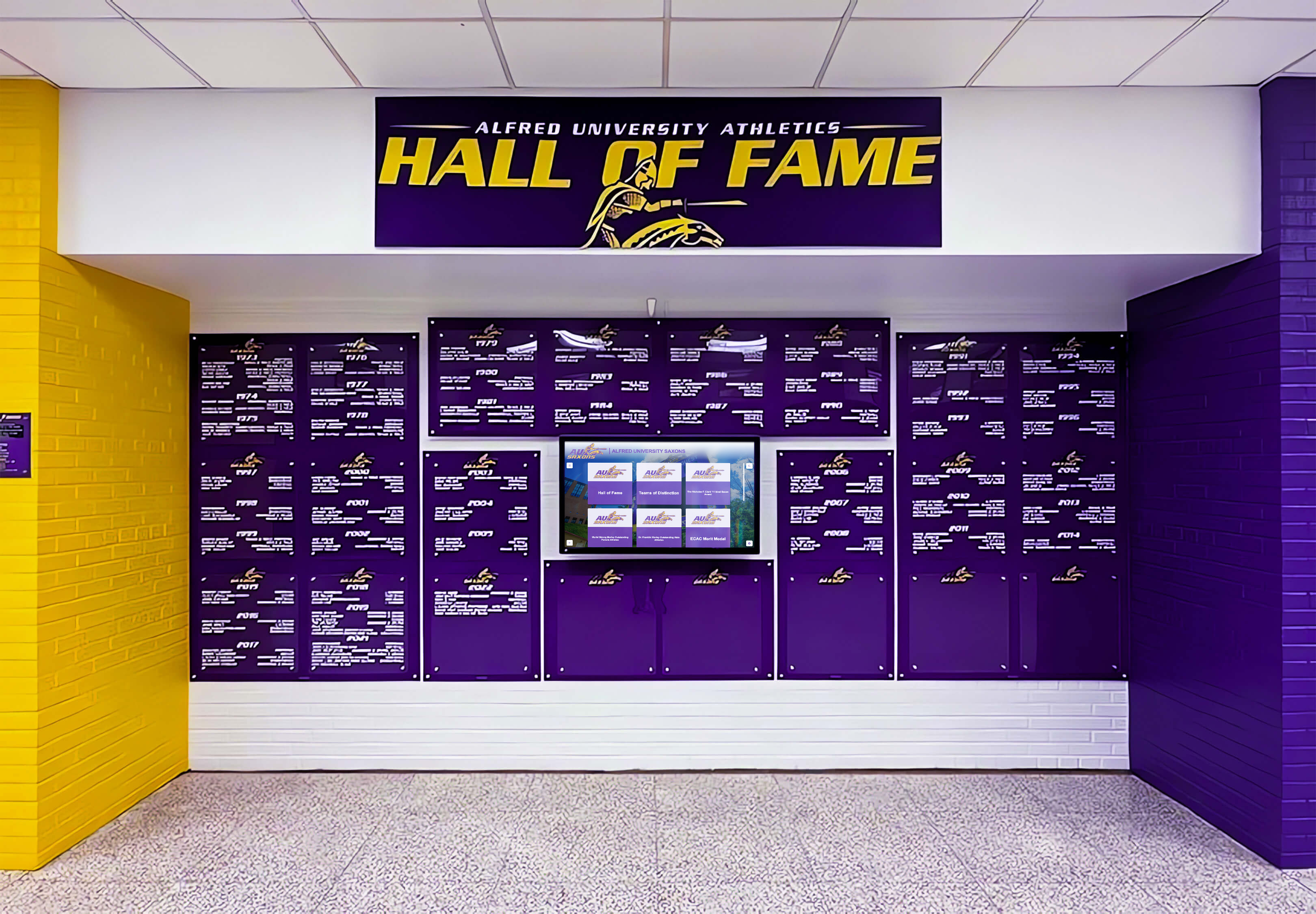
Deep school colors in the dark tone range — purple, navy, maroon, forest green — are where halftone screen angle errors produce the most visible moiré because high ink coverage amplifies dot interaction between plates; screen-angle verification before production protects the school's official color identity on the finished banner
Moiré Risk by Content Category
Use this table during pre-submission art review to identify which elements in the championship banner file carry the greatest halftone moiré risk under AM screening.
| Content Category | Moiré Risk Level | Primary Cause | Mitigation |
|---|---|---|---|
| Team photograph with jersey fabric | High | Physical fabric texture interacts with halftone grid | Light Gaussian blur on photo layer; request FM screening |
| Pre-screened photograph (scanned from print) | High | Existing dot pattern from original printing re-screened | Source digital original; apply Despeckle filter |
| School seal with fine radiating lines | High | Radiating artwork pattern resonates with halftone grid | Request FM screening for vector artwork |
| Basketball photograph with net background | High | Regular net pattern interacts with AM dot grid | Blur net region or clone out; request FM screening |
| Gradient fill in school color | Medium | Smooth dot-size variation across tonal range | Verify AM angles are standard; soft-proof transitions |
| Solid school-color field (flat, no gradient) | Low-Medium | Plate misregistration visible at high ink coverage | Check TAC limit; verify total ink coverage |
| Portrait photograph with plain background | Low | No repeating pattern elements | Standard screen angle verification sufficient |
| Mascot illustration (vector artwork) | Low | Smooth fills and outlines without texture | Verify FM or correct AM angles; check fine strokes |
| White or very light background | Low | Low ink coverage reduces plate interaction | Standard verification; check for paper-simulate soft proof |
Common School Color Scenarios and Halftone Screen-Angle Considerations
School Navy on Photographic Background
Navy blue school colors in CMYK require high Cyan and Black plate values — the two plates most visually dominant in the halftone rosette. When Cyan and Black screen angles deviate from their standard 60° separation, their dense dot grids interact across the navy field, producing a visible cross-hatch pattern where the color should be smooth and flat.
If the vendor confirms AM screening with standard angles (Black at 45°, Cyan at 105°), navy color fields pose normal risk: the 60° plate separation is sufficient for a stable rosette. If the vendor uses non-standard angles or if the source file contains embedded screen instructions that override the RIP, navy fields are the most likely content area to show moiré — because of the high dot density at the dark end of the tonal range. Verify that no custom halftone screens are embedded in the source file (Step 3) before submitting a navy-dominant championship banner to production.
Maroon or Burgundy Lettering on White Vinyl
Maroon school colors depend heavily on the Magenta and Black plates at mid-range ink values. Magenta is the plate most likely to show moiré against Black when screen angles are non-standard, because both plates carry significant density in dark warm tones and their grids are the ones most commonly misspecified in non-standard AM configurations. Confirm with the vendor that Magenta’s screen angle is 30° from both Black and Cyan — the minimum separation for a stable rosette. Championship banner text at banner scale often requires crisp, moiré-free color for athlete names, championship years, and sport designations that will be read by students and families who attended the season the banner celebrates. Championship banner design standards for recognition programs consistently identify legible, color-accurate typography as a non-negotiable requirement for permanent athletics recognition displays.
Team Photograph on Polyester Fabric Banner
A team photograph on a polyester fabric banner printed by dye sublimation typically processes through FM screening — dye sublimation thermal transfer produces stochastic dot placement by the nature of the sublimation diffusion process. For these banners, the screen-angle preflight confirms that FM screening is in use and evaluates the photograph only for pre-screened content risk (Step 4) and jersey fabric moiré at the dye-sublimation dot size (Step 5). Full AM screen-angle verification is not required.
For athletic award data programs that maintain a historical archive of championship banner artwork, noting the screening method used for each production run is valuable when a banner needs to be reprinted years later — the same file will not produce the same result on a different substrate or through a different screening method without re-verification.
Connecting the Screen-Angle Preflight to Your School’s Recognition Program
Championship banner halftone screen-angle verification is one layer in a multi-step print production workflow that produces banners accurate enough to represent a school’s athletic program permanently. The same banner file that passes a screen-angle preflight should also pass dot-gain compensation verification, total ink coverage review, and PDF/X compliance verification before vendor submission.
Physical championship banners installed in gymnasiums and athletic corridors work alongside digital recognition systems — touchscreen hall-of-fame displays, digital wall-of-honor kiosks, and on-screen trophy case records — that exhibit school colors and photographic content through calibrated display panels rather than halftone ink. The print-production accuracy that a screen-angle preflight protects on a vinyl banner corresponds to the display calibration that governs color accuracy on an adjacent digital screen. Both production paths are serving the same school colors to the same community of athletes, students, and families.
Schools building comprehensive recognition programs across physical and digital channels — dedication plaques and material displays, championship banners, touchscreen hall-of-fame systems, and reunion and alumni recognition touchscreen displays — benefit from applying the same discipline to every output format: verify the production specification with the vendor before the artwork is finalized, not after it arrives at the school with a visible defect.
For school programs that manage athletic recognition visual identity across many program types — from championship banners to band program recognition and academic honor displays — a single verified school-color reference that documents both the intended CMYK values and the substrate-specific adjustments applied for each output makes every future banner production faster and more consistent. The screen-angle preflight is one step in building that production consistency into every championship banner the program orders.
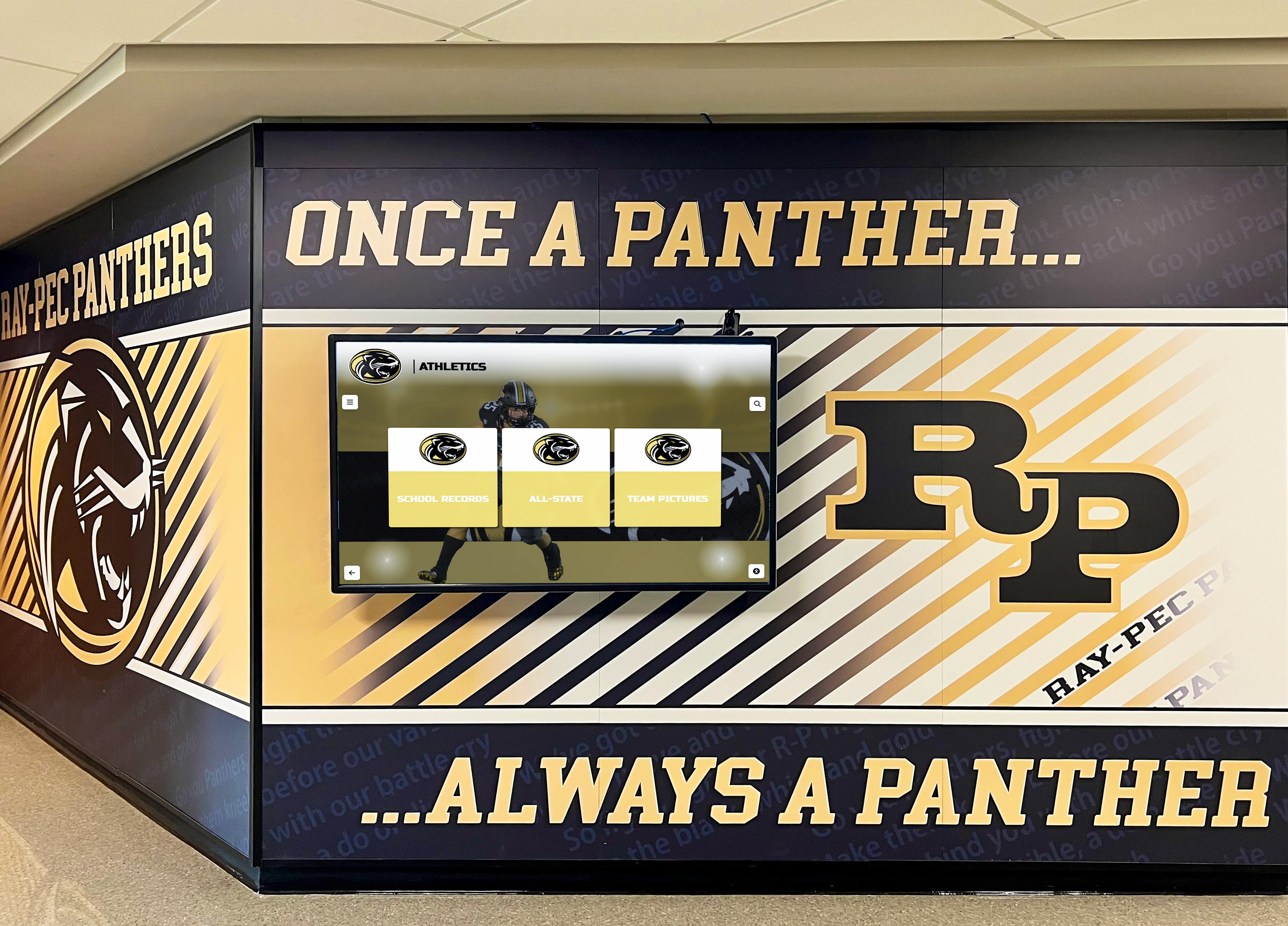
Physical championship banners and adjacent digital recognition screens in the same corridor are compared side by side by every visitor — a halftone screen-angle preflight prevents the printed banner from displaying a moiré grid or color shift that would look out of place next to the calibrated digital display beside it
Frequently Asked Questions: Championship Banner Halftone Screen-Angle Preflight
What is a halftone screen angle and why does it matter for championship banner printing?
A halftone screen angle is the orientation — measured in degrees — of the dot grid that a printing system uses to convert a CMYK color plate into printable ink dots. In amplitude-modulated (AM) halftone printing, each color plate uses a different angle so that the dot grids of different inks do not create visible interference patterns (moiré) on the finished print. For championship banners, incorrect screen angles cause moiré — a repeating wavy or grid pattern — to appear in team photographs, school-color fills, and mascot artwork, which is permanently visible at installation.
Do all championship banner vendors use halftone screen angles?
No. Many large-format inkjet vendors use frequency-modulated (FM) or stochastic screening, which places ink dots at random positions rather than in a fixed angular grid. FM screening does not have screen angles and cannot produce the angular moiré that AM screening causes. The first step of any championship banner halftone screen-angle preflight is confirming whether the vendor uses AM, FM, or hybrid screening for the specific substrate — FM screening vendors do not require CMYK angle verification.
What CMYK screen angles should a championship banner vendor use?
The industry-standard CMYK screen angles for AM halftone printing are: Black (K) at 45°, Cyan (C) at 105° or 75°, Magenta (M) at 75° or 15°, and Yellow (Y) at 90° or 0°. These angles separate adjacent plates by at least 30°, allowing their dot grids to form a stable rosette pattern rather than a moiré grid. Confirm with the vendor that their AM screening configuration uses these or equivalent angles before approving a championship banner file for production.
Can a moiré pattern in a championship banner be corrected after printing?
No. Moiré is a physical property of the printed dot pattern on the substrate surface and cannot be removed or corrected after production. A championship banner that arrives with moiré in a team photograph or across a school-color field must be reprinted at full cost. The halftone screen-angle preflight is the production step that identifies and prevents moiré before the banner is printed — making it far less expensive than any correction attempted after the banner is installed.
Do mesh banners require additional screen-angle verification?
Yes. Mesh banner substrates contain a physical woven grid structure that interacts with AM halftone dot grids as a second pattern source, producing moiré between the mesh pattern and the halftone screen independent of CMYK plate angle relationships. Mesh banners require either FM screening — which eliminates dot-grid moiré entirely — or a screen ruling specifically chosen to avoid resonance with the substrate mesh count. Always request FM screening for mesh banners and request a production proof on the actual substrate before approving the full run.
Every Banner Deserves a Clean Print
A championship banner halftone screen angle preflight is a production step that takes less time to run than a reprint takes to order. Confirm the vendor’s screening method first: if they use FM or stochastic screening, the moiré risk from CMYK plate angle interaction does not exist and the preflight reduces to checking for pre-screened source images and mesh substrate interaction. If they use AM screening, confirm the four CMYK plate angles match the industry standard, verify that no custom halftone screens are embedded in the source file to conflict with the RIP, inspect photographs for jersey fabric and pre-screened content that creates secondary moiré, and request a physical press proof for any banner that will hang permanently in a gymnasium, lobby, or athletic corridor.
The team that earned a championship banner represents years of work by athletes, coaches, and program administrators. The banner that documents that achievement deserves a production workflow — including a halftone screen-angle preflight — that ensures it prints without defects and represents the school’s colors accurately for every student who passes it in the hallway.
For athletic recognition programs building championship documentation across wall-of-honor installations and multi-year banner archives, applying a consistent halftone screen-angle standard to every banner submission ensures the newest banner matches the print quality of those produced a decade earlier — building a visual record that is as accurate as the athletic achievement it represents.
Create Championship Banner Artwork with School Colors Built In
Rocket Graphics is building an AI-powered platform to help school staff create championship banner artwork, athletic recognition graphics, and social media content with accurate school colors from the start — no design experience or manual CMYK preflight required.
Get notified when Rocket Graphics opens.