Championship banner halftone moiré prevention is a structured preflight discipline that confirms screen angles, line frequencies, and screening methods in a banner file are free of interference conditions before the file is submitted for production. The direct answer: moiré arises when two or more periodic halftone grids overlap at angles close enough to generate a visible beat frequency — a ripple, grid, or diagonal-stripe artifact superimposed on the printed artwork — and preventing it requires confirming that CMYK screen channels are separated by no less than 30° from each other, that the vendor’s lines-per-inch setting matches the banner substrate’s characteristics, and that any source image containing an existing halftone screen is descreened before re-halftoning at output.
This guide is written for school administrators, athletic directors, graphics program coordinators, and recognition-program staff who review championship banner artwork and approve production files before authorizing a vendor order — not for prepress specialists who configure RIP screen settings daily.
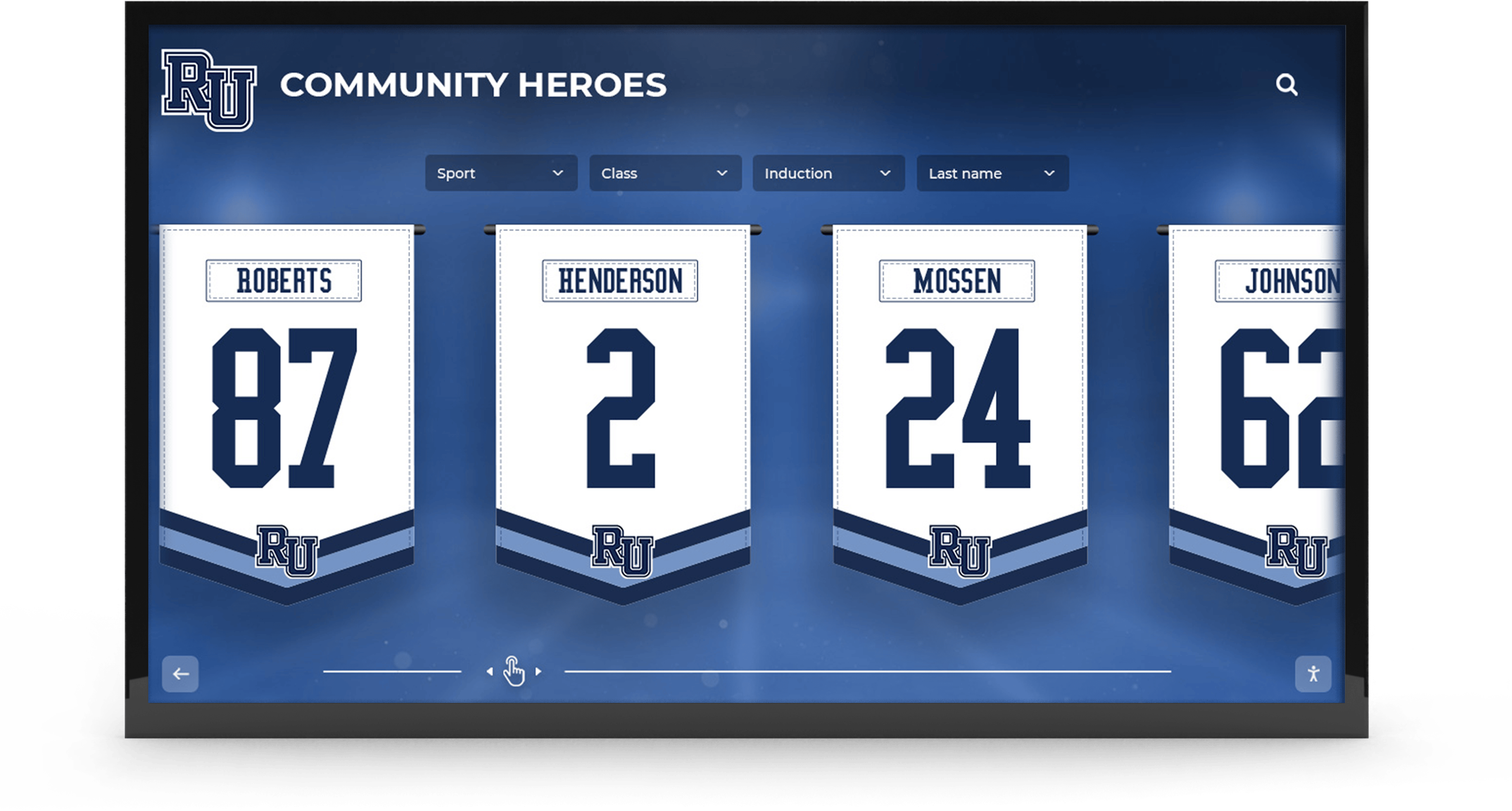
Championship recognition banners that combine photo elements, bold color fields, and type-heavy layouts carry the highest moiré risk at large-format output — a halftone screen angle and frequency preflight run before submission confirms the file is free of interference conditions
What Causes Moiré in Championship Banner Production
Moiré in large-format championship banner production is caused by the same principle that produces the visible pattern when two window screens are stacked at a slight angle: any two periodic structures that overlap at a non-optimal angle create a third, lower-frequency interference pattern. In halftone printing, each CMYK process color is rendered as a grid of dots — the halftone screen — and when those grids are set to angles that are too close to each other, the overlap between adjacent channel screens generates a visible moiré pattern across the entire print area.
Four situations produce moiré most frequently in championship banner files:
Channel screen angle conflict. The most common cause. When CMYK screen angles are not correctly separated — particularly when cyan and magenta are assigned angles less than 30° apart — the interference pattern appears as visible rosette structure or diagonal striping across photo and tint areas. The ISO 12647-1 standard for process color production specifies recommended angle separations that reduce this interference: cyan at 105° (equivalent to 15°), magenta at 75°, black at 45°, and yellow at 90°. The 30° separation between cyan, magenta, and black minimizes channel conflict; yellow is assigned 90° because its optical prominence is low enough that its angular proximity to adjacent channels does not produce objectionable interference under standard production conditions.
Source image containing an existing halftone screen. A photograph that was previously printed — a team photo from a program booklet, a press clipping, or a scanned awards ceremony image — contains the halftone dots from its original print run embedded in its pixel data. When that image is halftoned again at large-format output, the original halftone pattern and the new output screen interfere with each other, producing a moiré that would not appear in an unprinted photograph. This artifact is called a rescreening moiré and is invisible at normal editing zoom levels.
Natural periodic patterns in athletic photography. Photographs of athletes wearing mesh jerseys, patterned shorts, or woven uniforms contain natural periodic structures — the fabric weave itself. When these images are halftoned at certain frequencies, the fabric pattern can interfere with the halftone grid and produce a visible moiré in jersey and uniform areas of the photo. This is distinct from a rescreening moiré: the source of the interfering pattern is the photograph’s subject matter, not a prior print run.
Fabric substrate weave frequency. Fabric championship banner substrates — commonly used for gymnasium wall banners and pull-up recognition displays — have a visible woven structure measured in threads per inch. When the large-format output screen frequency in lines per inch is close to the fabric’s thread count, the periodic weave and the halftone grid interact visually and produce a moiré pattern across large tint and photo areas of the finished banner.
The Six-Step Championship Banner Halftone Moiré Prevention Preflight
Complete each step before submitting a championship banner file to a commercial print vendor. Steps 1 through 4 identify moiré risk conditions; steps 5 and 6 confirm the production approach that eliminates them.
Step 1: Inspect all source images for existing halftone screens.
Open each placed photo in the championship banner layout and zoom to 200–400% in Adobe Photoshop or Acrobat Pro. An image that was previously printed will show a regular grid of colored dots, oval shapes, or diamond patterns rather than the smooth pixel data of a photographic original. If a dot pattern is visible at high zoom, the image contains a pre-existing halftone screen and must be descreened before use.
To descreen in Photoshop: apply Filter > Blur > Gaussian Blur at a radius of 1–2 pixels to soften the halftone dots, then apply Filter > Sharpen > Unsharp Mask to restore edge detail without reintroducing the dot structure. For images scanned from printed sources, use the scanner software’s built-in descreen filter at the scanning stage — this approach reduces the halftone structure at the capture step rather than at image editing. After descreening, confirm that no visible dot pattern remains at 300% zoom before placing the image in the banner layout.
This step is especially relevant for championship banner programs that source historical team photography from school archives. Schools maintaining historical photo and document archives often retrieve championship imagery from scanned programs, newspaper clippings, or printed yearbooks — all of which contain pre-existing halftone screens that require descreening before use in a new production file.
Step 2: Confirm CMYK screen angle separations with the vendor.
Contact the large-format vendor and ask specifically what screen angles are assigned to the cyan, magenta, yellow, and black channels in their RIP configuration. Request the values in writing. The standard configuration that minimizes process-color moiré — specified in ISO 12647-1 — assigns: black (K) at 45°, magenta (M) at 75°, cyan (C) at 105° (15°), and yellow (Y) at 90°. This configuration ensures a 30° separation between the three perceptually prominent colors (K, M, C) and assigns yellow the angle at which its interference with adjacent channels is least visible.
If the vendor uses a different angle configuration, ask whether their screen settings have been tested for moiré at the LPI applied to banner substrates. Some large-format vendors use irrational or rational tangent screen angles — non-traditional values that minimize rosette structure without requiring exact 30° separations — which are also acceptable if they have been validated for moiré-free output on the vendor’s production device. Document the vendor’s response in the order file alongside the source artwork.
Step 3: Verify the LPI setting against the banner substrate.
Ask the vendor what lines-per-inch setting their RIP uses for the specific substrate specified for your banner — vinyl, fabric, or mesh. For large-format championship banners viewed at a standard gymnasium distance of 10–20 feet, 65–100 LPI is the common production range. Banners installed at closer viewing range, such as lobby recognition displays at eye level, may use 100–150 LPI for finer image detail.
The LPI value matters for moiré prevention in two ways. First, a lower LPI produces larger halftone dots with a coarser grid structure — this coarser grid is less likely to interact with a fabric substrate’s woven pattern. Second, the LPI setting determines the visible scale of the halftone rosette pattern: at 65 LPI, the rosette is visible to the naked eye at close range; at 150 LPI, the rosette is near the threshold of visibility at normal gymnasium viewing distances.
For fabric banner substrates, confirm that the vendor’s LPI setting is not within 10% of the fabric’s thread count. A fabric with 68 threads per inch printed at 65 LPI is in the interference zone and may produce visible moiré across large color areas. Request that the vendor increase LPI to 80–100 for fabric substrates where the two values are within that 10% range.
Step 4: Identify athletic photos with jersey and fabric patterns.
Review all photographic elements in the banner layout and identify athlete photographs that show clearly patterned uniform elements — mesh jersey fabrics, striped socks, woven shorts, or patterned warm-up gear. These are the image areas most prone to natural-pattern moiré at output.
Mark those photos for stochastic screening review in Step 5. In some cases, applying a slight Gaussian blur (0.5–1.0 pixel radius) to the patterned area of the photo — using a layer mask to limit the blur to jersey areas — reduces the periodic structure enough to prevent interference with the halftone screen without noticeably softening the athlete’s face or surrounding detail. Confirm with the vendor whether selective blur treatment is needed or whether their RIP’s stochastic screening mode handles jersey patterns without preprocessing.
Step 5: Request stochastic screening for high-risk file elements.
Stochastic screening — also called FM (frequency-modulated) screening — eliminates moiré by replacing the regular halftone grid with randomly placed dots of uniform size. Because stochastic screens have no periodic structure, there is no periodic interference between channels, and no moiré formation. ISO 12647-1 acknowledges stochastic screening as an alternative to AM (amplitude-modulated) halftone screening for process-color production.
Confirm with the vendor whether their RIP supports stochastic or hybrid AM/FM screening. If stochastic screening is available, request it for championship banner files that contain any of the following high-risk elements: rescreened images that were not fully descreened, athlete photos with visible jersey patterns, dark school-color backgrounds at high ink coverage where channel moiré is most visible, and fabric substrates whose thread count approaches the AM halftone frequency.
If stochastic screening is not available at the vendor, request a composite proof on the production substrate before authorizing the full banner run. A proof on the actual output device and substrate confirms the absence of moiré before the full banner is produced — and confirms it under the real-world screen configuration the vendor applies, not an estimated lab result.
Step 6: Document screen settings in the banner production record.
Record the CMYK screen angles, LPI setting, and screening method (AM or stochastic) confirmed with the vendor in the championship banner’s production file — alongside the source artwork, approved proof, and color profile documentation. For schools that order championship banners on a recurring schedule, this record establishes the exact production parameters used for the current run.
Schools maintaining recognition archives benefit from the same documentation discipline applied to other production parameters — just as athletic records and achievement documentation establish a verifiable record of what the athletic program accomplished, production records establish a verifiable record of how those achievements were commemorated in print.
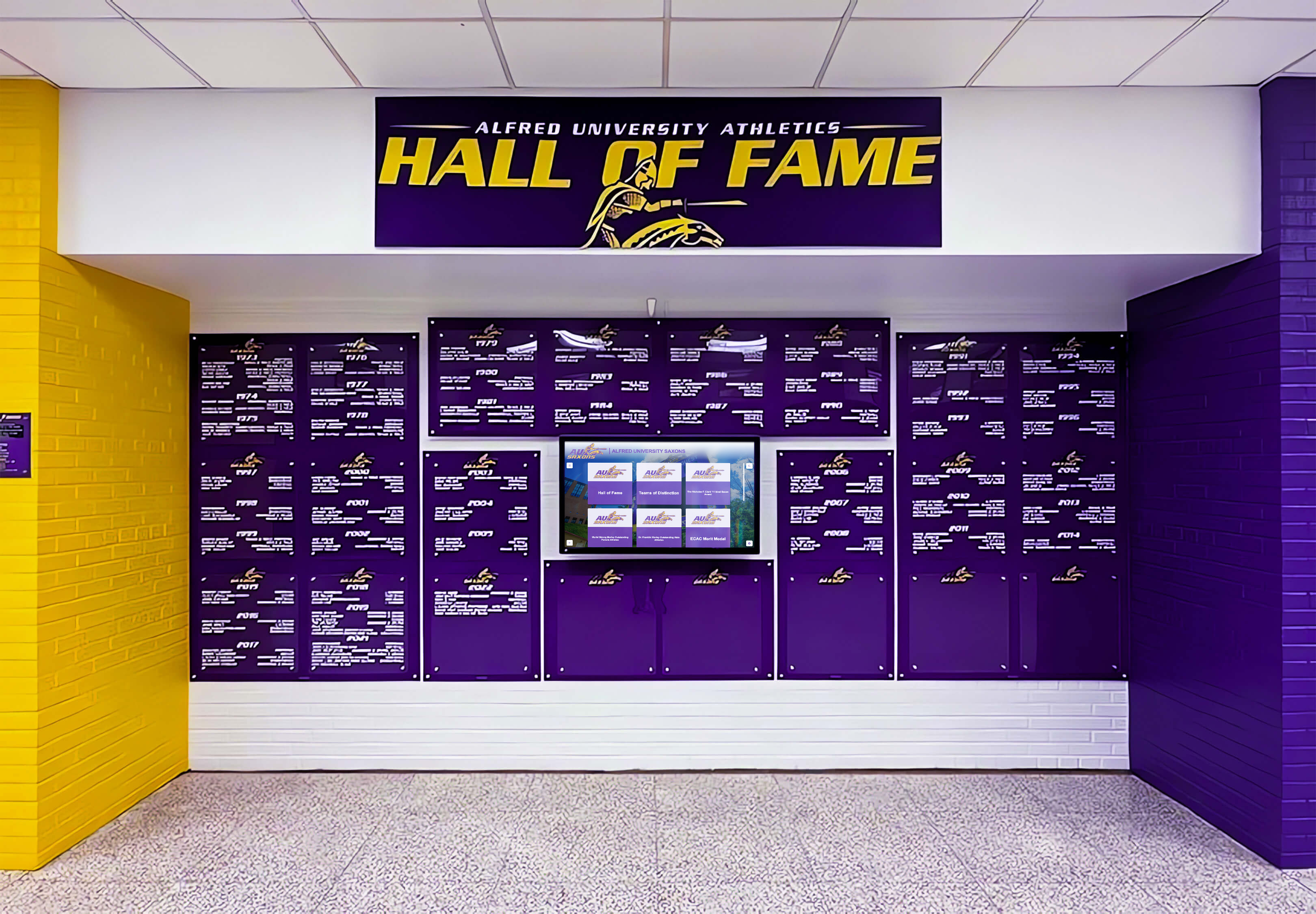
Multi-year championship banner programs require consistent production parameters across every run — documenting the vendor's screen angles, LPI, and screening method at each production cycle maintains the visual quality of the full installation as new banners are added over the years
Screen Frequency and Angle Reference for Large-Format Banner Substrates
| Substrate Type | Typical LPI Range | Recommended CMYK Screen Angles | Moiré Risk Notes |
|---|---|---|---|
| Vinyl banner (standard) | 65–100 LPI | K: 45°, M: 75°, C: 105°, Y: 90° | Low risk at 65–80 LPI; verify jersey-pattern photos at 100 LPI |
| Vinyl banner (close-view) | 100–150 LPI | K: 45°, M: 75°, C: 105°, Y: 90° | Higher LPI increases channel moiré risk; confirm angle separations in writing |
| Fabric banner (scrim) | 65–85 LPI | K: 45°, M: 75°, C: 105°, Y: 90° | Confirm fabric thread count is not within 10% of LPI; adjust upward if needed |
| Mesh banner | 55–75 LPI | K: 45°, M: 75°, C: 105°, Y: 90° | Mesh aperture pattern can interfere with halftone; prefer stochastic screening |
| Dye-sublimation fabric | 65–100 LPI | Vendor-specific; confirm in writing | Dye-sub screening is RIP-managed; request proof on production material before full run |
Confirm these values with the specific vendor and substrate before finalizing the banner file. LPI values and available screen angle configurations vary by RIP software, device, and ink system — the values in this table are representative planning ranges, not guaranteed output specifications for any particular vendor.
Stochastic Screening as the Definitive Moiré Solution for Championship Banners
Stochastic screening eliminates moiré completely because its dot placement has no periodic structure to interfere with other channel screens or with the substrate’s physical pattern. For championship banners that carry high-risk elements — athlete photos, dark school-color backgrounds, fabric substrates with visible weave structure — requesting stochastic screening from the vendor is the single most reliable moiré prevention step available at the production level.
The tradeoff is visual texture: stochastic screens produce a finer grain appearance in midtone areas compared to the smooth rosette of an AM halftone at equivalent LPI. At gymnasium and lobby viewing distances of 10 feet or more, this texture difference is not perceptible to the eye, and the moiré-free output is preferable to the theoretical smoothness of an AM screen that may develop visible interference across large dark school-color fields.
Hybrid AM/FM screening — in which the halftone is AM in midtones and transitions to stochastic in highlights and shadows — is available in several large-format RIP platforms and offers a middle path: AM-quality midtones with stochastic protection in the shadow and highlight zones where moiré from high ink coverage and thin dot structures is most problematic. Schools with vendors who offer this mode should request it for championship banners that contain both photographic elements and large dark school-color background fields.
Design consistency across recognition formats requires that school colors and graphic elements look coherent whether viewed on a printed championship banner or on a digital display in the same lobby. When stochastic screening is applied to the banner’s photographic elements and a soft proof confirms accurate school colors across all channels, the printed output provides a reliable visual reference for color-matching the digital display elements installed alongside the banner.
Championship Graphics With No Moiré Risk
Rocket Graphics is an AI-powered graphics platform built for school athletic departments — school colors, logo, and fonts apply automatically to every recognition graphic, championship announcement, and award post, without halftone screens or print production complexity. Free for K-12 schools and athletic programs.
Get notified when Rocket Graphics opens.Championship Banner Halftone Moiré Prevention in the Broader Production Standard
A halftone moiré prevention preflight addresses screen-level interference and connects with the other technical layers verified in a complete championship banner production standard.
The championship banner PDF/X preflight checklist confirms that the file is correctly assembled as a print-ready document — color mode, font embedding, resolution, and bleed — before it reaches the vendor’s RIP. A file that passes PDF/X preflight but carries an undetected rescreened photo will still produce a moiré artifact at output. The two preflights are complementary: PDF/X checks file structure, and the moiré prevention preflight checks image content and requested screen configuration.
The championship banner gray component replacement preflight addresses how neutral and shadow areas are built in CMYK separations. GCR-heavy separations — where chromatic CMY ink is replaced by K in neutral areas — reduce the number of active halftone channels in those areas and the number of potentially interfering screens. Understanding the file’s GCR configuration informs the moiré risk assessment: a K-dominant neutral will show fewer channel interactions in shadow areas than a CMY-built neutral at the same visual density.
The championship banner DeviceLink profile preflight verifies the fixed source-to-output color transform that determines CMYK output values for each school color. When the DeviceLink converts source colors to the production device’s CMYK values, the resulting ink percentages interact with the halftone screen at output — a channel with very high coverage in a dark school color is more likely to develop moiré with an adjacent channel than a channel with moderate coverage in the same color.
For recognition programs that combine printed championship banners with adjacent digital systems, the print-production preflight discipline has a digital counterpart. Digital hall of fame keyboard navigation and accessibility checks and honor roll touchscreen display deployment both require structured pre-deployment verification — catching configuration errors before the system is installed rather than after. The championship banner that passes moiré prevention preflight and the digital display that passes accessibility checks together form a recognition environment that works correctly from the day of installation.
Schools that maintain retroactive championship recognition programs — adding banners for titles that were not commemorated at the time of the win — produce new banners that must match existing installations visually. Athletic award retroactive recognition policies and the administrative processes they require are supported by complete production records: when screen angles and LPI used for the original banner run are documented, a retroactive banner produced years later can match the original’s visual character by replicating the same screen parameters at the same or equivalent vendor.
The documentation practices that support retroactive recognition also align with athletic awards database documentation standards that define how production-level specifications are stored alongside achievement records — ensuring that the technical parameters governing how a championship was commemorated in print are as retrievable as the record of the championship itself.
For recognition programs where school administrators and athletic directors want assurance that digital display counterparts meet quality standards comparable to the physical banners, digital hall of fame focus indicator visibility standards describe the kind of systematic, criterion-based verification that mirrors the screen-angle and substrate confirmation required in a halftone moiré prevention preflight.
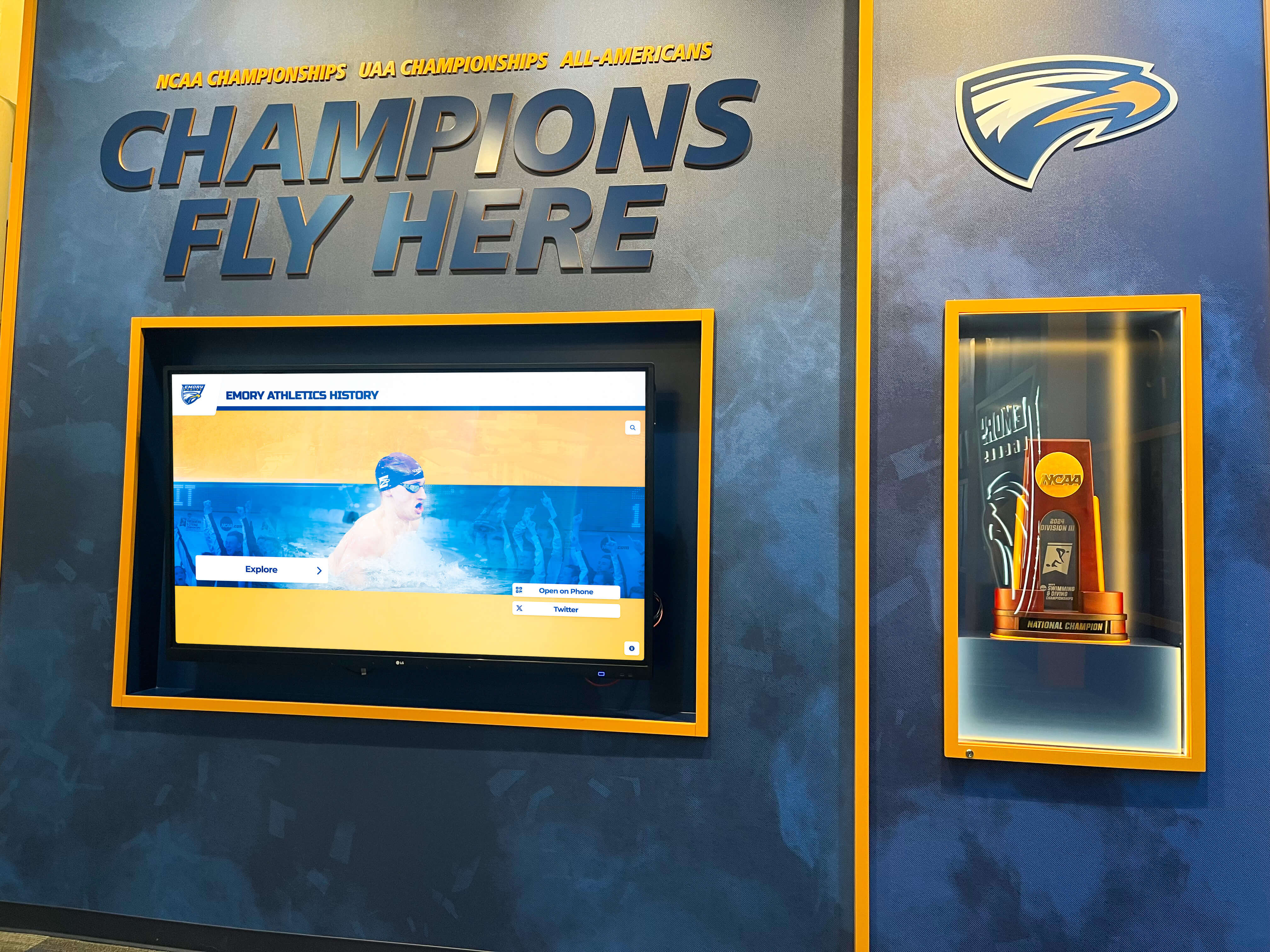
Championship recognition programs that accumulate banners across multiple sports and decades require consistent production parameters at every run — documenting screen angles, LPI, and screening method alongside the approved artwork ensures each new banner matches the visual quality of the ones already on the wall
Quick-Reference Halftone Moiré Prevention Checklist
| Preflight Check | Method | Pass Criteria | Priority |
|---|---|---|---|
| Source images inspected for pre-existing halftone screens | Photoshop or Acrobat zoom 300–400%; dot grid = rescreened | No visible dot pattern in any placed image | Required |
| Pre-existing halftone screens descreened | Gaussian Blur 1–2 px + Unsharp Mask, or scanner descreen | No residual dot pattern at 300% zoom after processing | Required |
| CMYK screen angles confirmed with vendor | Written communication — angles for all four channels | K: 45°, M: 75°, C: 105° (15°), Y: 90° or validated alternative | Required |
| Channel separation ≥ 30° between K, M, and C confirmed | Mathematical check of vendor-provided angles | Each pair of K, M, C channels separated by ≥ 30° | Required |
| LPI setting confirmed for substrate | Written communication from vendor | LPI confirmed for substrate type; fabric LPI not within 10% of thread count | Required |
| Athletic photos with jersey patterns identified | Manual review of banner layout | High-risk photos flagged for stochastic screening treatment | Required |
| Stochastic screening requested for high-risk elements | Written request to vendor | Vendor confirms stochastic or hybrid AM/FM screening for flagged elements | Required if high-risk elements present |
| Composite proof on substrate requested | Vendor proof request | Proof reviewed and approved before full banner production authorized | Required if stochastic unavailable |
| Screen settings documented in production record | Written record filed with source artwork | Screen angles, LPI, and screening method on file alongside source artwork | Required |
Frequently Asked Questions: Championship Banner Halftone Moiré Prevention
What is moiré and why does it occur on championship banners?
Moiré is a visible interference pattern — ripples, grids, or diagonal stripes — that appears when two or more periodic halftone screens overlap at angles close enough to generate a beat frequency. In championship banner production, moiré most commonly occurs when CMYK screen channels are not separated by at least 30° from each other, when a source photo that was previously printed is re-halftoned without descreening, when athlete photos with patterned jerseys are halftoned at an interfering frequency, or when the halftone screen frequency is close to the fabric substrate’s thread count.
What CMYK screen angles prevent moiré in large-format championship banner printing?
The screen angle configuration specified in ISO 12647-1 for minimizing process-color moiré assigns: black (K) at 45°, magenta (M) at 75°, cyan (C) at 105° (equivalent to 15°), and yellow (Y) at 90°. The 30-degree separation between the three perceptually prominent colors — K, M, and C — prevents channel screen interference. Yellow is assigned 90° because its optical prominence is low enough that its angular proximity to adjacent channels does not produce objectionable interference under standard large-format production conditions.
What LPI should be used for championship banner production to avoid moiré?
Large-format championship banners viewed at gymnasium or lobby distances of 10–20 feet typically use 65–100 LPI on vinyl substrates. Banners at closer viewing range may use 100–150 LPI for finer image detail. For fabric banner substrates, confirm that the vendor’s LPI setting is not within 10% of the fabric’s thread count — that proximity creates an interference zone between the halftone screen and the substrate’s woven structure that produces moiré across large tint and photo areas.
How do I descreen a photo that was previously printed before using it in a championship banner?
In Adobe Photoshop, apply Filter > Blur > Gaussian Blur at a 1–2 pixel radius to soften the halftone dots, then restore edge detail with Filter > Sharpen > Unsharp Mask. For images scanned from printed sources, use the scanner software’s built-in descreen filter at the scanning stage — this is more effective than post-scan correction. After processing, zoom to 300% in Photoshop and confirm no visible dot pattern remains before placing the image in the banner layout.
Does stochastic screening completely eliminate moiré in championship banner production?
Yes — stochastic (FM) screening eliminates moiré completely because its randomly placed dots have no periodic structure to interfere with adjacent screen channels or with a fabric substrate’s woven pattern. The tradeoff is a slightly grainy texture in midtone areas compared to AM halftone rosette structure, which is generally not visible at gymnasium viewing distances of 10–20 feet. Hybrid AM/FM screening offers AM-quality midtones with stochastic protection in highlights and shadows for vendors whose RIP supports the hybrid mode.
Catching Moiré Before It Reaches the Banner
A championship banner halftone moiré prevention preflight is a targeted verification of screen-level interference conditions — inspecting source images for rescreened content, confirming CMYK screen angles and LPI settings with the vendor in writing, identifying high-risk photographic elements, and requesting stochastic screening where the standard AM halftone carries interference risk. A banner that leaves the vendor free of moiré represents an athletic achievement accurately: the photograph of the team that won the title is sharp, the school colors read cleanly across the full width of the installation, and the banner remains visually correct for the life of the installation.
The moiré prevention preflight connects to the complete championship banner production standard: PDF/X file structure verification, gray component replacement confirmation, and DeviceLink profile verification that fixes the source-to-output color transform. When screen angles, ink coverage, and color transforms are all verified before the file goes to production, the remaining production risk is limited to the mechanical variables the vendor controls — which is the position a championship recognition program should be in at every order.
School Colors That Print Right Every Time
Rocket Graphics is an AI-powered graphics platform built for school athletic departments — your official school colors, logo, and fonts are applied automatically to every championship graphic, recognition post, and award announcement, with no halftone production complexity to manage. Free for K-12 schools and athletic programs.
Get notified when Rocket Graphics opens.