A championship banner gray component replacement preflight confirms that the CMYK separations in your banner artwork file apply GCR (Gray Component Replacement) at a level compatible with the substrate, ink set, and total ink limit your large-format vendor specifies — before the file goes to production. The direct answer: GCR is the separation technique that replaces the neutral gray built from cyan, magenta, and yellow ink with black (K) ink, reducing total ink load, stabilizing neutrals under press variation, and making the file more predictable across print runs. For championship banners, a GCR preflight catches mismatched separation settings that cause shadows to block up, school colors to shift, or ink coverage to exceed the substrate’s absorption limit — problems that do not appear on screen but become visible the moment the banner rolls off the press.
This guide is written for school graphics coordinators, athletic department staff, and anyone responsible for reviewing banner artwork files before submitting them to a print vendor. It covers what to check in the artwork file itself — no direct press access required.
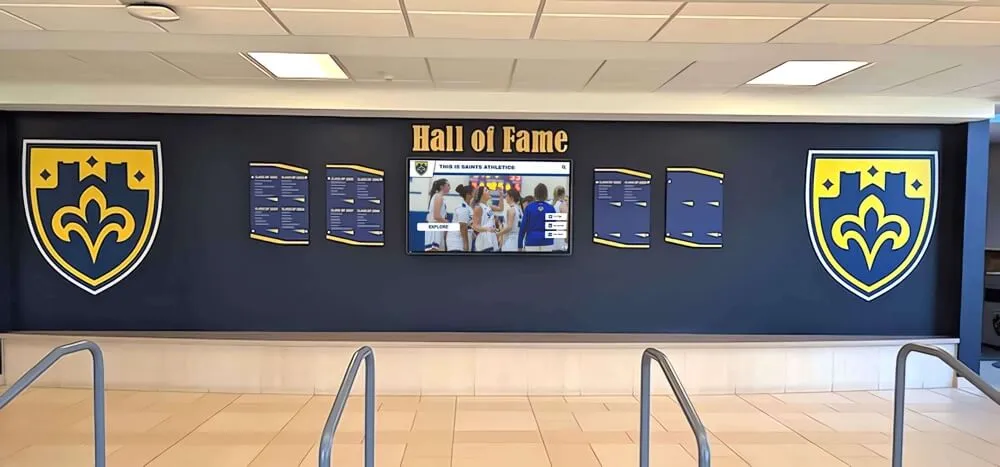
Championship banners and recognition wall elements share the same color accuracy requirement — GCR preflight at the file level ensures that CMYK separations are stable before any large-format production run begins
What Gray Component Replacement Does in a Championship Banner File
Every CMYK color can be analyzed as a mixture of two components: a chromatic component (the hue contributed by the dominant inks) and a gray component (the neutral part contributed equally by cyan, magenta, and yellow). In any CMYK value where C, M, and Y overlap, those three inks together produce an achromatic — gray or near-neutral — result at whatever density they share. GCR replaces that shared CMY gray component with black ink, producing the same visual result with less total ink and a simpler ink balance to maintain on press.
For a school’s dark navy produced as CMYK, a GCR conversion might replace a portion of the overlapping CMY with black, reducing the total ink count from 280% CMY to, for example, 240% total with reduced CMY supplemented by added K. The visual result on a calibrated press is the same navy; the press behavior is more stable because the gray balance depends primarily on a single ink (K) rather than the balance among three inks (C, M, Y) that can each drift independently.
On large-format inkjet banner substrates — vinyl, fabric, mesh — the practical consequence is significant. Solvent-based and UV-cure inks on these substrates have defined total area coverage (TAC) limits, typically 280–320%, above which ink does not absorb properly and produces slow drying, surface defects, or color shift. GCR reduces TAC by moving coverage from three CMY inks to one K ink, bringing heavy ink builds into compliance with substrate limits. Without a GCR preflight, a banner file built in an RGB-first workflow and converted to CMYK without GCR may carry excessive CMY coverage that the vendor’s TAC limit cannot accommodate.
According to Idealliance — the organization that administers G7 Master print calibration and publishes Print Properties and Color Council standards — gray component replacement is one of the foundational separation decisions that affects how predictably a CMYK file reproduces across different presses, substrates, and production environments. A file with no GCR applied transfers all neutral gray reproduction responsibility to the CMY ink balance, which is the least stable element of any inkjet production system.
The Six-Step Championship Banner GCR Preflight
The following checklist applies to banner artwork files produced in Adobe Illustrator, InDesign, or Photoshop and submitted as CMYK PDFs for large-format production. Complete each step before submitting the file to the vendor.
Step 1: Identify the separation method used during RGB-to-CMYK conversion.
Open the banner artwork file in Adobe Acrobat Pro and select Tools > Print Production > Output Preview. Under the Separations pane, observe the ink percentage split for any dark neutral or near-neutral area — a team photo shadow, a dark background field, or a mascot outline. If the K channel shows low or zero coverage while C, M, and Y are all above 40%, the file was converted using Undercolor Addition (UCA) or with GCR set to None. If K is dominant and C, M, Y values are substantially reduced, GCR has been applied. If you built the file natively in CMYK without an RGB conversion step, check the working color space settings in the originating application to confirm what separation method was applied during any placed image conversions.
Step 2: Confirm the GCR level matches your vendor’s specification.
Large-format vendors specify their preferred GCR level in their file submission guidelines — commonly Light, Medium, Heavy, or Maximum GCR, depending on the ink system, RIP, and substrate. Contact the vendor directly if their guidelines do not specify a GCR level. A Heavy GCR setting is appropriate for most banner vinyl and fabric applications because it reduces CMY coverage most aggressively, bringing TAC into compliance with solvent-ink limits. Light or no GCR is more appropriate for applications where chromatic color fidelity in deep shadow areas is the priority over ink load reduction. Applying the wrong GCR level — submitting a Light GCR file to a vendor whose RIP expects Heavy GCR, or vice versa — can produce either blocked-up shadows or unexpected color casts in near-neutral areas.
Step 3: Check total area coverage at the file’s heaviest ink areas.
In Acrobat Pro’s Output Preview, enable the Total Area Coverage warning and set the threshold to your vendor’s specified TAC limit (ask if not stated — 280–300% is common for large-format vinyl). Areas that exceed the threshold display with a color overlay. Any flagged areas in the banner should be corrected by applying or increasing GCR in the originating application before re-exporting. A school’s dark team colors — maroon, forest green, dark navy, dark purple — are the most common sources of TAC violations, particularly when the CMYK values were defined for offset printing and then applied without adjustment to a large-format substrate.
Step 4: Evaluate K-ink coverage in shadow areas of team photos.
GCR applied during RGB-to-CMYK conversion replaces CMY in neutral shadow areas with K. The preflight check is whether that K coverage is appropriate and whether shadow detail is preserved. In Output Preview, isolate the K channel and observe team photos. K values in the mid-shadow range (70–90%) are expected and appropriate for Heavy GCR. Very high K values (above 95%) in large shadow areas may produce flat, featureless shadows — a condition called “K blocking” that loses the tonal gradation of a player’s jersey or the gym floor in the background. If K values in critical shadow areas are excessively high, reduce GCR to Medium for photographic elements and apply Heavy GCR selectively to flat-color elements using Photoshop’s selective color separation or InDesign’s object-level transparency flattening settings.
Step 5: Verify neutral gray stability in backgrounds and masthead areas.
Many championship banner designs include large neutral or near-neutral background areas — white backgrounds, gray gradient transitions, charcoal metallic-look fields. These areas are highly sensitive to GCR settings. In a file with little or no GCR, a gray background produced from equal CMY carries three separate ink channels that must balance precisely at the press; any channel drift produces a visible color cast — a gray that reads green, magenta, or cyan instead of neutral. With proper GCR, the same gray is produced primarily from K, which is a single channel with a single control point. Check background and masthead gray areas in Output Preview to confirm that K is dominant and CMY values are reduced — this confirms neutral stability under production conditions.
Step 6: Confirm GCR continuity across all placed images and native elements.
A common GCR preflight failure is inconsistency within a single file: the native flat-color elements — type, mascot vector artwork, banner border — were built in CMYK with one GCR level, while placed Photoshop images were converted with a different GCR setting. The result is a banner where the flat areas and photographic areas print with subtly different gray balance, creating a visible seam at the edge of a photo. In Acrobat Pro, use Output Preview to compare K channel coverage between a flat-color dark area and an adjacent shadow area in a placed photo. Matching K levels confirm consistent GCR. Mismatched K levels — flat area at 60% K, photo shadow at 10% K — indicate the file requires a unified separation approach before submission.
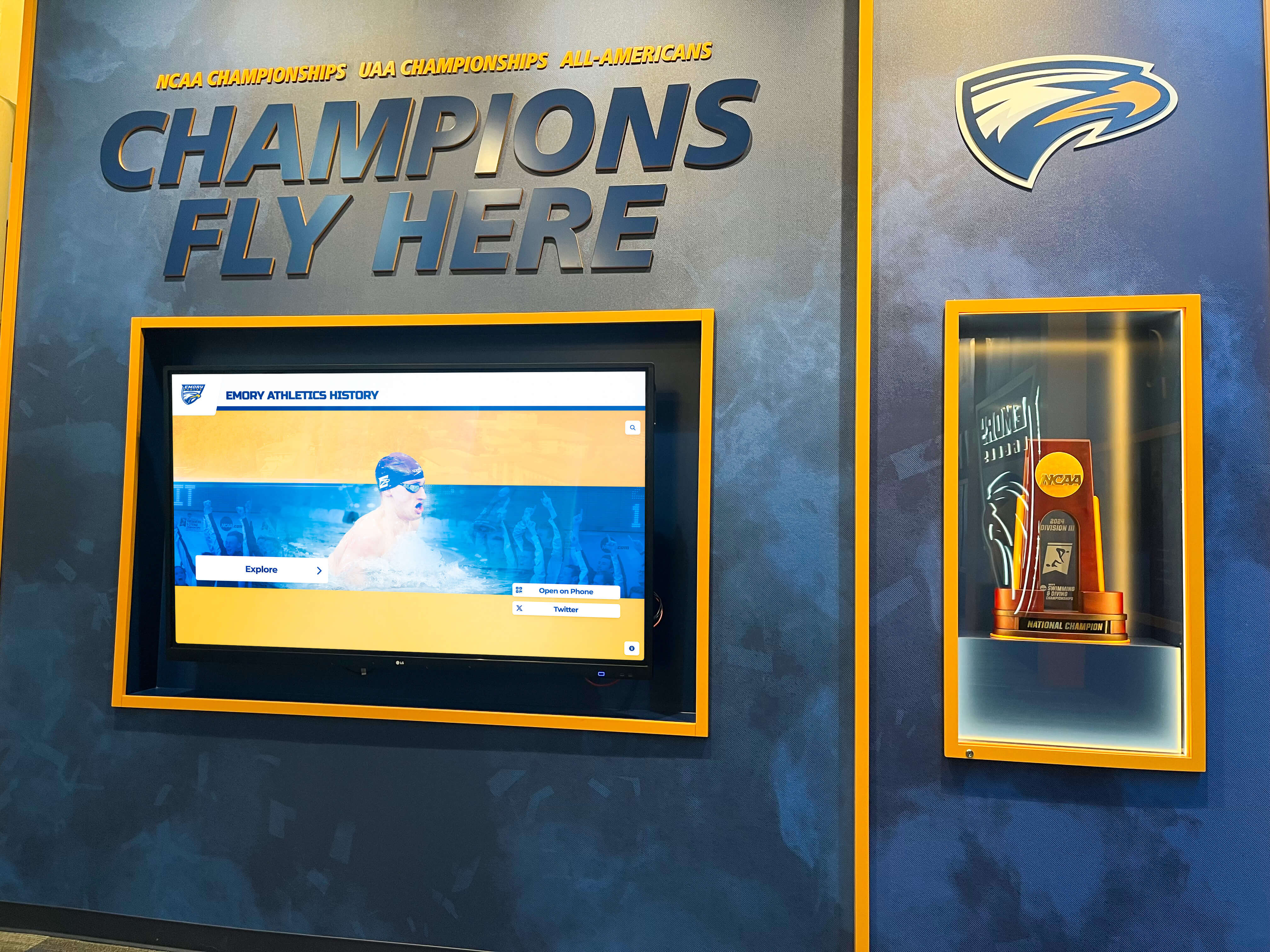
Recognition walls that accumulate championship materials across years require each new banner to match the color of previous runs — a championship banner gray component replacement preflight catches separation inconsistencies before they become visible differences on the gym wall
GCR Level Reference Table for Large-Format Banner Production
| GCR Level | CMY Reduction | K Coverage in Neutrals | Best Use Case | Typical TAC Outcome |
|---|---|---|---|---|
| None / UCA | Minimal — CMY builds all neutral gray | Minimal K in neutral areas | Not recommended for large-format banner vinyl | Often exceeds 320% limit |
| Light GCR | Partial CMY replaced with K at low densities | Modest K increase in highlights | Offset printing on coated stock; not standard for banner substrates | Minimal reduction; may still exceed 300% |
| Medium GCR | Moderate CMY-to-K replacement across tonal range | Significant K in midtones and shadow transitions | Indoor fabric banners; substrates with moderate ink load tolerance | Typically 260–300% TAC |
| Heavy GCR | Aggressive CMY replacement; K dominant in all neutrals | Heavy K across neutral and near-neutral areas | Standard for vinyl banner production; solvent and UV-cure inkjet | Typically 230–280% TAC |
| Maximum GCR | Near-total CMY replacement with K in neutral and near-neutral areas | K dominant throughout; CMY only in saturated chromatic areas | Specialized fast-drying applications; rarely needed for school banners | Lowest TAC; risk of flattened shadow gradation |
For most championship banner production on vinyl and fabric substrates, Medium to Heavy GCR is the appropriate range. Your vendor’s file submission documentation is the authoritative source for the specific GCR level they prefer — it varies by ink system, RIP configuration, and substrate category.
How GCR Interacts with School Color Reproduction
School color accuracy is the central concern for championship banner production, and GCR interacts with school colors in ways that the preflight needs to address directly.
Saturated chromatic colors are largely unaffected by GCR. A school’s primary colors — bright red, royal blue, kelly green — have little or no gray component in their CMYK builds. GCR operates on the gray (achromatic) component of a color, so a pure saturated color with no gray component is not changed by GCR. The preflight should confirm that critical school colors with high saturation retain their intended CMYK values after any GCR conversion.
Dark, desaturated school colors are significantly affected by GCR. Dark navy, dark maroon, dark forest green, dark purple, and dark brown all contain substantial gray components in their CMYK builds. These are the colors most likely to have been corrected from high CMY builds to GCR-based K-dominant builds during separation. Check these colors specifically in Output Preview by sampling the color values in the converted file. The visual appearance should be unchanged on screen; the channel breakdown should show increased K and reduced CMY compared to the pre-GCR CMYK values defined against the output profile.
Shadow areas in team photos affect how school-colored uniforms read. A team photo with players in dark maroon uniforms contains both the uniform chromatic color and the shadow that falls across the fabric. GCR applied to the photo will replace CMY in the shadow with K, which can cause the shadow on a dark uniform to read differently than expected if the GCR level is set too aggressively. Checking the shadow zones of team photos where school-colored uniforms appear is part of a thorough GCR preflight — the goal is preserved tonal gradation within the shadow, not a blocked-up flat field.
School Colors That Start Accurate Stay Accurate
Rocket Graphics is an AI-powered graphics platform built for school athletic departments — school colors, logos, and fonts applied automatically to every graphic, so your championship announcements and recognition posts are always on-brand. Free for K-12 schools.
Get notified when Rocket Graphics opens.GCR Preflight in the Context of Broader Banner File Verification
GCR is one component of the complete preflight checklist for championship banner production. It works in combination with other file-level checks that together determine whether the submitted file will produce accurate, reliable output.
The championship banner gray balance preflight addresses neutral accuracy in the artwork itself — checking that gray elements in the design do not carry chromatic bias. GCR preflight is the upstream step: it confirms the separation method that produces the gray channels the gray balance preflight then evaluates. Running gray balance verification after GCR preflight confirms both that the separation is correct and that the visual gray output is neutral.
The championship banner total ink coverage preflight addresses TAC, which GCR directly reduces. Running the TAC preflight after confirming proper GCR confirms that the ink-load reduction from GCR is sufficient to bring coverage within substrate limits — or flags that additional GCR is required before the file is ready for submission.
When evaluating recognition display and print vendors for school programs, the same documentation discipline applies whether the output is a digital touchscreen or a printed championship banner: vendor certification, substrate compatibility, and production workflow transparency are the standard due-diligence questions. A vendor who can explain their GCR preferences and TAC limits clearly is better positioned to produce consistent school colors than one who accepts any file without preflight guidance.
Championship banners are often one element in a broader recognition program that includes athletic award recognition at season-end events. When those programs maintain consistent color standards across all materials — banners, award plaques, printed programs, digital displays — GCR preflight at the print file level is one part of that consistency framework, ensuring that the banner produced for the season-end ceremony matches the color of every prior banner on the gymnasium wall.
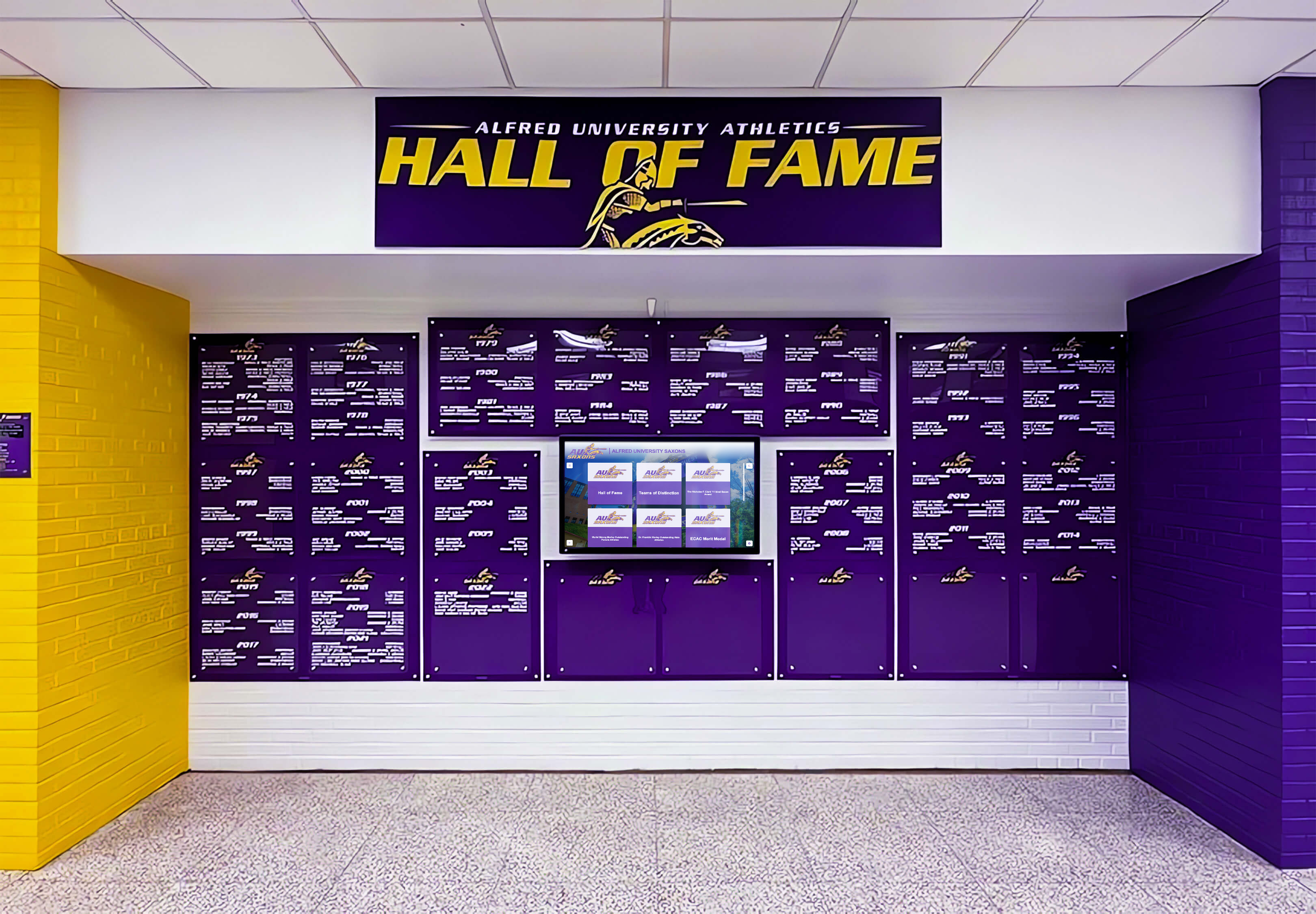
Deep purple school colors carry high CMY ink loads that make GCR preflight particularly important — replacing the gray component with K reduces the risk of ink excess on vinyl and stabilizes the color under press conditions that would otherwise cause CMY balance drift
School Recognition Programs That Span Physical and Digital Formats
Championship banners are increasingly part of recognition programs that extend into digital environments — interactive digital displays in school lobbies and hallways, touchscreen hall of fame kiosks, and digital records boards installed alongside physical banners in gymnasium hallways. When schools manage both physical and digital recognition formats, color consistency across formats matters as much as color accuracy within each format.
The CMYK values confirmed through GCR preflight for the printed banner should be mapped to their RGB equivalents for digital display calibration. A school’s official dark navy defined as a specific CMYK build in the banner artwork file translates to a specific RGB or hex value for digital display — and that translation should be documented alongside the print file for each production run. Schools that archive approved press proofs alongside digital color references maintain a unified color standard for both formats.
Donor recognition wall programs — whether physical engraved panels or digital touchscreen installations — follow the same color-consistency requirement as championship banners: the institution’s official colors must read correctly at every installation, regardless of the output medium. Schools that establish formal color standards for print (CMYK defined against a G7-referenced output condition with documented GCR settings) and digital (RGB or hex values mapped from those CMYK values) maintain coherent recognition environments across every format in the same building.
College and university athletics programs increasingly combine championship banner programs with campus-wide recognition directories and touchscreen displays that prospective students and visitors encounter during campus tours. The quality of the print recognition materials — and the accuracy of the colors they carry — shapes how the athletic program is perceived in that physical environment. A GCR preflight is the practical step that ensures those colors are correct before the banner goes to production and joins the recognition display in the lobby.
Broader school recognition programs — including fundraising and community engagement programs that generate print materials alongside championship recognition — benefit from consistent print production standards that cover GCR, TAC, and output profile alignment across all printed materials. Establishing GCR expectations as part of the school’s print standards documentation makes those standards available to every department producing school-color materials, not only the athletic program ordering championship banners.
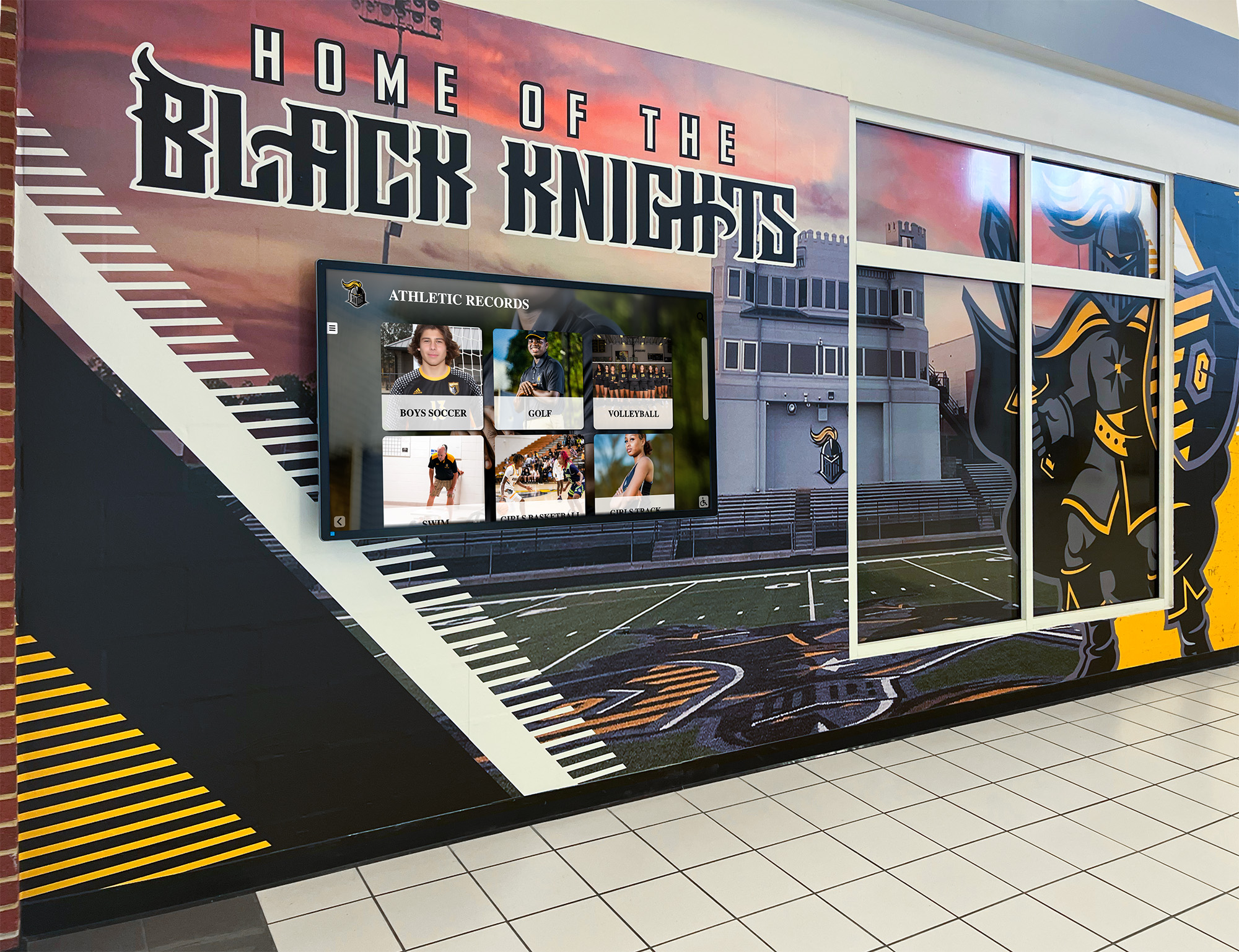
When printed championship banners and digital athletic displays share the same hallway, color consistency across both media depends on accurate CMYK separations in the print files and calibrated profiles on the digital displays — GCR preflight addresses the print side of that consistency requirement
Quick-Reference GCR Preflight Checklist
| Preflight Check | Tool | Pass Criteria | Priority |
|---|---|---|---|
| Separation method identified (GCR applied or not) | Acrobat Pro Output Preview — K channel isolation in neutral areas | K dominant in neutral areas; not all-CMY neutral builds | Required |
| GCR level matches vendor specification | Vendor submission guidelines + Output Preview channel analysis | Vendor-specified GCR level confirmed (Light / Medium / Heavy) | Required |
| TAC within vendor limit at all ink-heavy areas | Acrobat Pro Output Preview — Total Area Coverage warning at vendor threshold | All areas ≤ vendor TAC limit (typically 280–300% for vinyl) | Required |
| K-channel shadow detail preserved in team photos | Acrobat Pro Output Preview — K channel at photo shadow areas | K values 70–90% in mid-shadow; no excessive K blocking above 95% in large shadow areas | Required |
| Neutral backgrounds dominated by K, not CMY | Acrobat Pro Output Preview — channel inspection of gray/white background areas | Background gray areas show K dominant, CMY minimal | Required |
| GCR consistent between placed images and native elements | Acrobat Pro Output Preview — K channel comparison at image/element boundary | K levels match between photo shadows and adjacent flat-color dark areas | Required |
| School saturated colors unaffected by GCR | Acrobat Pro Output Preview — sample CMYK at school primary color fills | School color CMYK values match defined output-condition values; not altered by GCR conversion | Required |
| Dark school colors (navy, maroon, purple) verified post-GCR | Acrobat Pro Output Preview — sample CMYK at dark school color fills | Visually correct; K increased and CMY reduced; TAC within vendor limit | Required |
Frequently Asked Questions: Championship Banner Gray Component Replacement Preflight
What is gray component replacement (GCR) in championship banner printing?
Gray component replacement (GCR) is a CMYK separation technique that replaces the neutral component shared by cyan, magenta, and yellow inks with black (K) ink. In championship banner printing, GCR reduces total ink load on the substrate, stabilizes neutral grays under press variation, and makes color output more predictable across production runs. A GCR preflight confirms that the technique has been applied at the correct level before the file is submitted to the large-format vendor.
Why does GCR matter for school colors on championship banners?
School colors — particularly dark colors like navy, maroon, dark forest green, and dark purple — contain high CMY ink components that can exceed the total area coverage (TAC) limits of banner vinyl and fabric substrates. GCR replaces the gray component of those CMY builds with K ink, reducing TAC and stabilizing the color under large-format inkjet production conditions. Without GCR preflight, a dark school color that appears correct on screen may produce ink saturation problems or color shift on the printed banner.
What GCR level should a championship banner file use?
Medium to Heavy GCR is appropriate for most championship banner production on vinyl and fabric substrates. The specific GCR level should be confirmed with your large-format vendor — their preferred level is determined by their ink system, RIP configuration, and substrate specifications. Heavy GCR is most common for solvent and UV-cure inkjet banner production because it most aggressively reduces CMY coverage, bringing total area coverage within substrate limits.
How do I check GCR in a championship banner file before submitting?
Open the banner PDF in Adobe Acrobat Pro and use the Output Preview tool under Tools > Print Production. Isolate the K channel and observe coverage in neutral gray areas, dark backgrounds, and team photo shadows. K dominant in those areas with reduced CMY confirms GCR is applied. Enable the Total Area Coverage warning at your vendor’s TAC limit to confirm ink-heavy areas are within specification. Compare K coverage between flat-color elements and placed photographs to verify GCR consistency across the file.
Does GCR affect bright saturated school colors like red or royal blue?
No. GCR operates on the gray (achromatic) component of a CMYK color — the shared CMY overlap. Pure saturated colors like bright red or royal blue have little or no gray component, so GCR does not significantly alter them. The preflight should confirm that saturated school color fills retain their defined CMYK values after any GCR conversion. Dark, desaturated colors — dark navy, dark maroon, dark forest green — are the colors most substantially affected by GCR because they carry high gray components.
A Stable Separation Is the Foundation of Consistent Championship Banner Colors
A championship banner gray component replacement preflight is a targeted, methodical check: identify the separation method, confirm the GCR level matches the vendor specification, verify total area coverage is within the substrate limit, and confirm K-channel stability in shadows, backgrounds, and critical school color areas. When those checks pass, the file’s CMYK separations are stable — and a stable separation is the foundation on which every downstream step, from the vendor’s G7-calibrated press to the school’s approved color reference, produces accurate results.
The preflight integrates with the broader championship banner production standard: gray balance verification of the separated file, total ink coverage verification after separation, spectrophotometer calibration checks at the vendor, and G7-calibrated production that anchors press output to a documented color reference. Each step builds on the others, and GCR preflight is the file-level foundation beneath all of them.
Schools and athletic programs that maintain recognition records across years — award records, graduation honor recognition, and championship histories managed as part of broader recognition programs — benefit from consistent print production standards that preserve color accuracy from the first championship banner to the most recent. A GCR preflight is one practical step in that long-term consistency, ensuring that the school colors on this season’s banner match those of every banner already hanging on the gymnasium wall.
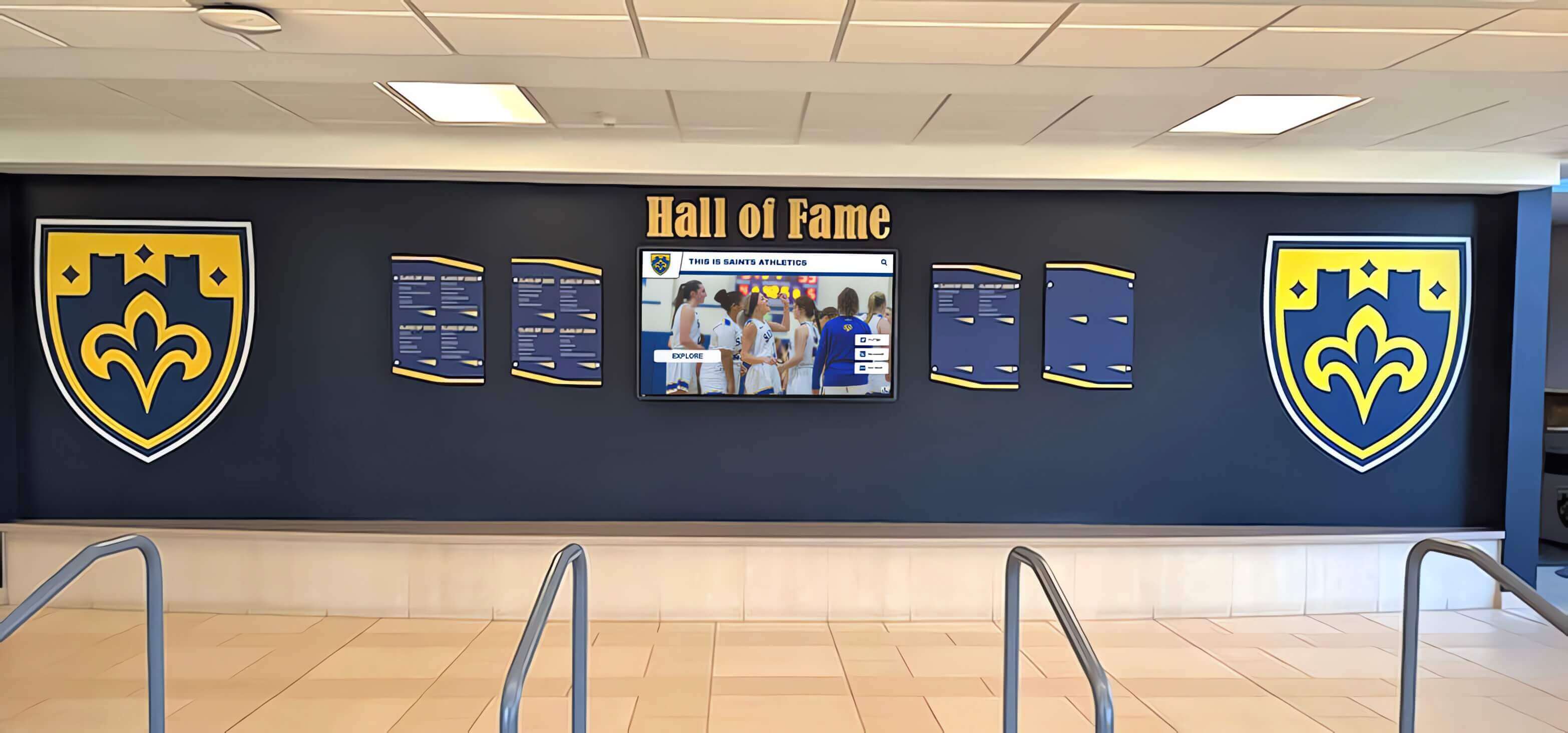
Recognition environments where championship banners and digital displays share the same space require accurate color production at both the print and digital levels — GCR preflight is the file-level step that protects printed championship banner color accuracy from the artwork stage through production
Championship Recognition That Starts with Accurate Colors
Rocket Graphics is an AI-powered graphics platform built for schools — your official school colors, logo, and fonts are applied automatically to every championship announcement, award post, and recognition graphic. Free for K-12 schools and athletic departments.
Get notified when Rocket Graphics opens.