Championship banner G7 print calibration is the production verification method that ensures a school’s official colors reproduce identically on every championship banner run — whether the banner is ordered this season or five years from now, from the same vendor or a different one. The direct answer: G7 is an ICC-standard calibration methodology developed by Idealliance that aligns a large-format printer’s tonal response to a neutral gray curve, which in turn anchors chromatic school colors to a predictable CMYK output regardless of substrate, ink set, or press. Any vendor holding G7 Master Printer or G7 Expert Printer certification has demonstrated they can hit the G7 gray balance target within measured tolerances — and any school artwork file built against a G7-referenced output profile will reproduce those colors accurately at that certified facility. For athletic departments that order championship banners across multiple seasons, multiple vendors, or multiple substrates, G7-based production is the practical standard for maintaining color consistency across the full history of the program’s gymnasium recognition wall.
This guide is written for school administrators, athletic directors, and recognition-program coordinators who review championship banner artwork and select print vendors — not for prepress technicians managing press calibration directly.
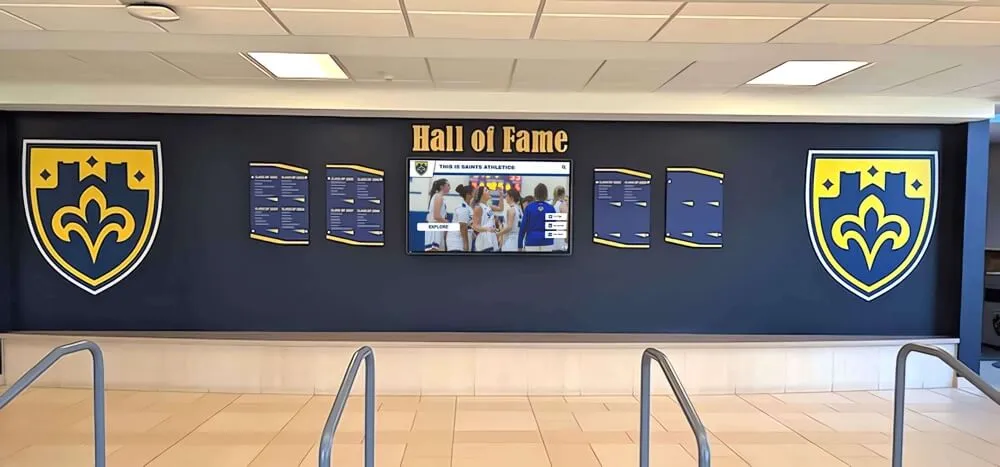
School recognition walls accumulate championship banners, shields, and award displays produced over decades — G7 Master print calibration at the vendor level ensures school colors match across every production run regardless of when each banner was ordered
What G7 Calibration Is and Why It Matters for Championship Banners
G7 is a gray balance calibration standard published by Idealliance, the organization that also administers Print Properties & Color Council (PPCC) certification programs. G7 defines a target neutral gray reproduction curve — the G7 “gray balance target” — that a printer must hit by adjusting its ink delivery curves, linearization settings, and ICC profile alignment. When a printer achieves G7 calibration, its output of a 50% neutral gray patch at any measured density will match the G7 gray target within the allowable tolerance (typically ΔCh ≤ 1.5 and ΔL* ≤ 3.0 at key control patches).
The connection to school color consistency is direct. CMYK color reproduction on any device is built on the device’s gray response. When two printers produce identical neutral gray values from the same CMYK input, their chromatic outputs — the school’s navy blue, dark maroon, or forest green — will also match closely, because chromatic colors are constructed from the same ink curves that produce neutral gray. Two G7-calibrated printers producing identical gray will produce near-identical school colors from the same CMYK artwork file, even if the printers are different makes, use different ink systems, or run on different substrates.
For championship banners, this matters across three common production scenarios:
Multi-season ordering from the same vendor. A gymnasium wall may accumulate banners across 15 or 20 seasons. Each reorder must match the color of prior banners. If the vendor maintains G7 calibration and recalibrates on a documented schedule, the school’s navy reads as the same navy year after year.
Ordering from a different vendor. Staff turnover, vendor closures, or price competition may require a school to change print vendors mid-program. A championship banner ordered from a new vendor should match the existing banners on the gym wall. If both vendors are G7 certified and the artwork file references the same G7-referenced output profile, the match is achievable within commercial production tolerances.
Multi-format recognition programs. Schools that produce championship banners alongside award certificates, recognition boards, and spirit merchandise need consistent school colors across all materials. G7 calibration is a common reference across print formats that helps anchor colors across the full materials program.
G7 Certification Levels: What to Ask a Banner Vendor
Idealliance awards G7 certification at three levels. When selecting a championship banner vendor, ask specifically which level applies to their large-format production equipment.
| Certification Level | What It Confirms | What to Ask the Vendor |
|---|---|---|
| G7 Grayscale | Printer hits the G7 neutral gray target across the tonal range on a specific substrate | Whether the specific banner substrate (vinyl, fabric, mesh) is included in the certified press configuration |
| G7 Targeted | Printer hits G7 gray target AND colorimetric targets for a referenced condition (GRACoL, SWOP, Fogra51) | Which referenced condition the certification covers and whether it applies to large-format output |
| G7 Master | Printer hits G7 gray target AND all CMYK solid-ink and overprint colorimetric tolerances for a referenced condition | Full certification — confirms the most complete color predictability for championship banner production |
For championship banner production, G7 Master certification provides the most complete assurance. G7 Grayscale or G7 Targeted certifications are meaningful intermediate levels that still confirm neutral gray accuracy and partial colorimetric control. A vendor with any G7 certification level is a better choice for color-critical school color reproduction than an uncertified vendor using arbitrary press profiles.
Certification must be current. Idealliance G7 certification requires periodic recalibration — ask vendors for the certification date and recalibration schedule. A G7 Master certificate issued three years ago without documented recalibration does not confirm current press performance.
How School Colors Are Anchored in a G7 Workflow
The G7 workflow that produces consistent school colors across banner runs follows a specific file and production chain. Understanding that chain helps an athletic department or school administrator verify that a vendor is actually using it — not just claiming G7 certification while submitting files in a generic way.
Step 1: Establish the School’s Official CMYK Values Against a G7-Referenced Profile
School brand standards define official colors in Pantone (PMS), RGB, CMYK, or HEX format. For championship banner production, the CMYK values must be defined against a specific output condition. The most common output condition for large-format banner printing in North America is GRACoL 2013 Coated 1 (ISO 12647-7 compliant). When a school’s CMYK values are defined against GRACoL 2013, and the vendor’s press is G7 Master calibrated to GRACoL 2013, the ink delivery at the press level is predictably anchored to the school’s defined color.
Ask the vendor: “Which output condition profile does your G7 calibration reference — GRACoL 2013, SWOP, Fogra51, or a vendor-specific profile?” If the school’s artwork file references GRACoL 2013 and the vendor’s calibration references a different condition, color agreement requires a profile conversion step that should be performed at the file level before submission.
Step 2: Build the Championship Banner Artwork File Against the Same Referenced Profile
The banner artwork file — whether built in Adobe Illustrator, InDesign, or Photoshop — should be set up in the same CMYK color space that the vendor’s G7 calibration references. School color fills, background fields, mascot artwork, and text should use the CMYK values defined against that output condition.
For artwork files that include photographs (team photos, action shots, building photography), the images should be converted from RGB to the referenced CMYK profile with black-point compensation enabled to preserve shadow detail through the conversion. The G7 calibration anchors the midtone and highlight response; black-point compensation handles the shadow zone mapping within the same conversion.
Step 3: Submit a G7-Compliant File Package to the Vendor
A G7-compliant file package for championship banner production includes:
- PDF/X-4 or PDF/X-1a file with all fonts embedded, all images at target effective PPI for the output size, and color mode set to CMYK using the referenced output condition profile. The championship banner font embedding checklist and the championship banner effective PPI preflight both apply to G7-compliant file submissions.
- Embedded output intent matching the vendor’s G7 referenced condition (GRACoL 2013, SWOP, or Fogra51). In Acrobat Pro, the Output Intent is visible under File > Properties > Description when the PDF is open.
- Spot color definitions for any school colors that are also defined as Pantone spot colors. If the artwork uses both a Pantone spot color and a CMYK build for the same school color, confirm with the vendor whether they will convert the spot color to CMYK using their G7-calibrated profile or use a direct Pantone simulation workflow. The championship banner spot color setup guide covers this decision in detail.
- A color reference file or swatch showing the expected school colors as a physical or digital proof reference. Vendors running G7 processes use the submitted reference alongside their press proof to confirm agreement before approving the production run.
Step 4: Request a G7-Verified Press Proof Before Production
A G7-calibrated vendor can produce a press proof that has been measured and verified to meet G7 tolerance. For championship banner production, request a physical press proof — not a digital or inkjet proof — on the same substrate specified for the final banner, verified against the G7 gray target and the referenced condition’s colorimetric targets.
Compare the press proof against the school’s established color reference (prior banner, color swatch card, or calibrated monitor soft proof). Approve the production run only after the press proof demonstrates that school colors are within acceptable tolerance. “Acceptable tolerance” for championship banner school colors is typically ΔE ≤ 3.0 for the school’s primary identity color — the threshold below which most observers cannot detect a color difference under standard viewing conditions.
Step 5: Document and Archive the Approved Color Reference
After approving a press proof for a championship banner run, archive the approved proof alongside the production file. The archived proof serves as the color reference for every subsequent reorder. A new vendor, a new press, or a new press operator can match the archived proof rather than trying to match a banner already hanging on a gym wall — which changes in apparent color under different lighting conditions and with physical aging.
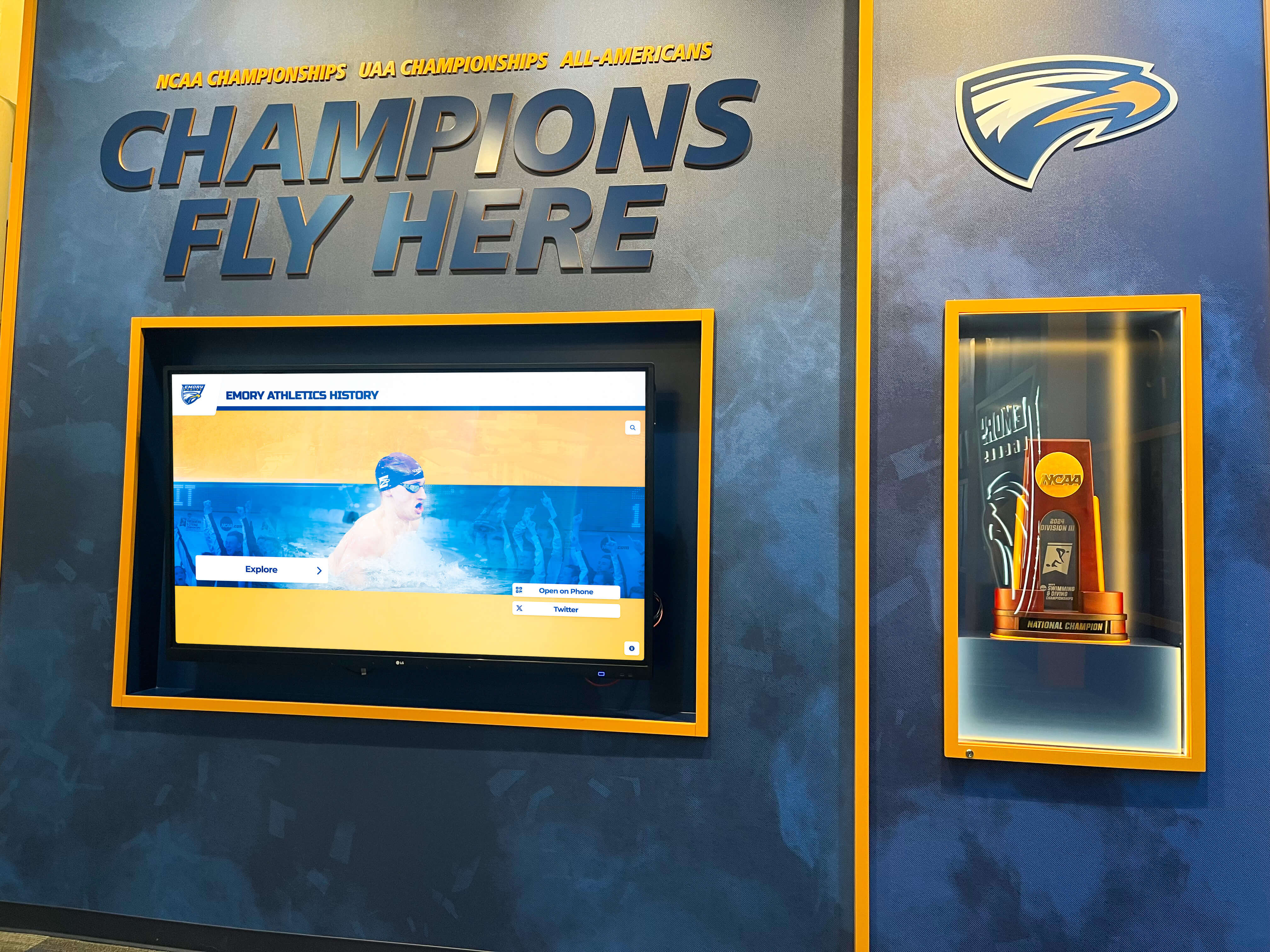
Championship recognition spaces accumulate materials across decades — G7-calibrated production ensures that the school's navy, maroon, or green reads consistently from the oldest banner on the wall to the one ordered this season
G7 Calibration vs. Uncalibrated Large-Format Output: What Changes
The table below summarizes the practical difference between G7 Master-calibrated banner production and uncalibrated large-format output for the school color scenarios most common in championship banner production.
| Scenario | Uncalibrated Output | G7 Master-Calibrated Output |
|---|---|---|
| Navy school color on vinyl substrate | Color varies run-to-run; same CMYK ink build may appear noticeably different between orders | Navy anchored to G7 gray curve; CMYK input produces consistent visual output within ΔE ≤ 3.0 across calibrated runs |
| Dark maroon on fabric substrate | Maroon may shift toward red-orange or toward dark brown depending on ink curve drift | Maroon maps predictably to the referenced condition; chromatic output is stable |
| White background field on OBA-treated substrate | White point varies with substrate lot; no correction mechanism | G7 calibration includes substrate-specific linearization; white point variation is absorbed into the calibration |
| Multi-season banner reorders | Color match between old and new banners requires visual eye-balling by experienced operator | Archived approved proof + G7 calibration provides a measurable, documentable match pathway |
| New vendor for same program | Color match is dependent on the new vendor’s eye and operator experience | G7 certification provides a common color reference both vendors can use |
| Team photos with dark uniforms | Shadow zone behavior unpredictable; dark jersey colors may block up or shift | G7 gray balance anchors shadow zone response; team photo dark areas reproduce within the calibrated range |
| Mascot with multiple school colors | Relative hue of two school colors may shift unpredictably between runs | Both colors are anchored to the same G7 gray reference; relative hue is stable across runs |
The net effect for a school’s recognition program is that G7 certification at the vendor level converts color consistency from a best-effort outcome into a measurable, documentable production standard. That matters most when championship banners represent a program’s decades-long history and must coexist as a coherent visual collection on a gymnasium wall.
Create Championship Graphics That Match Your School Colors
Rocket Graphics is an AI-powered graphics platform built for school athletic departments — create on-brand championship announcements, senior night graphics, and award posts in seconds, with your school's colors, logo, and fonts applied automatically. Free for schools.
Get notified when Rocket Graphics opens.Verifying G7 Calibration at the Vendor
A vendor claiming G7 certification should be able to provide documentation confirming the certification is current and applies to the specific equipment and substrates used for championship banner production. Use the following checklist when evaluating a vendor’s G7 status.
Ask for these documents:
- Current Idealliance G7 certification certificate with certification date and certified facility name
- The output condition referenced in the certification (GRACoL, SWOP, Fogra51, or vendor-specific)
- The specific press configuration(s) covered by the certification (ink type, substrate category)
- Documented recalibration schedule and most recent recalibration date
Verify that the certification covers large-format output: G7 certification for offset printing does not automatically extend to large-format inkjet output on banner vinyl or fabric. Confirm the certification explicitly covers the equipment class and substrate category used for banner production.
Request a G7-measured press proof before committing a production order. A certified vendor can produce a measured proof that includes a measured color bar verified against G7 tolerances. The measurement report accompanying the proof should show ΔL*, Δa*, and ΔCh values for the gray balance patches within the G7 tolerance specification.
Check the Idealliance certification directory. Idealliance maintains a public directory of G7-certified facilities. Verify that the vendor’s facility name and address appear in the directory before accepting their certification documentation as current.
Gray Balance and the Championship Banner Proofing Cycle
G7 calibration is not a one-time event at the vendor level — it is a calibration cycle maintained through regular press measurement and correction. For championship banner production, this means the vendor’s calibration state at the time of a specific production run determines the color output of that run.
Schools ordering banners at irregular intervals — once every one to three years — should request a fresh press calibration verification before each production run rather than relying on a certification date that may be 12 to 18 months old. A well-managed G7 vendor will recalibrate on a documented schedule (typically monthly or quarterly for production presses) and will have current calibration data available to share.
For athletic departments coordinating recognition programs that extend across both printed championship banners and digital display systems, the connection between print calibration and digital color management is meaningful. Digital hall of fame displays installed in the same gymnasium as championship banners benefit from a parallel color calibration workflow — the display’s color profile and white point should be adjusted so that digital graphics using the school’s colors appear consistent with the printed banners visible in the same room. Print calibration accuracy and display calibration accuracy together determine whether the school’s recognition environment reads as visually coherent.
Athletic departments managing sports banquet decorations and lasting recognition displays alongside championship banner programs often source materials from multiple vendors across multiple formats. G7 provides a common calibration reference that reduces visual inconsistency across materials produced by different suppliers, which matters when recognition displays, award plaques, printed programs, and championship banners are viewed side by side in the same athletic facility.
Total Ink Coverage and G7 Calibration
G7 calibration operates on the gray balance curve — it does not automatically control total area coverage (TAC), which is the maximum combined CMYK ink density applied to any single point on the substrate. For championship banner production, TAC limits are a separate preflight check from G7 calibration, and both must be confirmed before submission to a large-format vendor.
The typical TAC limit for solvent or UV-cure ink on banner vinyl is 280–320%. A school’s official dark navy or maroon, produced as a rich CMYK ink build, may approach or exceed those limits if the CMYK values were defined for offset printing rather than large-format inkjet. The championship banner total ink coverage preflight addresses TAC verification in detail. G7 calibration at the vendor level assumes the submitted file already complies with the vendor’s TAC specification — exceeding TAC limits will produce wet ink, extended dry times, and color shift that G7 calibration cannot correct.
Similarly, dot gain compensation applied in the artwork file or the vendor’s RIP interacts with G7 gray balance calibration. Excess dot gain compensation in the submitted file combined with G7 gray balance correction at the RIP can produce lighter-than-expected output in midtone areas. Confirm with the vendor whether submitted files should include embedded dot gain compensation or whether the vendor’s G7-calibrated RIP handles midtone correction at the output stage.
G7 Calibration in the Context of Comprehensive Championship Banner Production
G7 Master calibration at the vendor level is the foundational layer beneath a complete championship banner production standard. It does not eliminate the need for file-level preflight — but it does provide a reliable colorimetric foundation that makes preflight results predictable rather than vendor-dependent.
The complete production standard for color-accurate championship banners builds on G7 calibration with additional file-level checks:
- Spectrophotometer calibration at the prepress stage, confirmed using the workflow described in the championship banner spectrophotometer calibration check
- Gray balance verification of the artwork file’s neutral elements before vendor submission — backgrounds, white fields, and drop shadows should be neutral gray, not colorcast — which the championship banner gray balance preflight addresses directly
- Rendering intent selection for photographic elements, covered in the championship banner rendering intent preflight
- PDF/X compliance for the submitted file, covered in the championship banner PDF/X preflight guide
Together, file-level preflight and G7 vendor calibration produce championship banners where school colors are predictable at every stage — from the soft proof in the design application to the press proof from the vendor to the finished banner installed in the gymnasium.
Athletic award data reconciliation programs that maintain records of championship recognition across seasons benefit from the same documentation discipline applied to print color references — archived press proofs alongside production files create an auditable record of every championship banner’s production standard, making future reorders and color matching straightforward.
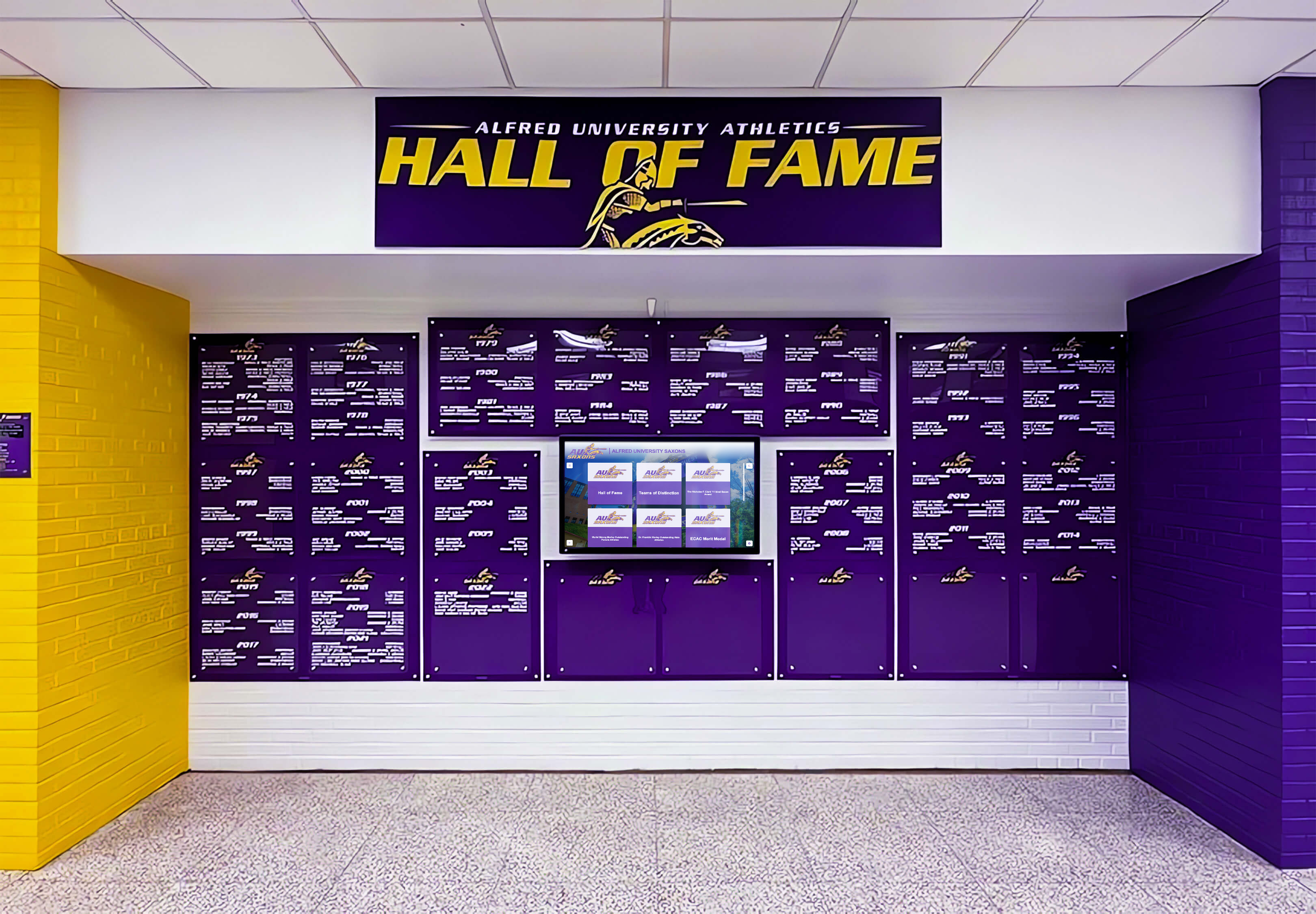
Deep purple school colors occupy a narrow gamut region where uncalibrated large-format output is most prone to drift — G7 calibration at the vendor level anchors the purple to a measured gray balance reference that holds across production runs
Championship Banner Color Consistency Across Physical and Digital Recognition Formats
Schools that invest in championship banner color accuracy at the print level increasingly manage parallel recognition formats — digital wall displays, touchscreen hall-of-fame kiosks, and athletic records boards installed alongside physical banners in gymnasium lobbies and athletic hallways.
School recognition display HDMI and CEC configuration for digital displays requires a separate color calibration process from print G7 calibration — but the design files that feed digital displays should reference the same school color values used in championship banner production. When the school’s official CMYK values for banner printing are maintained as a documented color standard, those values can be converted to the RGB or hex equivalents used in digital graphics, and the two formats remain visually consistent when displayed in the same physical space.
Digital hall of fame tools for athletics programs increasingly allow schools to import championship banner photography and program history alongside interactive athlete profiles. The quality of the print materials — color accuracy, photographic resolution, and consistent school-color rendering — directly affects how championship history appears when digitized and displayed on a kiosk screen. A print program built on G7 calibration produces archives that digitize well.
Alumni management software features for schools include digital recognition records that draw on the same championship history documented in a gymnasium banner program. Consistent color standards across print and digital recognition formats mean that alumni viewing a school’s digital recognition materials see the same school colors represented in the championship banners they remember from their student years.
Basketball senior night recognition events increasingly incorporate both physical recognition materials — banners, award plaques, and printed programs — and digital displays showing athlete spotlights and program history. G7-calibrated print production for championship banners and coordinated digital display calibration ensure that the school’s colors read consistently across every recognition format visible on senior night, from the gym wall banner to the lobby kiosk to the printed program in the family’s hand.
Sports banquet recognition display configurations for schools serving diverse audiences, including those using assistive technologies, require accessible contrast ratios that depend on predictable color rendering. School colors that reproduce consistently through G7 calibration provide a stable foundation for meeting WCAG contrast requirements in digital recognition materials built from the same color standards as print championship banners.
Quick-Reference Championship Banner G7 Calibration Checklist
Use this table as a pre-submission reference before ordering any championship banner from a large-format vendor.
| Check Item | Method | Pass Criteria | Priority |
|---|---|---|---|
| Vendor G7 certification confirmed and current | Idealliance certificate review and directory check | G7 Master or G7 Targeted certification current within 12 months | Required |
| Certification covers large-format output on banner substrate | Written vendor confirmation | Certificate explicitly covers inkjet large-format on banner vinyl or fabric | Required |
| Artwork file CMYK values reference G7 output condition | File color mode and output intent check in Acrobat Pro | Output intent matches vendor’s G7 referenced condition (GRACoL 2013, SWOP, or Fogra51) | Required |
| School color CMYK values defined against referenced condition | School brand standards review | Official CMYK values specified against the same output condition as the vendor’s G7 calibration | Required |
| TAC verified within vendor specification | Acrobat Pro Output Preview ink coverage check | Total area coverage ≤ vendor’s specified TAC limit (typically 280–320%) | Required |
| PDF/X compliance confirmed on submitted file | Acrobat Pro Preflight | No preflight errors; output intent embedded; all fonts embedded | Required |
| G7-verified press proof requested and reviewed | Vendor press proof with measurement report | Gray balance patches within ΔCh ≤ 1.5, ΔL* ≤ 3.0; school colors within ΔE ≤ 3.0 | Required |
| Approved press proof archived with production file | File archiving | Approved proof stored alongside source files for future reorder reference | Required |
| Vendor recalibration schedule documented | Written vendor confirmation | Recalibration frequency and most recent recalibration date confirmed | Recommended |
Frequently Asked Questions: Championship Banner G7 Print Calibration
What is G7 calibration and why does it matter for championship banners?
G7 is an Idealliance-published calibration standard that aligns a printer’s neutral gray reproduction to a defined gray balance target. When a large-format printer is G7 calibrated, its CMYK output is anchored to a predictable tonal response that holds consistent across production runs. For championship banners, this means school colors — navy, maroon, forest green, and other program-specific hues — reproduce within a measurable tolerance on every banner run, whether ordered this season or five years from now.
What G7 certification level should a championship banner vendor have?
G7 Master is the most complete certification level for championship banner production. It confirms the vendor hits the G7 neutral gray target and meets all colorimetric tolerances for a referenced condition such as GRACoL 2013 or SWOP. Ask vendors which level their certification covers, whether it applies to large-format inkjet equipment specifically, and whether the banner substrate (vinyl or fabric) is included in the certified press configuration.
How do I build a championship banner artwork file for a G7-calibrated vendor?
Set the artwork file’s CMYK working space to the same output condition referenced by the vendor’s G7 calibration — typically GRACoL 2013 Coated 1 for North American large-format production. Define school color fills using CMYK values specified against that output condition. Convert any RGB photographs to CMYK using the same output condition profile with black-point compensation enabled. Export as PDF/X-4 with the output intent embedded and TAC within the vendor’s specification.
How can I verify that a vendor’s G7 calibration is current?
Request the vendor’s current Idealliance G7 certificate and cross-reference it against the Idealliance certification directory. Ask for the certification date and documented recalibration schedule — a certificate more than 12 months old without recalibration documentation does not confirm current press performance. Request a G7-measured press proof with a measurement report showing gray balance values within G7 tolerance before approving any production run.
Does G7 calibration replace other championship banner preflight steps?
No. G7 calibration is the production foundation — it anchors the press to a predictable color output. File-level preflight remains separately required: effective PPI, font embedding, black-point compensation for photo conversions, total ink coverage, overprint preview, and PDF/X compliance. A G7-calibrated press cannot correct a file submitted with incorrect CMYK values, missing fonts, or out-of-gamut color builds.
Consistent School Colors Start With a Calibrated Production Standard
A championship banner G7 print calibration standard applied consistently — confirmed vendor certification, artwork files built against the referenced output condition, measured press proofs before every production run, and archived approved proofs for future reorders — converts championship banner color accuracy from a best-effort approximation into a documentable, repeatable production result. For a gymnasium wall that accumulates banners across 20 or 30 seasons, that consistency is the difference between a recognition collection that reads as a coherent program history and one where each banner’s slightly different navy, maroon, or green reveals the inconsistency of its production origin.
G7 Master print calibration is one step in a complete championship banner production standard. Combined with the championship banner gray balance preflight, the championship banner spectrophotometer calibration check, the championship banner rendering intent preflight, and the full championship banner PDF/X preflight workflow, G7 calibration provides the vendor-side foundation on which every file-level preflight step builds. Every school’s championship banner program — from the first title to the most recent — deserves a production standard that holds school colors accurately across every run.
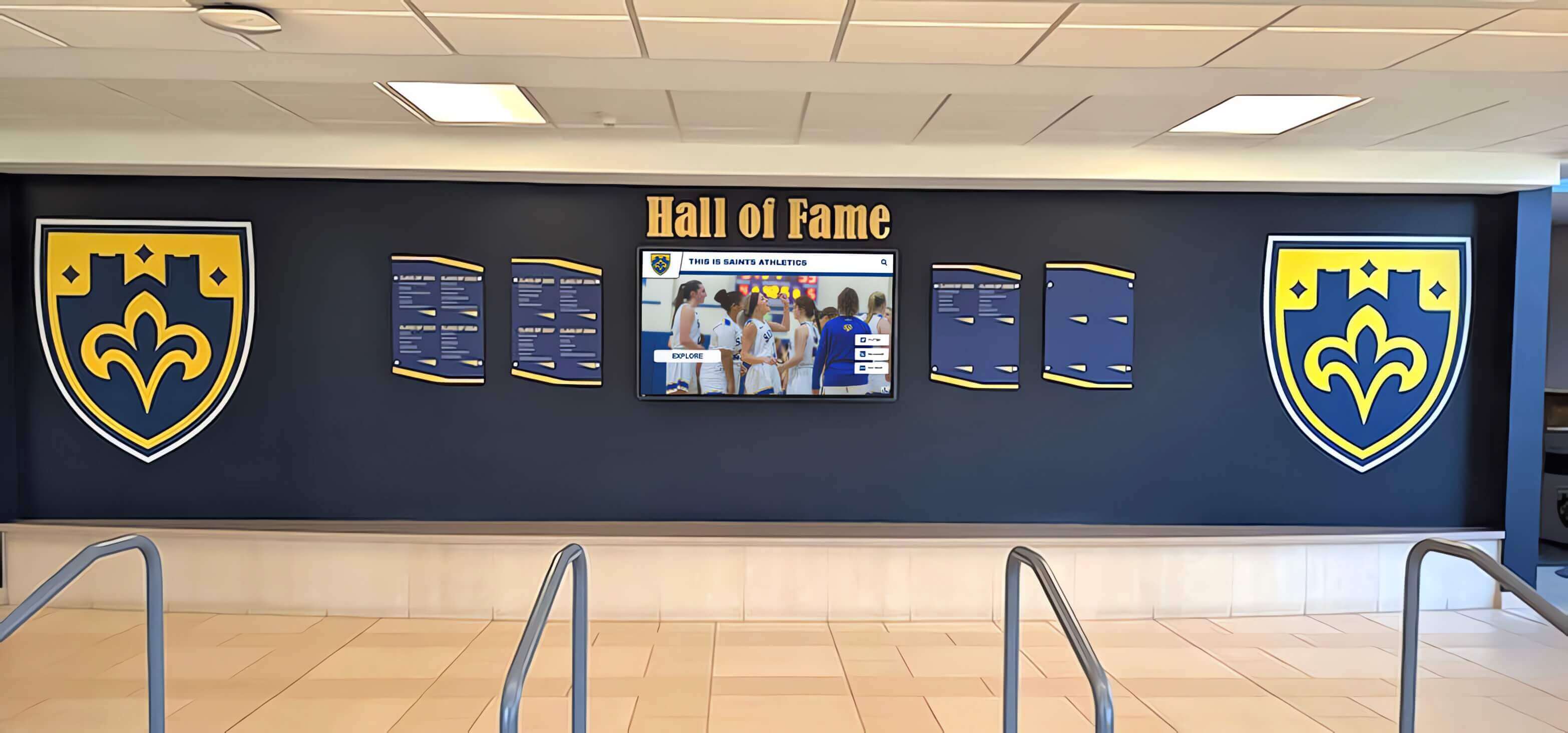
A recognition lobby where physical championship materials and digital display screens share the same space requires consistent color calibration across both print and digital formats — G7 Master calibration for banner production and display profile calibration for screens together maintain visual coherence across the full recognition environment
Championship Recognition Starts With the Right Graphics
Rocket Graphics is an AI-powered school graphics platform that applies your school's official colors, logo, and fonts automatically — so every championship announcement, senior night post, and award graphic starts on-brand. Free for K-12 schools and athletic departments.
Get notified when Rocket Graphics opens.