AI school graphics help staff turn everyday updates into professional, branded content without opening a complex design tool. With Rocket Graphics, schools can type a prompt and generate graphics, captions, announcements, newsletter copy, and display-ready content in seconds.
School communications teams are asked to create more content than ever: athlete spotlights, score updates, event promotions, schedule reminders, staff recognition, donor thank-yous, community updates, and digital signage slides. AI does not replace the school story. It removes the blank-page design work so staff can tell that story faster.
What are AI school graphics?
AI school graphics are branded visuals and written content generated from a plain-English prompt. Instead of starting with a blank canvas, staff describe the moment they want to share and the AI creates a polished first draft.
Examples include:
- “Create a senior night post for girls soccer with an Instagram caption.”
- “Make a district championship graphic for the boys basketball team.”
- “Turn this event reminder into a newsletter block and lobby TV slide.”
- “Create a student recognition post using our school colors.”
Rocket Graphics is built specifically for this workflow. It understands school communication needs and keeps the output focused on students, athletes, staff, teams, events, recognition, and community updates.
Why schools need a faster graphics workflow
Most schools do not have extra design staff sitting idle. Content creation often falls to athletic directors, coaches, front office teams, district communicators, activities coordinators, and administrators who already have full schedules.
That creates three common problems:
- Good stories go untold because there is not enough time to design every post.
- Brand consistency slips when different teams use different tools, fonts, and colors.
- Content gets stuck on one platform instead of being adapted for social media, newsletters, websites, and displays.
Rocket Graphics solves those problems by giving every school a free AI-native content team. Staff can create the first version quickly, then use AI Agents to edit, resize, rewrite, schedule, and optimize the content.
What can schools create with Rocket Graphics?
Rocket Graphics supports the communication jobs schools repeat every week. The platform is designed for recognition-first content, athletics, academics, events, announcements, newsletters, and digital signage.
Athletics
Athlete spotlights, final scores, schedules, game day posts, senior night graphics, tournament updates, and championship celebrations.
Recognition
Student achievements, staff appreciation, donor thank-yous, alumni highlights, scholarship winners, teams, awards, and milestone moments.
Events
Open houses, concerts, fundraisers, parent nights, theater productions, district reminders, community updates, and club announcements.
Displays
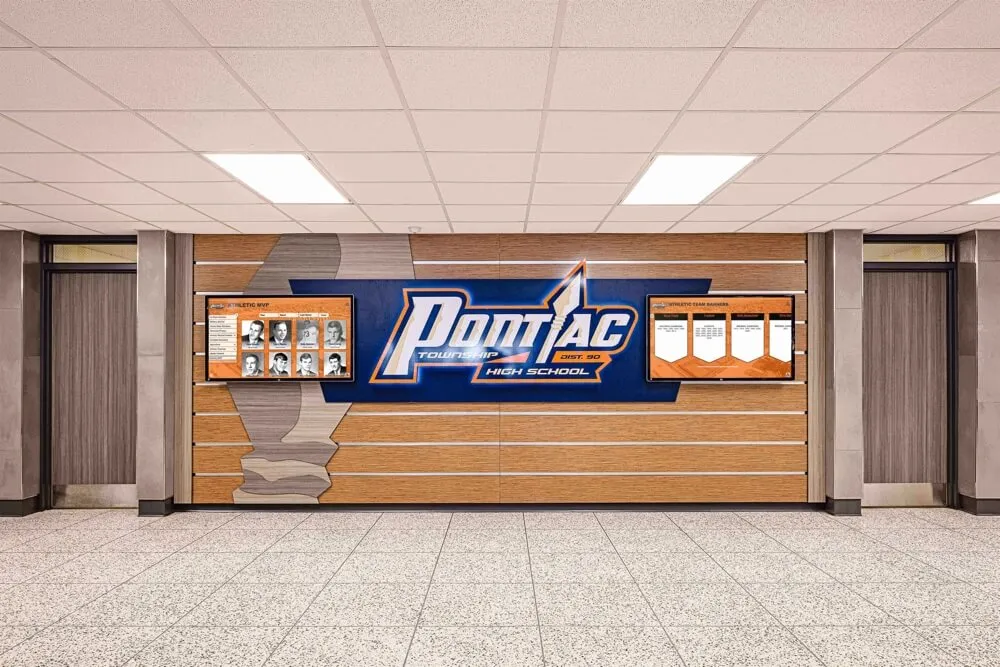
TV slides, touchscreen graphics, lobby signage, cafeteria announcements, scoreboard visuals, and web-ready updates.
How text-to-post AI works
Text-to-post AI starts with a prompt and returns usable school content. A single request can produce a branded graphic, a caption, a shorter announcement, and alternate versions for different channels.
The workflow is simple:
- Type the request. Describe the event, athlete, award, schedule, or announcement.
- Apply the brand. Rocket Graphics uses school logos, colors, fonts, and style rules.
- Generate the content. AI creates the visual direction, caption, and supporting copy.
- Refine with Agents. Ask Rocket to resize, rewrite, change tone, shorten copy, or make another version.
- Publish or export. Use the output for social media, newsletters, websites, and digital signage.
This is different from a traditional template tool. Templates still help, but AI Agents make the tool flexible enough for real school communication work.
What makes Rocket Graphics different from generic design tools?
Generic design tools give users a blank canvas or a large template library. Rocket Graphics starts from the school communication job itself: celebrate a student, promote an event, update a score, thank a donor, or publish a branded announcement.
| Need | Traditional tools | Rocket Graphics |
|---|---|---|
| Starting point | Blank canvas or generic template | Plain-English school prompt |
| Brand consistency | Manual font, logo, and color setup | School branding applied automatically |
| Caption writing | Separate task | Generated with the graphic |
| Resizing | Manual design work | AI Agent can resize by channel |
| Recognition content | Generic layouts | Built around students, athletes, staff, alumni, donors, and teams |
| Cost | Often subscription-based | Free for schools |
Best prompts for school graphics
Good prompts tell Rocket Graphics the audience, moment, channel, and tone. You do not need design language. Plain school communication language works best.
Try prompts like:
- “Create an Instagram post and caption for senior night for girls soccer. Make it celebratory and use our school colors.”
- “Make a digital signage slide for tomorrow’s homecoming pep rally with a short announcement.”
- “Create a final score graphic for varsity football and a Facebook caption thanking fans.”
- “Turn this newsletter reminder into a branded social media post for families.”
- “Create a staff appreciation graphic for teacher of the month with a warm caption.”
FAQ
Is Rocket Graphics free for schools?
Yes. Rocket Graphics is free for schools, athletic departments, districts, and teams. It is designed to remove subscription cost and design experience as barriers to better school content.
Can Rocket Graphics use school logos and colors?
Yes. Rocket Graphics is built around brand controls so school logos, colors, fonts, and styles can be applied automatically to generated content.
What channels can Rocket Graphics support?
Rocket Graphics can support content for social media, newsletters, websites, email, digital signage, TVs, touchscreens, and school displays.
Who should use Rocket Graphics?
Athletic directors, coaches, communications teams, district offices, student activities staff, booster clubs, administrators, and anyone responsible for creating school updates can use Rocket Graphics.
Start creating better school content
Rocket Graphics gives every school a free AI-native content team. Use it to create branded posts, captions, announcements, newsletters, recognition graphics, and display-ready content in seconds.
Coming soon